Chrome Says Your Password Was Compromised?
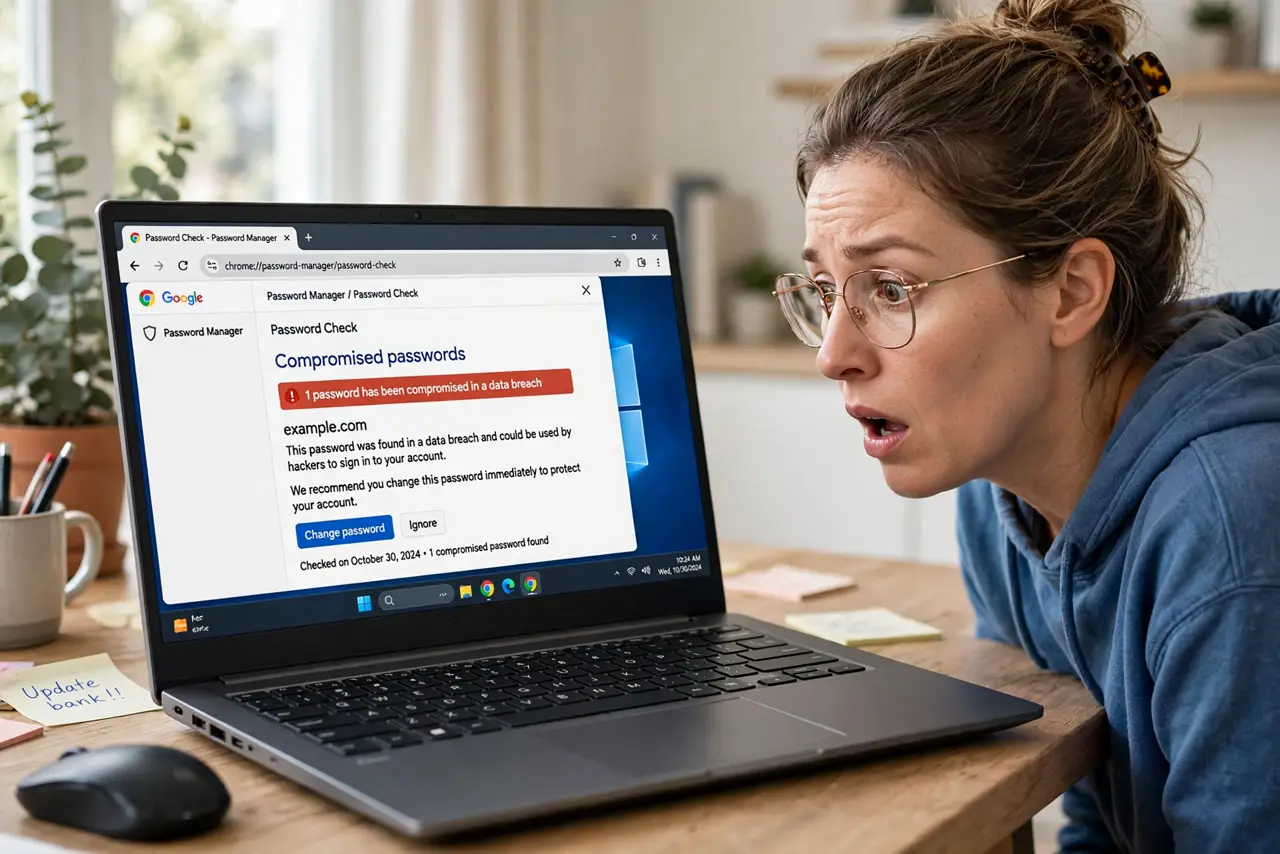
Chrome pops up a warning that one of your saved passwords was compromised in a data breach. It is checking your saved logins against known leaks, and it found a match. This guide explains what the warning means and the safe fix.
TL;DR / Quick Fix
Quick fix: open Chrome's password manager, find the flagged login, and change that password to a new unique one — then change it on any other site where you reused it. Turn on two-factor for the account. Do not dismiss the warning without acting; the password is in attackers' hands.
Follow these steps
- Open Chrome's password check. Go to Settings, then Passwords or Password Manager, and run Check passwords. Chrome lists every saved login that appears in known breaches.
- See which logins are flagged. Each flagged entry shows the site and why it was flagged. Note all of them — people often have more than one compromised password saved.
- Change each flagged password. Visit the site and set a new unique password. Chrome can generate a strong one for you and save it automatically.
- Fix every reuse of that password. If the flagged password is used on other sites, change those too. Chrome's check only knows about logins it saved, so think beyond the list.
- Add two-factor to important accounts. For email, banking, and social accounts among the flagged ones, turn on two-factor as well. It protects you even if a password leaks again.
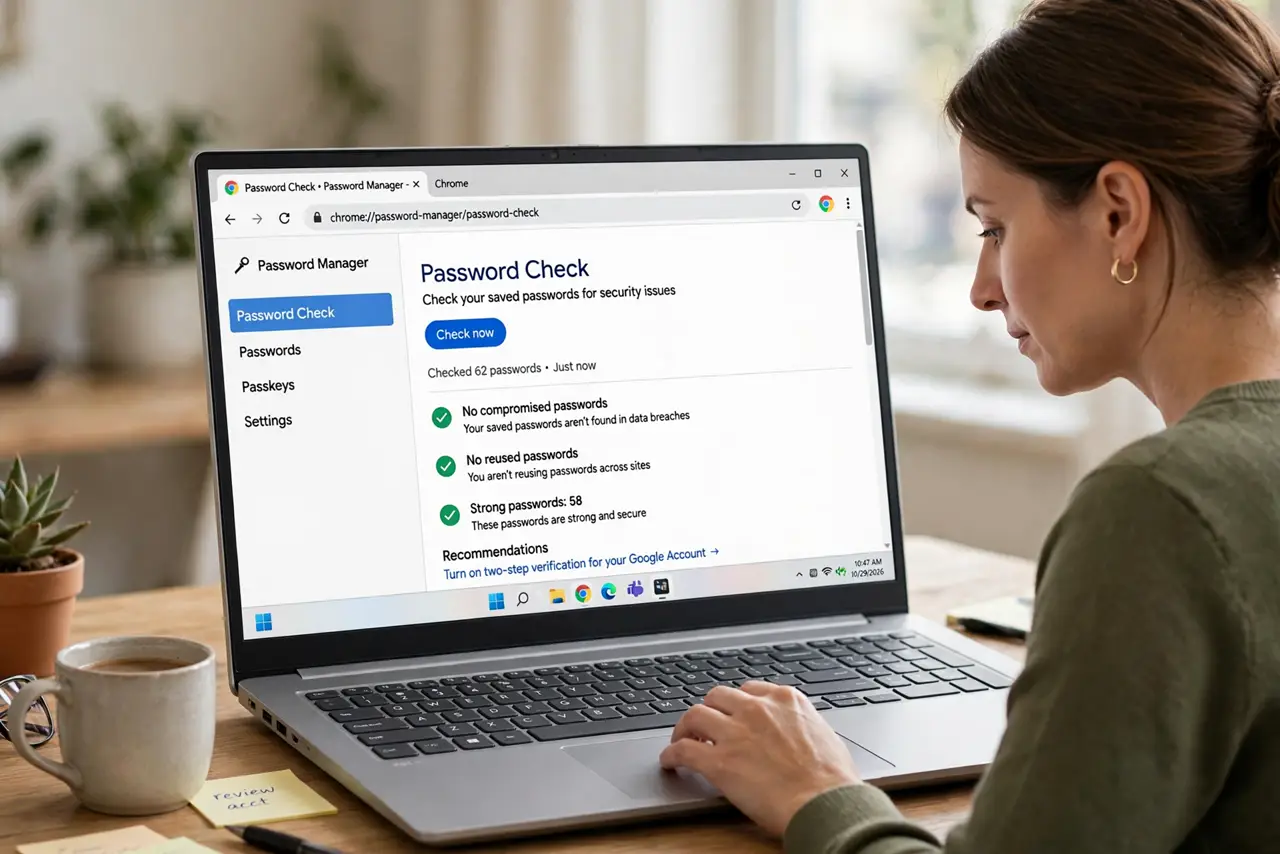
- Re-run the check. After changing everything, run Check passwords again. A clean result confirms you caught them all.
What NOT to do
- Do not dismiss the warning as a false alarm. Chrome only flags passwords found in real breach data, so the match is genuine.
- Do not change the password to a small variation. Attackers try variations automatically — make it completely new and unique.
- Do not assume Chrome found every leak. It checks saved passwords against known breaches, but brand-new leaks take time to appear.
- Do not turn off the password check to stop the warnings. The warnings are the protection; silencing them hides the problem.
Frequently asked questions
How does Chrome know my password was compromised?
It compares a scrambled fingerprint of your saved passwords against databases of leaked credentials. Google states it cannot see your actual passwords in the process.
Is the warning itself a scam?
The real one appears inside Chrome's Settings under Password Manager. A warning that pops up on a random website asking you to call a number is a tech support scam, not Chrome.
Does this mean someone is in my account now?
Not necessarily. It means the password is publicly available to attackers, so change it before someone tries it.