Can You Upgrade Your CPU?
A faster processor sounds like a simple swap — pull the old chip, drop in the new one. But sockets, chipsets, BIOS versions, and coolers all have to agree, and a mismatch means a very expensive paperweight. This guide shows how to check compatibility before you buy anything.
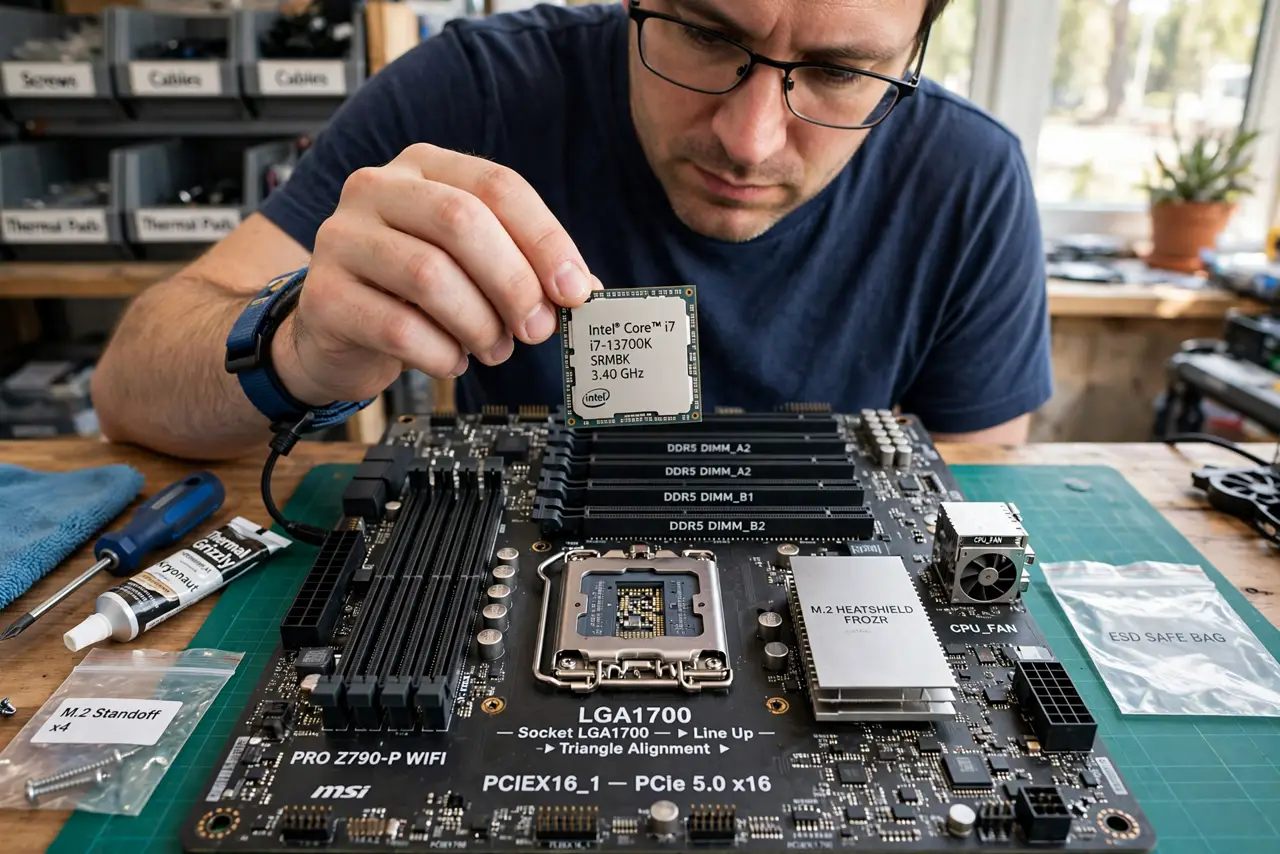
TL;DR / Quick Fix
Quick fix: find your motherboard model, check its CPU support list on the maker's site, and confirm socket, chipset, and BIOS version all match the new chip. Budget for a cooler that handles the new chip's heat. If the board is too old, a platform upgrade beats forcing it.
Follow these steps
- Identify your exact motherboard model. Check the box, the receipt, or a system-info tool. The model — not just the brand — determines which CPUs the board can ever accept.
- Read the maker's CPU support list. Every motherboard maker publishes a list of supported processors per board. If your target chip is not on it, stop — no BIOS update will conjure support.
- Match the socket physically. An Intel LGA1700 chip will not fit an LGA1200 socket, and AMD AM4 and AM5 are different worlds. Same socket is the absolute minimum, not the whole answer.
- Check chipset and BIOS version. Even with the right socket, the chipset must support the chip's generation, and you may need a BIOS update first. Update the BIOS with the OLD chip still installed.
- Verify power and cooling. A hotter, hungrier chip may overwhelm your cooler and power supply. Check the new chip's TDP against your cooler's rating — see radiator placement if you cool with liquid.
- Decide: drop-in upgrade or new platform. If the board supports a meaningfully faster chip, upgrade. If you would need a new board, RAM, and cooler anyway, price a full platform swap — it is often the better value.
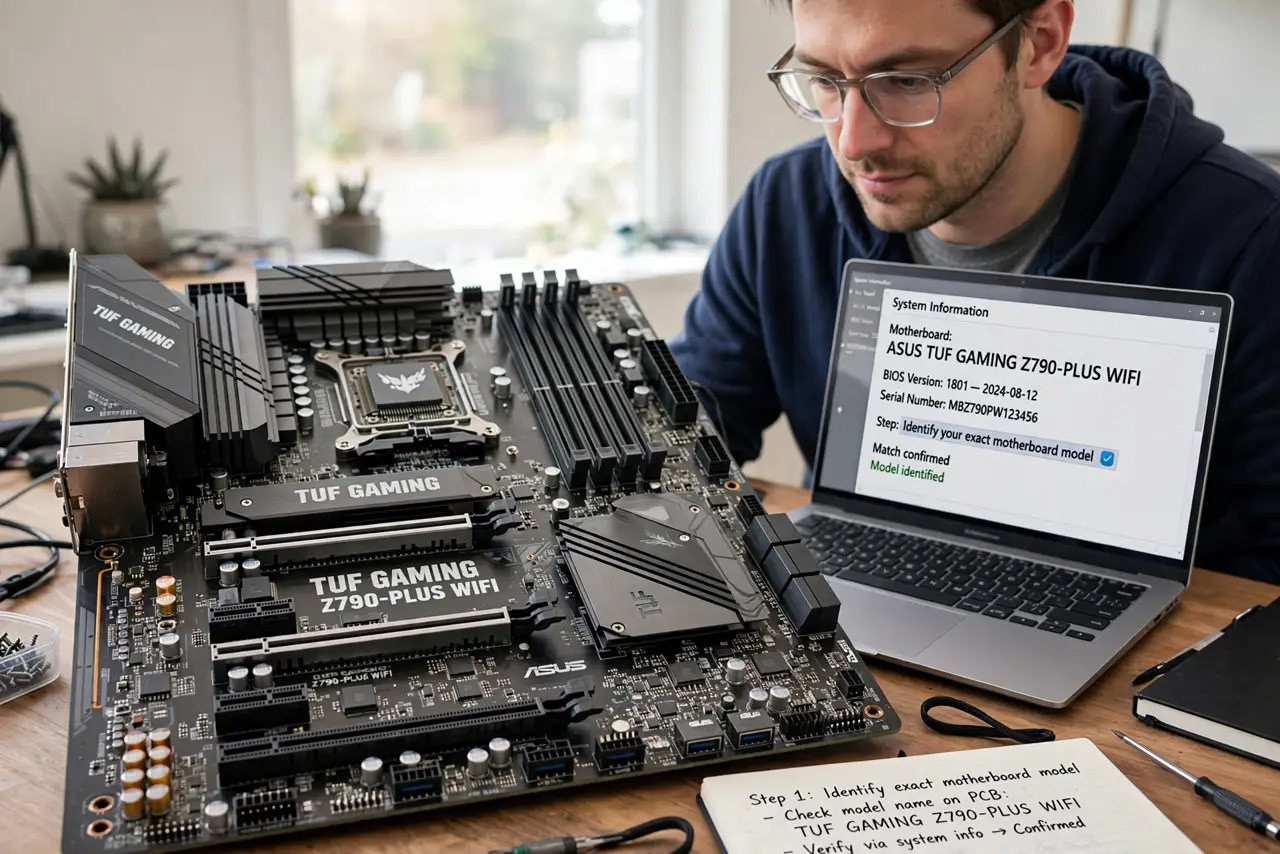
What NOT to do
- Do not buy the CPU before checking the support list. 'Same brand' is not compatibility — the list is the verdict.
- Do not update the BIOS with the new chip already installed if the board needs the update to recognize it. Old chip in, update, then swap.
- Do not reuse a weak stock cooler on a hot chip. Thermal throttling will erase the performance you paid for.
- Do not force a chip into the socket. Zero insertion force means zero — if it resists, the orientation or socket is wrong.
Frequently asked questions
Can I put an AMD chip in an Intel board?
No — sockets, chipsets, and electrical designs are entirely different. AMD chips need AMD boards and vice versa.
Will a new CPU speed up everything?
It helps CPU-bound tasks like rendering and compiling. Gaming and everyday use often depend more on the GPU or SSD.
Do I need to reinstall Windows after a CPU swap?
Usually not for a same-board swap. A new motherboard is the change that typically wants a fresh Windows install.