Email Attachment Too Large to Send? Fix It
Mail systems limit attachment size, and a file over the limit will not send no matter how often you retry. Sharing the file through a drive link is usually faster than shrinking it, and it keeps the quality intact.
TL;DR / Quick Fix
Quick fix: upload the large file to your cloud drive, share it with a link, and paste that link into the email. If you must attach it, compress the file first and check the new size before sending. Last, send a test to yourself first to confirm it.
Follow these steps
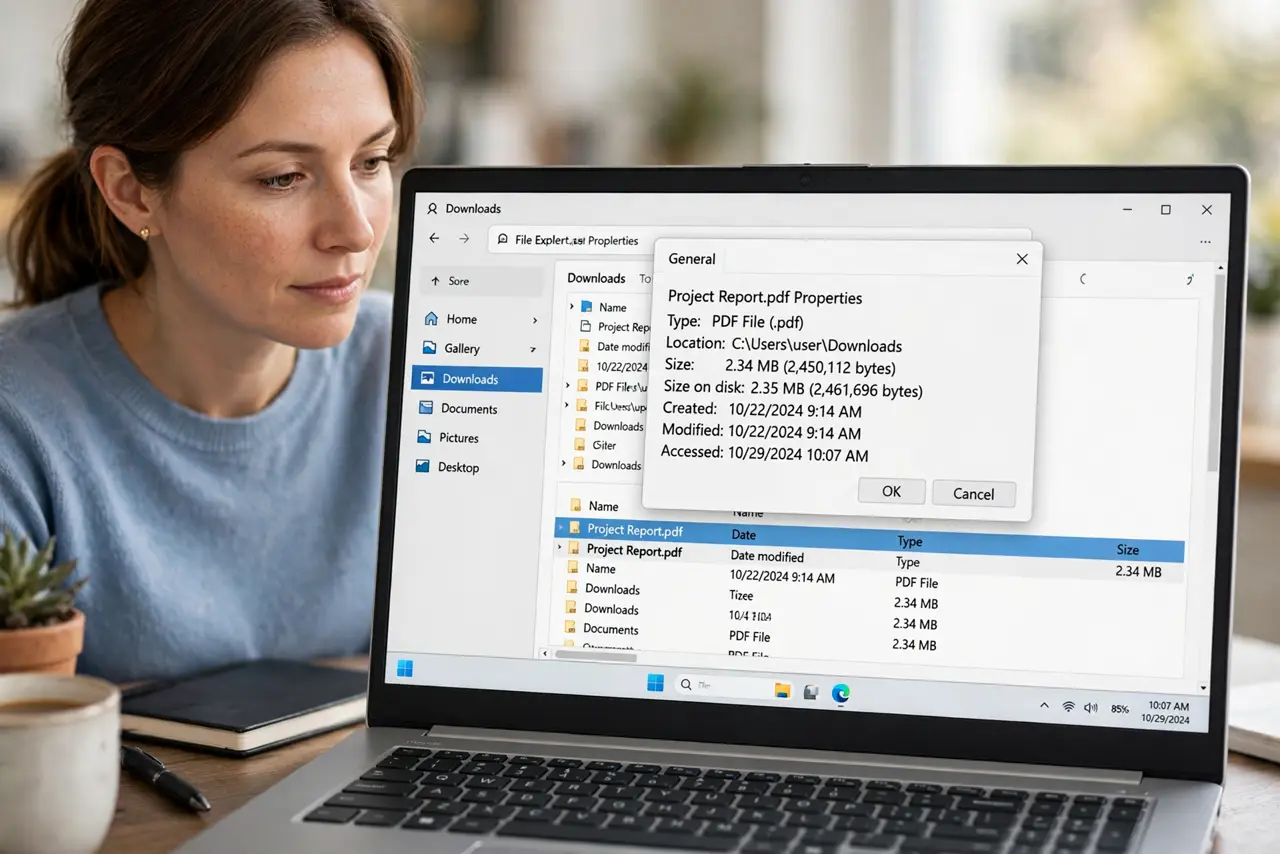
- Check the actual file size. Find the file and check its size. Knowing whether it is slightly over or far over the limit decides whether compression or a link is the right fix.
- Compress the file if it is close to the limit. Compress a slightly oversized file into a zip file, and check the new size. Compression helps documents and folders, but barely shrinks video that is already compressed.
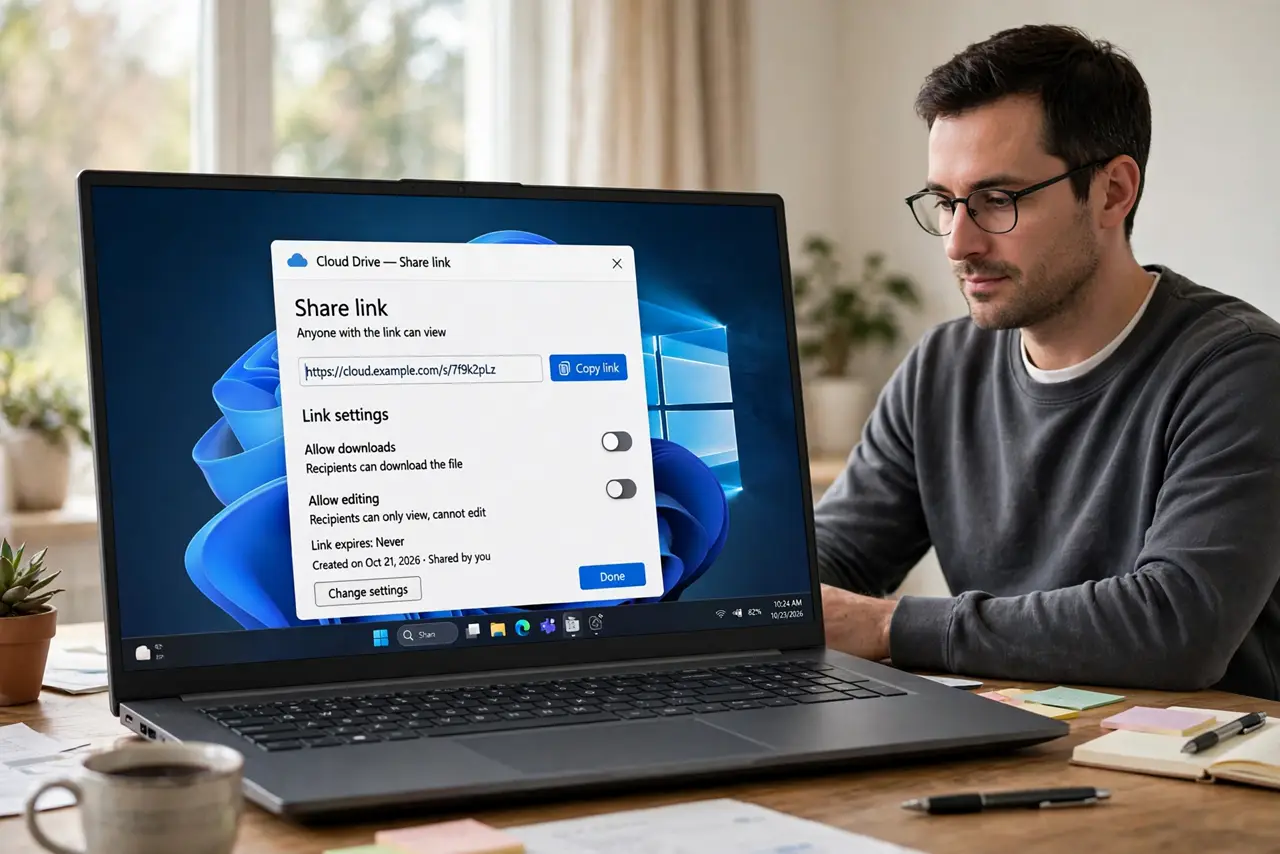
- Share large files through a drive link. Upload the file to your cloud drive, set sharing so the recipient can view or download it, and paste the link into the email. The mail stays small while the file stays full quality.
- Split the file only if you must attach it. If the recipient cannot open links, split the content into smaller parts and send them separately, clearly labeled. Splitting is a fallback, not the first choice.
- Reduce image and video size before attaching. Resize huge photos or export a shorter video version before attaching. A resized photo is usually fine for email, while the original can follow by link.
- Send a test to yourself first. Send the message with the link or the compressed file to yourself, and open it. A test confirms the link works and the attachment opens before the real recipient sees it.
What NOT to do
- Do not keep retrying a send that fails on size. Retries do not shrink the file, and they waste time.
- Do not split a file without telling the recipient. Unlabeled parts confuse people and get opened in the wrong order.
- Do not share a drive link with public access when the file is sensitive. Share it with the specific recipient instead.
- Do not compress a file and assume it worked. Check the new size, because some files barely shrink.
Frequently asked questions
Why does mail limit attachment size?
Large attachments strain mail servers and inboxes, so providers cap the size to keep mail reliable.
Is a drive link as good as an attachment?
Often better. The recipient gets the full-quality file, and the email itself stays small and fast.
What if the recipient cannot open links?
Then compress or split the file, label the parts clearly, and send them as attachments.