Burner for Newsletters
Every newsletter signup pollutes your main inbox a little more, until real mail drowns in promos. A burner address — a separate email just for newsletters — keeps your real inbox clean while you still get the content. It is the simplest inbox hygiene upgrade there is.
TL;DR / Quick Fix
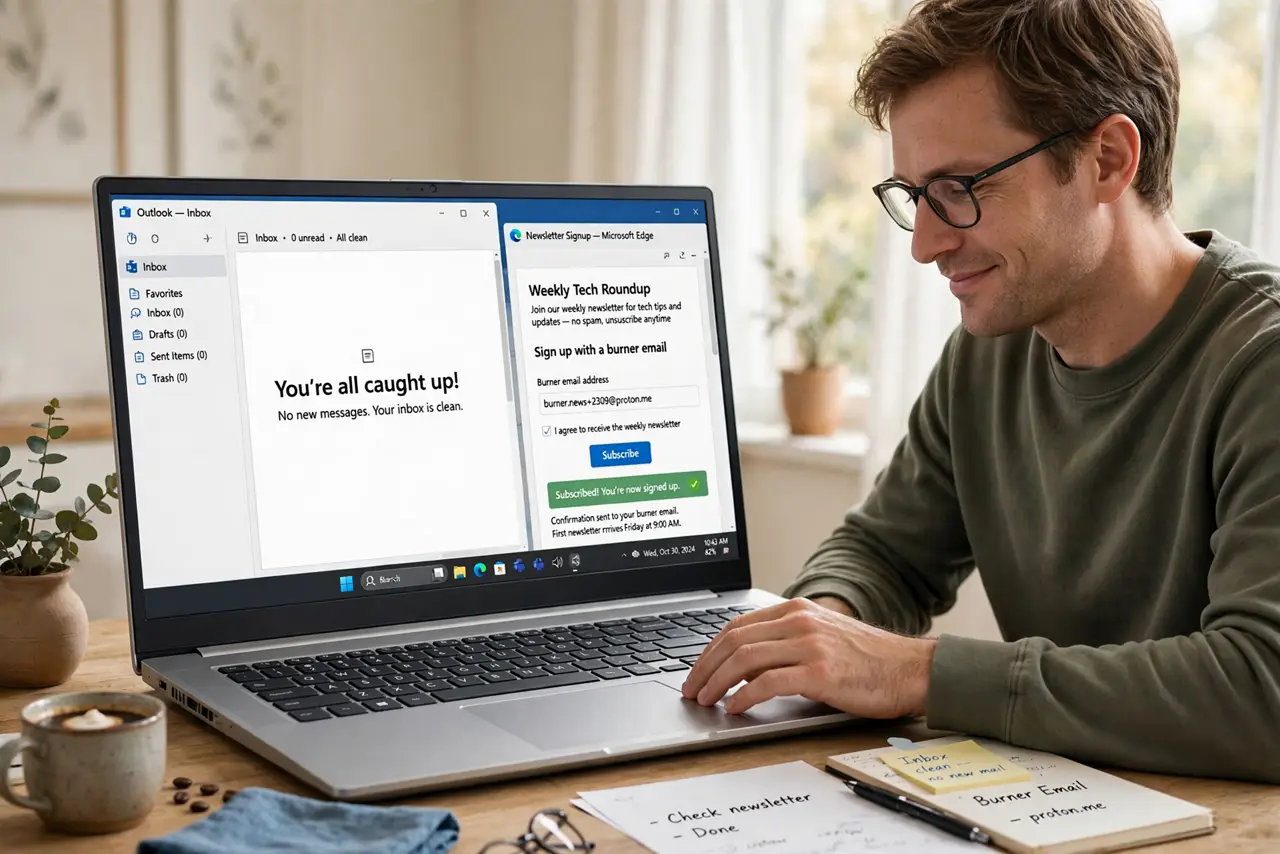
Quick fix: create a free email address used only for newsletters and signups. Give it out everywhere instead of your real address. Check it weekly or filter its mail into one folder. When a sender spams the burner, the mess stays contained — your real inbox never sees it.
Follow these steps
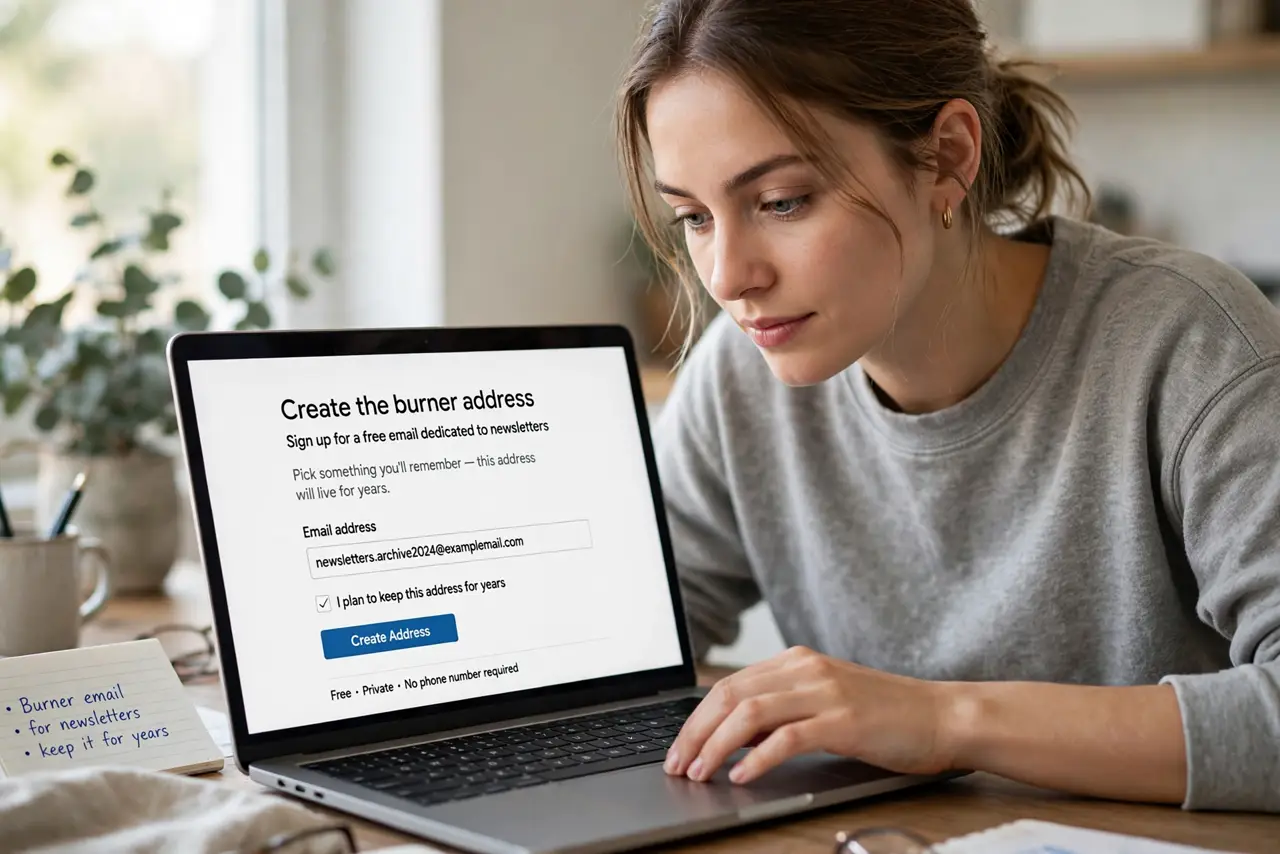
- Create the burner address. Sign up for a free email account dedicated to newsletters. Pick something you will remember — this address will live for years.
- Use it for every signup. Newsletters, free trials, webinar registrations, store discounts — all go to the burner. Your real address stays reserved for people and accounts.
- Filter it into one folder. Set a filter routing all burner mail to a Newsletters folder. One weekly skim replaces fifty daily interruptions.
- Upgrade to aliases for tracking. For finer control, use plus addressing or Apple's Hide My Email per signup instead of one shared burner.
- Prune ruthlessly. Monthly, unsubscribe from burners you never read. The unsubscribe guide keeps the pruning safe — and the still-sends fix handles stubborn ones.
- Never use the burner for accounts. Banking, shopping with saved cards, and password recovery need your real, monitored address — burners are for content, not identity.
What NOT to do
- Do not give the burner to your bank. Financial accounts need an address you actually monitor daily.
- Do not let the burner become a second inbox. Filter it, skim it weekly, and prune it — or it becomes the problem it solved.
- Do not reuse the burner password elsewhere. It is a real account; protect it like one.
- Do not forget the burner exists. An unmonitored address collecting password resets is a security hole — check it or close it.
Frequently asked questions
Is a burner the same as a spam folder?
No — the burner is a real address you control. Spam folders catch junk; the burner receives mail you asked for, just elsewhere.
Can I just use filters instead?
Filters help, but a separate address is cleaner: nothing to filter, nothing to misfile, and leaks stay contained.
What if a burner address leaks?
That is the point — the leak hits the burner, not your real identity. Abandon it and make a new one.