Facebook Login Alert From Unknown Device?
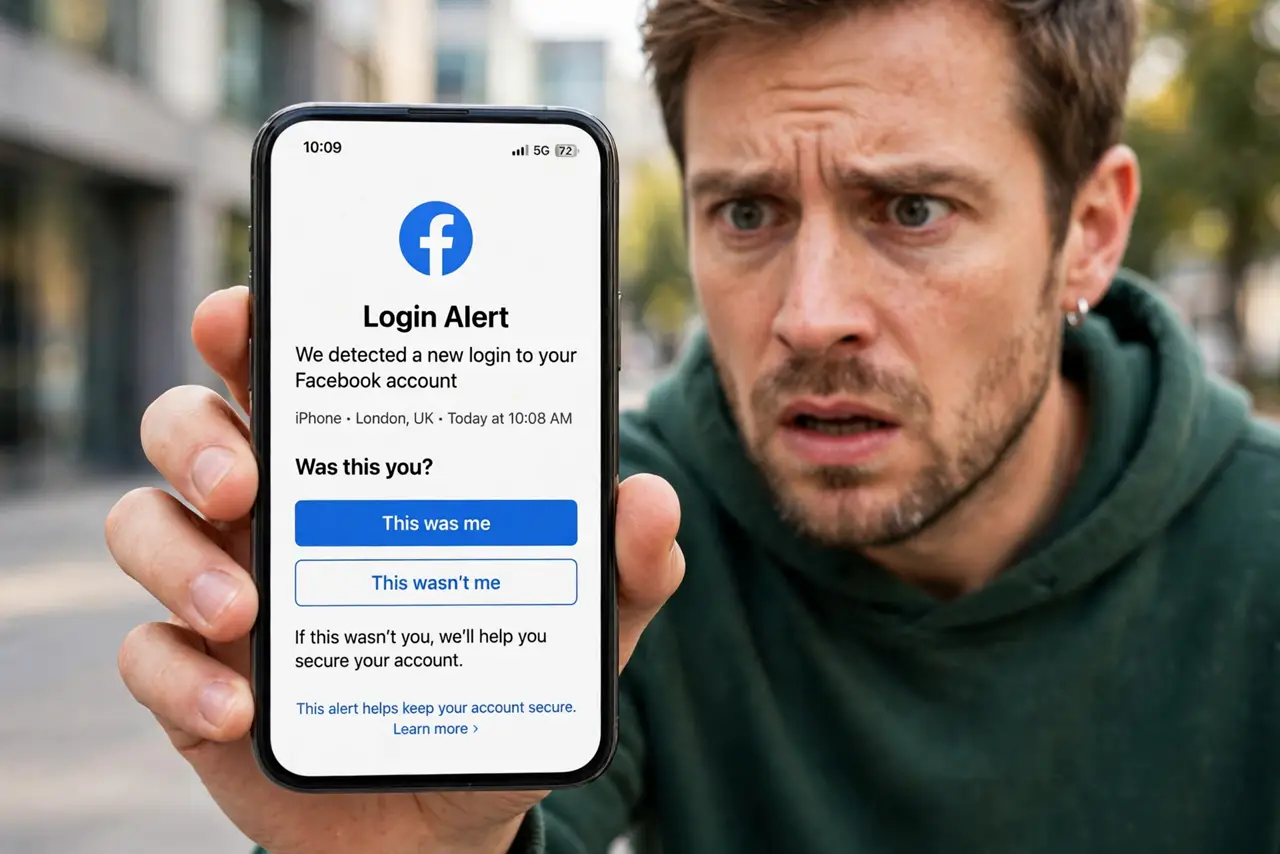
Facebook warns you about a login from a device you do not recognize. It might be you on a new phone — or it might be someone else. This guide shows how to tell the difference and what to do in each case.
TL;DR / Quick Fix
Quick fix: open Facebook's security settings and check where you're logged in — end any session you don't recognize. If it wasn't you, change your password and turn on two-factor immediately. If it was you on a new device or VPN, just confirm it was you and carry on.
Follow these steps
- Open the alert details. Tap the notification or email to see the device type, location, and time. Vague alerts deserve a closer look before you panic.
- Check your active sessions. Go to Settings, then Security, then Where you're logged in. Compare the list against your own phones, tablets, and computers.
- End sessions you do not recognize. Log out any session that is not yours. This kicks the intruder out immediately, even before you change the password.
- Change your password if it was not you. Set a new unique password you use nowhere else. If you reused the old one, change it on those sites too.
- Turn on two-factor. Enable two-factor in Facebook's security settings. It stops password-only break-ins cold.
- Confirm it was you if it was. New phone, new browser, or travel all trigger alerts. Tap 'This was me' so Facebook learns your patterns and bothers you less.
What NOT to do
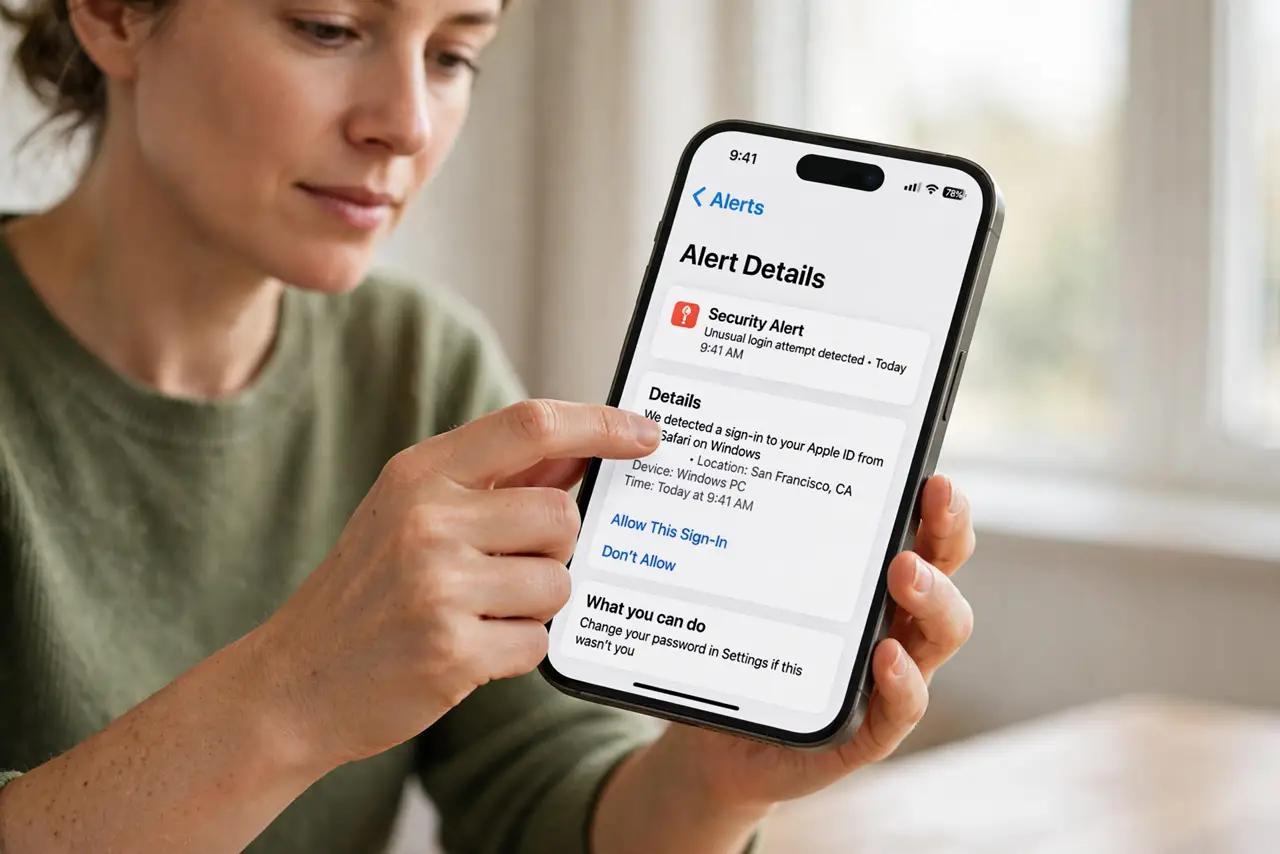
- Do not click 'secure my account' links in emails without checking. Open Facebook directly and navigate to security settings yourself — alert emails are a favorite phishing lure.
- Do not ignore a genuine unknown login. An intruder who stays logged in can change your recovery email and lock you out.
- Do not change the password to a small variation. Make it completely new and unique.
- Do not forget to check connected apps. An old quiz app with Facebook access can trigger odd-looking logins.
Frequently asked questions
The location looks wrong but it was me — why?
Facebook guesses location from your IP address, which can be wildly off, especially on mobile data or a VPN. Match the device and time instead.
Someone is logged into my Facebook right now — what first?
End the session from Where you're logged in, then change your password and turn on two-factor, in that order.
How do I stop getting these alerts?
You cannot fully — they are a safety feature. Confirming 'this was me' on your own devices reduces the noise.