Labels vs Folders?
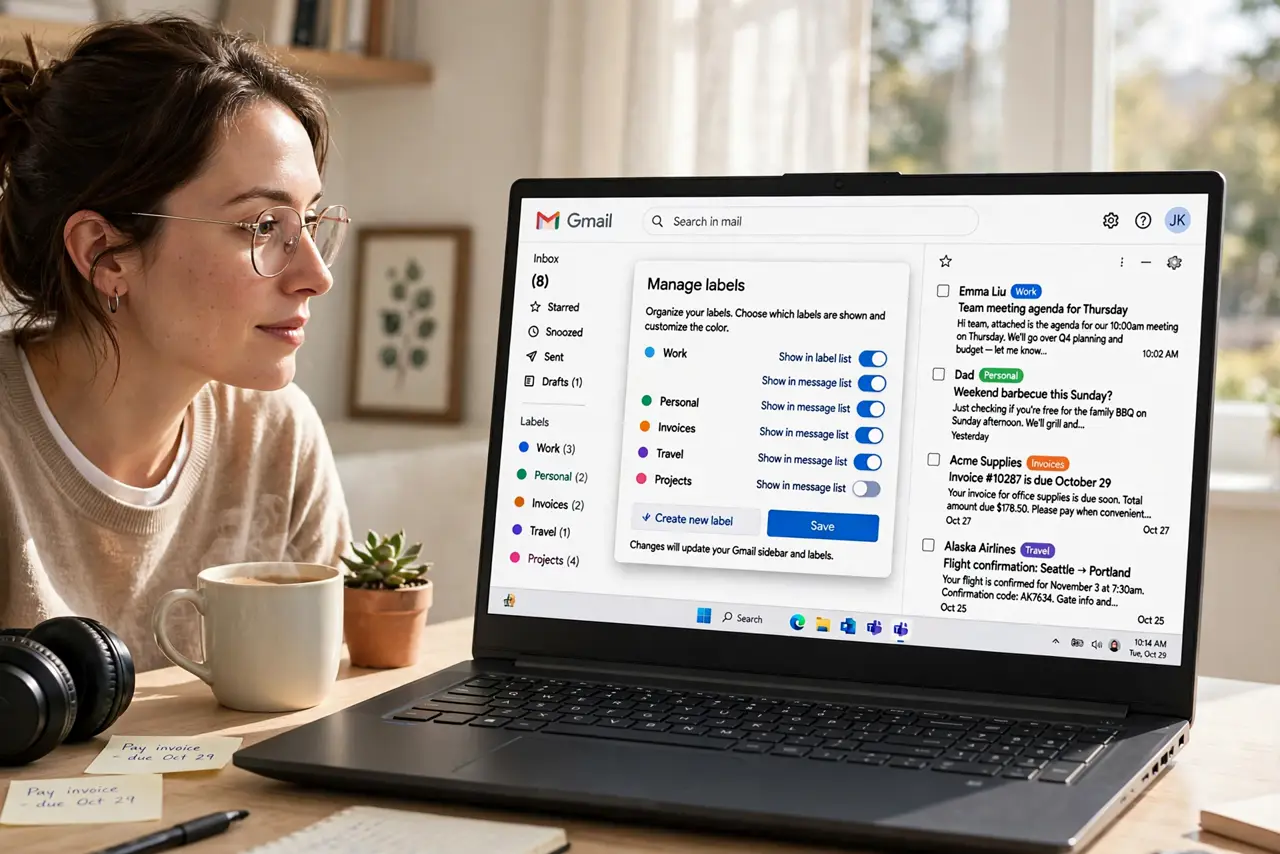
You come from folders — one email lives in one folder, tidy and final. Gmail hands you labels instead, and the same email can wear several at once. It feels wrong until the mental model clicks: labels are tags, not boxes. Once you stop trying to file and start tagging, Gmail's system is actually more flexible than folders ever were.
TL;DR / Quick Fix
Quick fix: think of labels as tags, not folders — one email can have several. Apply labels with the label button or the L key, and find labeled mail with the search operator label:name. Stop trying to move mail into one place; tag it and let search do the finding.
Follow these steps
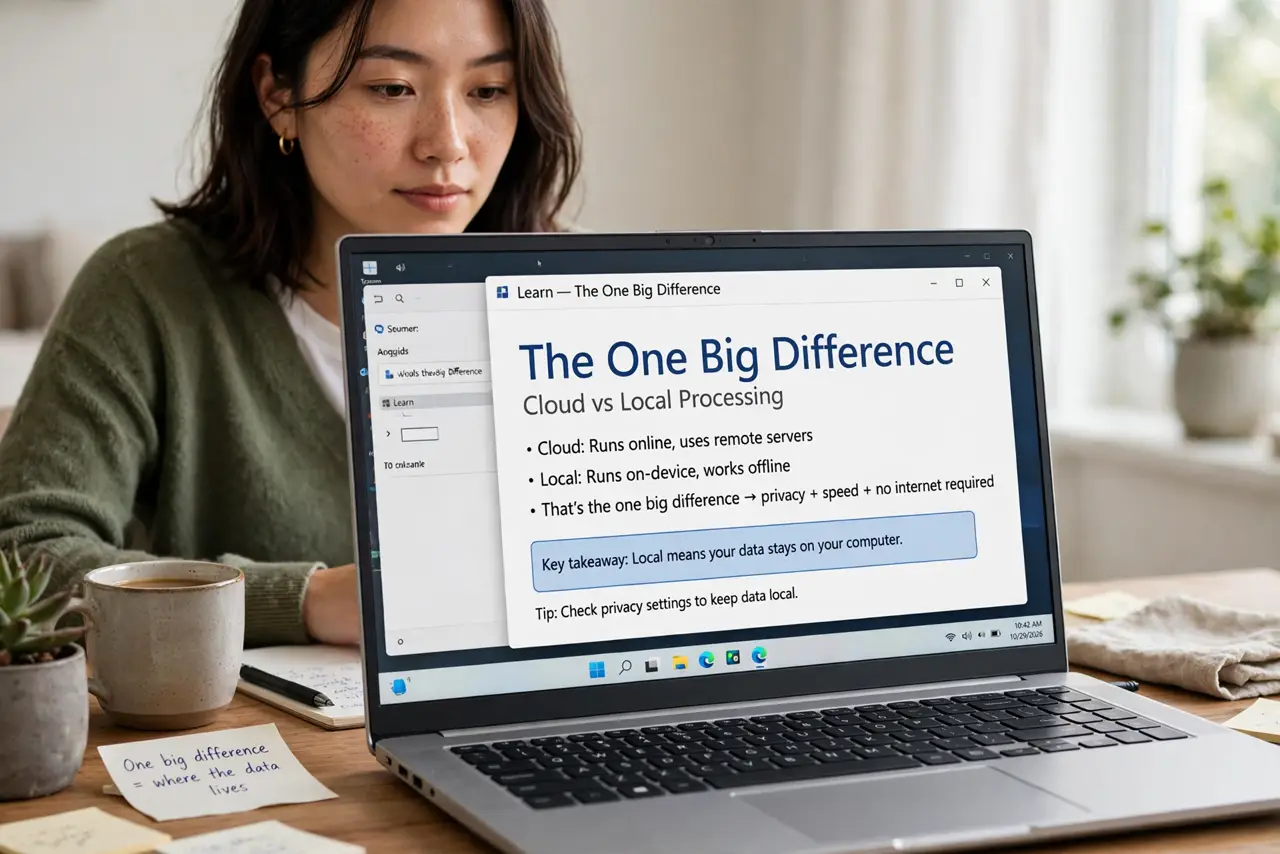
- Learn the one big difference. A folder holds an email; a label tags it. In old systems an email lived in exactly one folder. In Gmail it lives in All Mail and can carry any number of labels — Receipts and Taxes on the same email, no duplicates needed.
- Apply your first label. Select an email, click the label icon, and choose or create a label. The email stays in the inbox too — labeling does not move anything. That non-destructive feeling is the point.
- Use nested labels for structure. Create labels like Clients/Acme and Clients/Beta for folder-like hierarchy. You get the tidy tree you miss from folders, plus the freedom to tag across branches.
- Search by label. Type label:receipts in the search box to see everything with that label. This is how you 'open a folder' in Gmail — the search is the filing cabinet.
- Combine labels with filters. Filters apply labels automatically as mail arrives — the filter guide shows how. Labels are the organization; filters are the labor. Together they replace manual filing entirely.
- Archive freely. Archiving removes mail from the inbox but keeps every label. With good labels, the inbox can stay near empty without losing anything — search plus labels finds it all.
What NOT to do
- Do not create a label for every sender. Labels work best as categories — Receipts, not one label per store.
- Do not treat 'Move to' as filing. In Gmail, Move to just applies a label and archives — understanding that prevents confusion later.
- Do not skip All Mail. It is the safety net holding everything; if a labeled email seems lost, it is always in All Mail.
- Do not nest deeper than two levels. Clients/Acme/2024/Q1 is unfindable — two levels is the practical limit.
Frequently asked questions
Can an email have multiple labels?
Yes — as many as you want. That is the whole advantage over folders: one email tagged Receipts, Taxes, and 2024, found three ways.
What is the difference between a label and a star?
Stars are flags for attention; labels are categories for organization. Use stars for 'deal with this' and labels for 'file this.'
Do labels work in the Gmail app?
Yes. Apply them from the email menu, and search label:name in the app's search bar. Nested labels show as a tree in the sidebar.