Spam, Block, or Unsubscribe?
Three buttons, three different jobs: Report spam, Block, and Unsubscribe. Use the wrong one and you either train Gmail badly or keep getting mail you hate. The rule is simple once you see it — spam is for junk you never wanted, block is for a sender you want silenced, unsubscribe is for legitimate mail you chose once. Here is how to pick.
TL;DR / Quick Fix
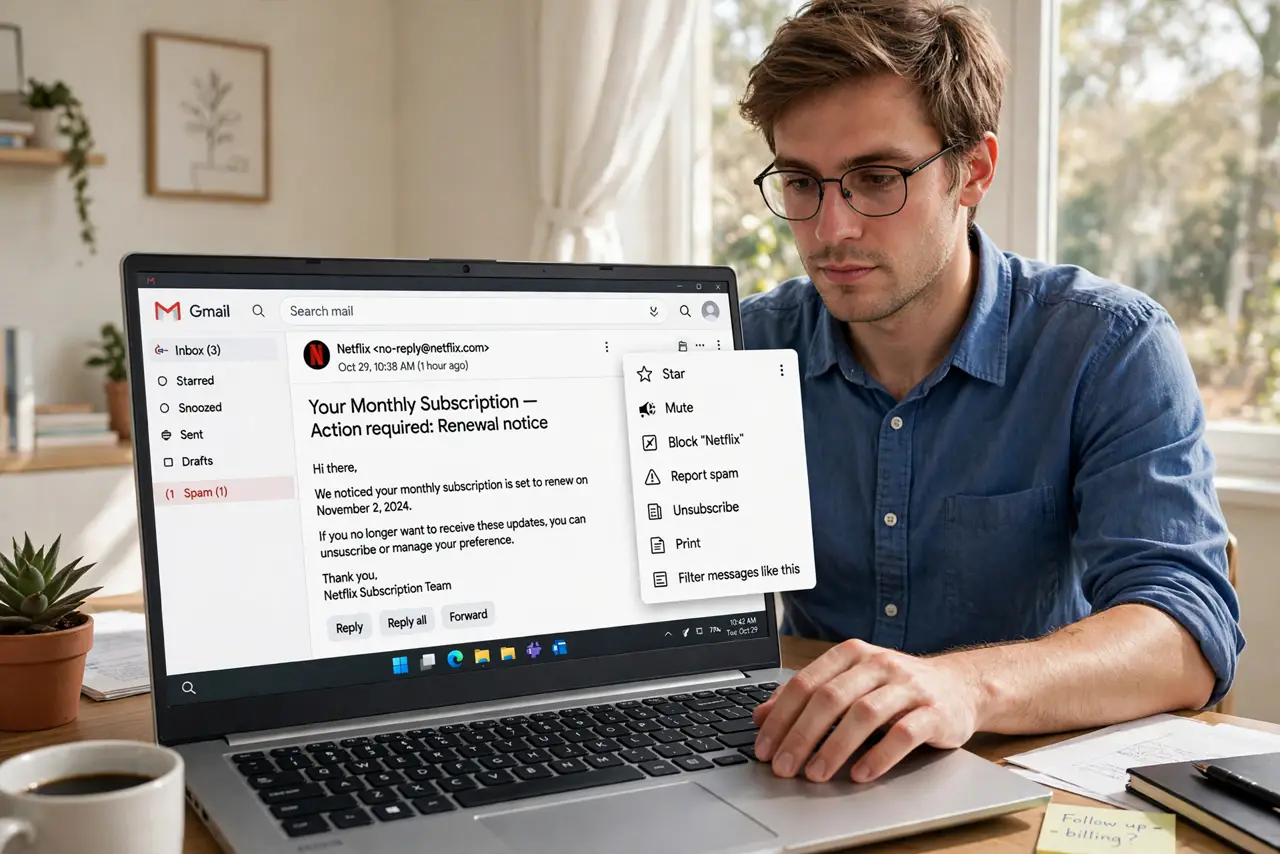
Quick fix: use Report spam for junk you never asked for, Block for a sender you want silenced, and Unsubscribe for legitimate newsletters you no longer read. Spam trains the filter, Block hides one sender, Unsubscribe removes you legally. Picking the right button keeps your inbox and the filter healthy.
Follow these steps
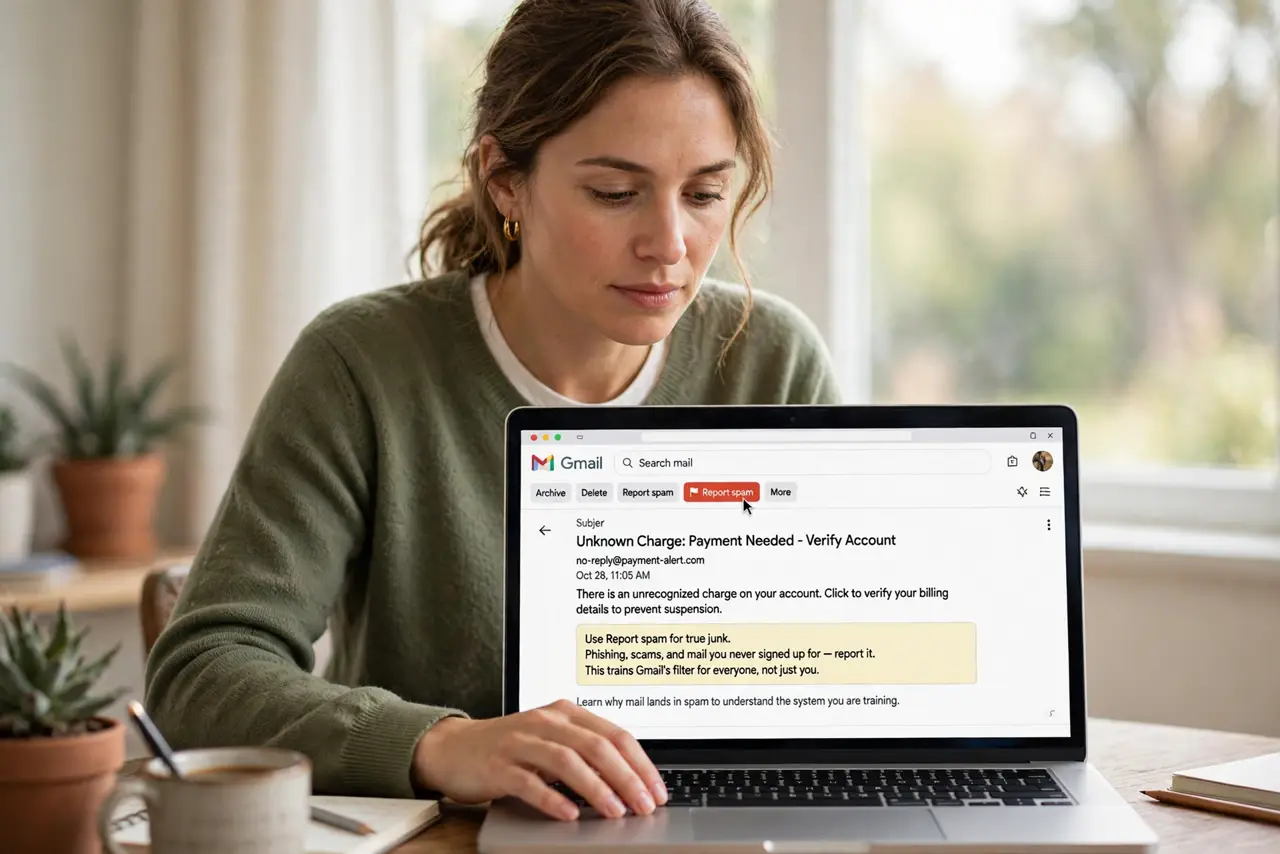
- Use Report spam for true junk. Phishing, scams, and mail you never signed up for — report it. This trains Gmail's filter for everyone, not just you. Learn why mail lands in spam to understand the system you are training.
- Use Block for a specific sender. An ex, a harasser, a persistent salesperson — blocking silences that address into spam. See how to block a sender properly so it sticks.
- Use Unsubscribe for legitimate newsletters. If you signed up — or a real company mails you — unsubscribe instead. It is legally required to work, and it does not poison the spam filter with false reports.
- Check what each button did. After acting, glance at the confirmation. Spam reports the message; block also creates a filter; unsubscribe opens the sender's page — know which happened.
- Rescue false positives. If real mail lands in spam, open Spam, select it, and click Not spam. This teaches the filter the other direction — see how good mail ends up in spam and how to prevent it.
- Unsubscribe in bulk monthly. Once a month, search for unsubscribe and clear out newsletters you never open. Ten minutes of pruning beats daily deleting forever.
What NOT to do
- Do not report legitimate newsletters as spam. It trains the filter wrong and can get real senders penalized — unsubscribe instead.
- Do not block and expect the company to stop. Block hides their mail from you; only unsubscribing removes you from their list.
- Do not click unsubscribe in phishing emails. Real unsubscribes are safe; in a scam email the link confirms your address is live — report those as spam instead.
- Do not ignore the Spam folder entirely. Check it weekly — the filter is good but not perfect, and real mail does land there.
Frequently asked questions
What is the difference between spam and block?
Spam reports junk to train the filter. Block silences one sender into your spam folder. Unsubscribe removes you from a legitimate list.
Will unsubscribing increase spam?
No — legitimate unsubscribes reduce mail. Only clicking unsubscribe inside phishing emails is dangerous.
Someone keeps emailing after I unsubscribed — now what?
Wait ten days as the law allows, then report as spam and block. Persistent senders after that are spammers.