Manage Storage Across Google
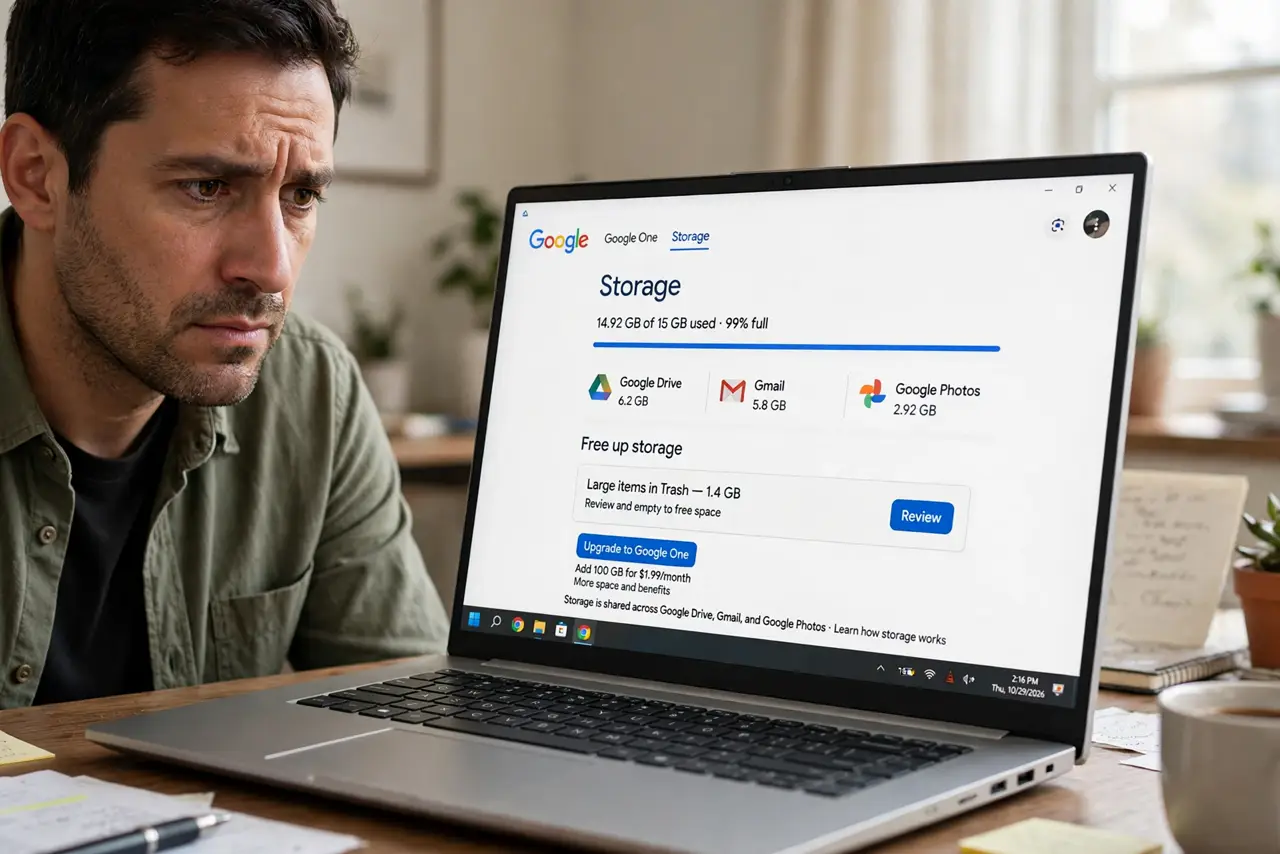
That storage full warning does not just block new email — it freezes Drive uploads and Photos backups too, because Gmail, Drive, and Photos share one 15 GB pool. A full account stops receiving mail, so here is how to see exactly what is eating the space and reclaim it without deleting anything you need.
TL;DR / Quick Fix
Quick fix: open one.google.com/storage to see Gmail, Drive, and Photos usage at a glance. Attack the biggest bar first — usually Photos or Drive. Delete trash and spam, empty them, then remove large attachments. Storage updates within minutes; new mail flows again once you are under the limit.
Follow these steps
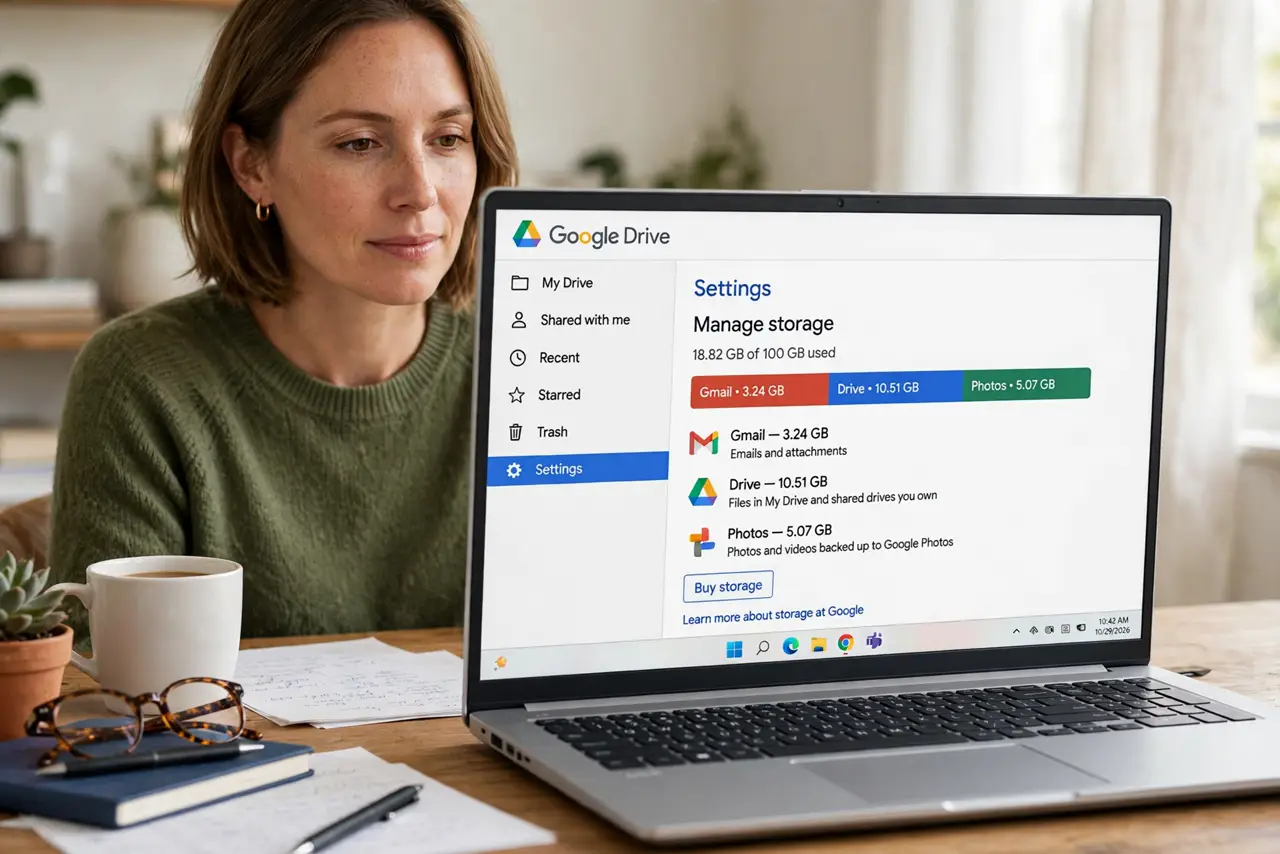
- See the breakdown. Open one.google.com/storage — or Drive > Settings > Manage storage. The bar shows exactly how much Gmail, Drive, and Photos each consume — start with the biggest.
- Empty Trash and Spam in Gmail. Trash and Spam count against your quota until emptied. Open each, click Delete all, and confirm — this alone can free gigabytes.
- Hunt large attachments. Search larger:10m to list your biggest emails, then delete the ones you no longer need.
- Clean Drive trash. Drive keeps deleted files in Trash for 30 days, still counting against quota. Open Drive Trash and choose Empty trash.
- Check Photos for originals. Photos stored in Original quality eat far more than Storage saver. Review large videos first — one 4K clip can outweigh a year of email.
- Decide: clean or upgrade. If the bar refills every month, the honest fix is a Google One plan. But a real cleanup usually buys a year or more first.
What NOT to do
- Do not delete blindly to clear the warning. Check what is big first — targeted deletions beat mass panic.
- Do not forget Drive Trash. Files you deleted months ago may still be squatting on quota.
- Do not pay for storage before one real cleanup. Most full accounts are 30 percent trash and spam.
- Do not ignore the warning. A full account stops receiving new mail — senders get bounces, not delays.
Frequently asked questions
How much free storage does Google give?
15 GB shared across Gmail, Google Drive, and Google Photos. Workspace or Google One plans raise the ceiling.
Why is my storage full if my inbox looks small?
Drive or Photos is usually the hog. Check the breakdown at one.google.com/storage before touching email.
Does emptying Gmail trash free space immediately?
Nearly — the quota updates within minutes. If new mail still bounces after an hour, check Drive and Photos too.