PC Won't POST? Basics
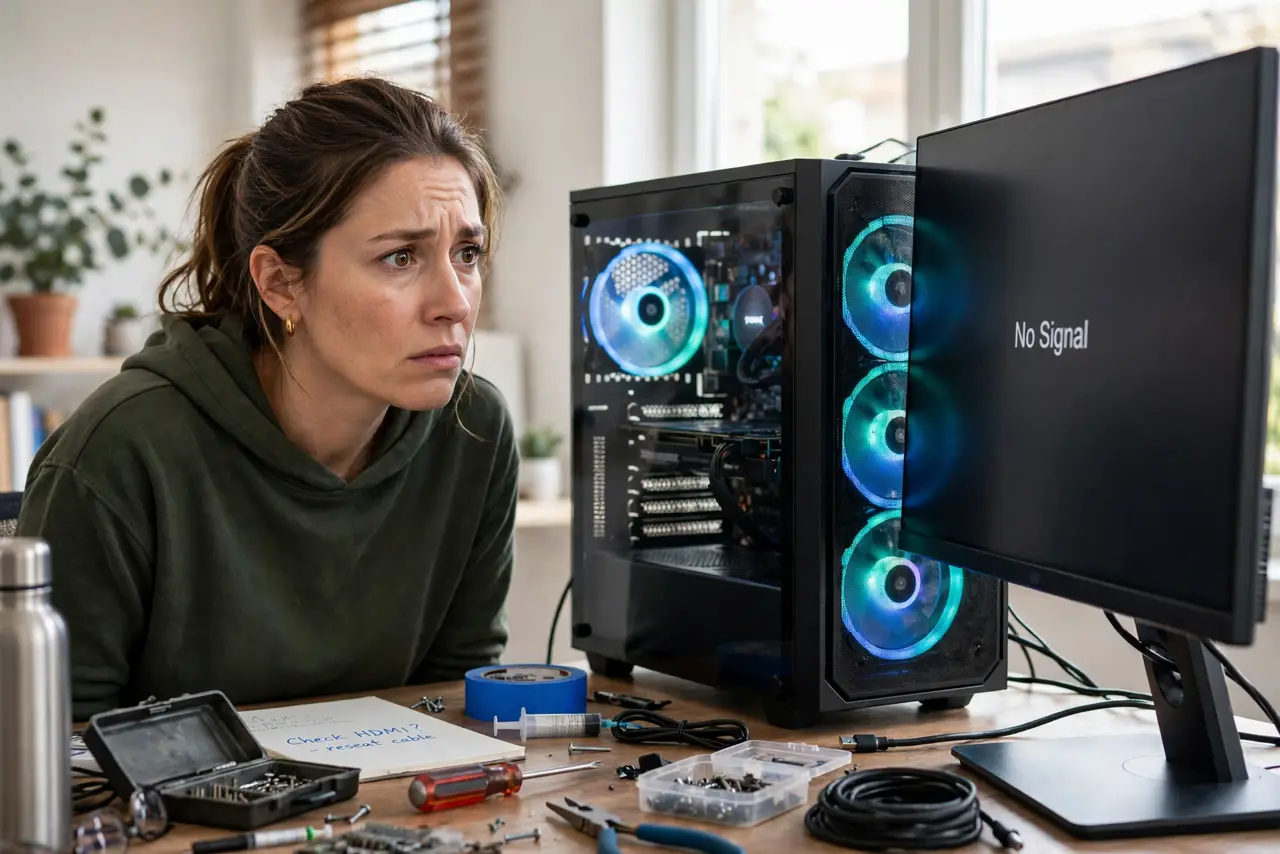
You press the power button, fans spin, but nothing appears on screen — no logo, no beeps, just black. That's a POST failure: the Power-On Self-Test never completed. Before you assume the worst (and priciest) part died, a systematic check of the simple stuff solves most no-POST cases.
TL;DR / Quick Fix
Quick fix: check the monitor cable and input, reseat the RAM (one stick at a time), and clear the CMOS. Listen for beep codes — they tell you exactly what's failing. Most no-POST cases are loose RAM, a dead CMOS battery, or a cable, not a dead motherboard.
Follow these steps
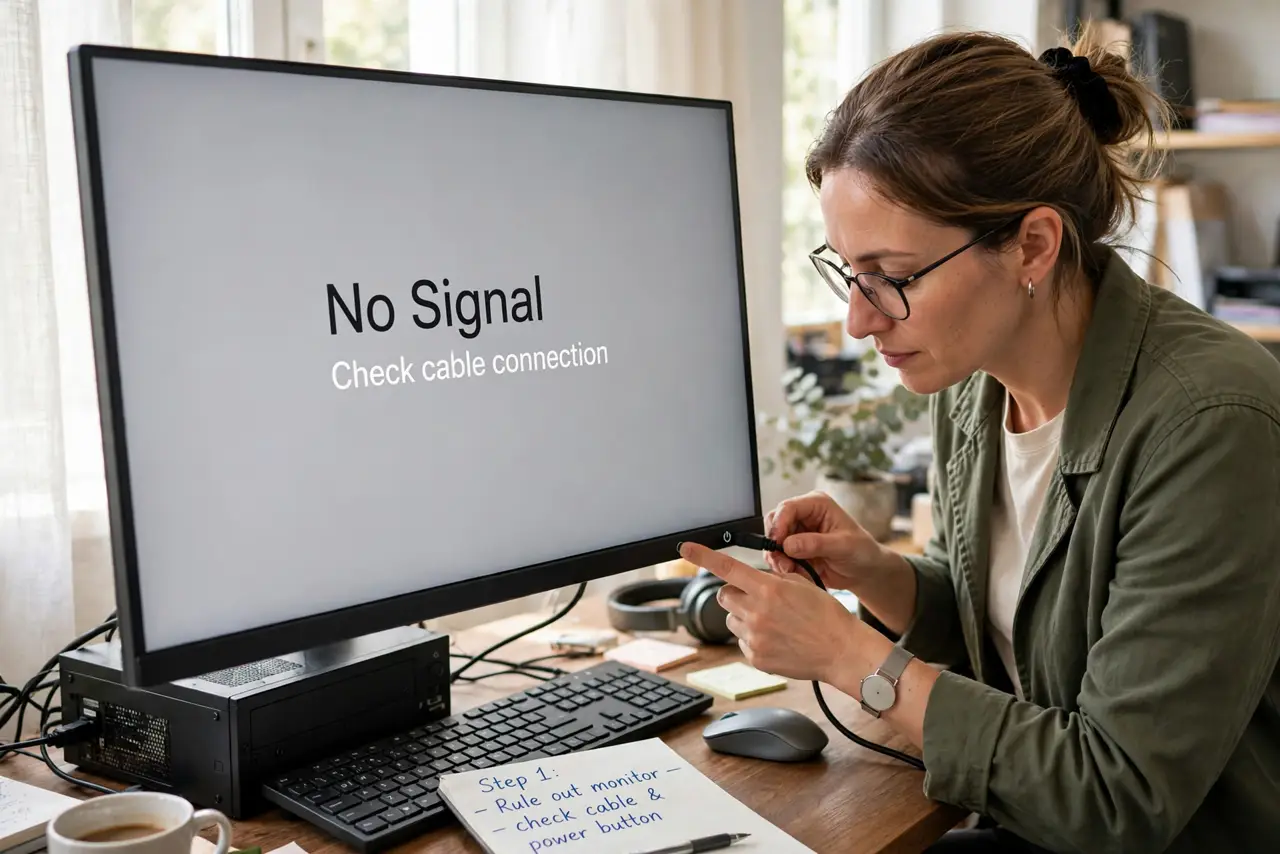
- Rule out the monitor first. Check the cable is seated, the monitor is on the right input, and try another cable. A PC that POSTs fine looks identical to a dead one when the monitor is the problem.
- Listen for beep codes. Those beeps are a diagnostic language — count them. One long and two short, or three short, each means something specific; see beep code meanings to decode yours.
- Reseat the RAM. Power off, unplug, and remove each RAM stick, then firmly reseat them one at a time. Try booting with a single stick — bad or loose RAM is the number one no-POST cause, and see RAM boot beeps for the classic symptom.
- Clear the CMOS. A corrupted BIOS setting can prevent POST. Power off, unplug, and remove the coin-cell battery for a minute (or use the clear-CMOS jumper), then try again.
- Strip it to minimum hardware. Disconnect all drives, USB devices, and extra cards — boot with just CPU, one RAM stick, and graphics. If it POSTs, add parts back one at a time until the culprit reveals itself.
- Check power connections. The 24-pin motherboard connector and the CPU power connector (4 or 8 pin, top-left) both must be fully seated. A GPU without its power cables also prevents POST — follow the no-POST checklist systematically.
What NOT to do
- Do not assume the motherboard is dead first. Motherboards are actually among the least likely failures — RAM, power, and cables top the list.
- Do not work inside with the power plugged in. Unplug the PSU cable before touching anything — standby power is live even when the PC is off.
- Do not force RAM into the slot. It only fits one way; forcing it the wrong way cracks the slot or the stick. The notch alignment is the guide.
- Do not skip the speaker. Many cases lack the tiny motherboard speaker that makes beep codes — without it you're troubleshooting blind, so connect one if you can.
Frequently asked questions
Fans spin but no display — is it dead?
Not necessarily — that's the classic no-POST symptom, and it's often RAM or CMOS. Work through the steps above before pronouncing anything dead.
No beeps at all — what does that mean?
Either there's no motherboard speaker installed (common), or power isn't reaching the board properly. Check the speaker first, then power connections.
It POSTed yesterday and won't today — why?
Sudden no-POST is often a CMOS battery dying, a RAM stick working loose from thermal cycles, or a recent change (new part, moved cable). Think about what changed.