PC Won't POST? The Checklist
Fans spin, lights glow, but the screen stays dark and there is no beep — your PC will not POST (Power-On Self-Test). It is alarming, but the causes follow a short, testable list. Work it in order before buying any parts.
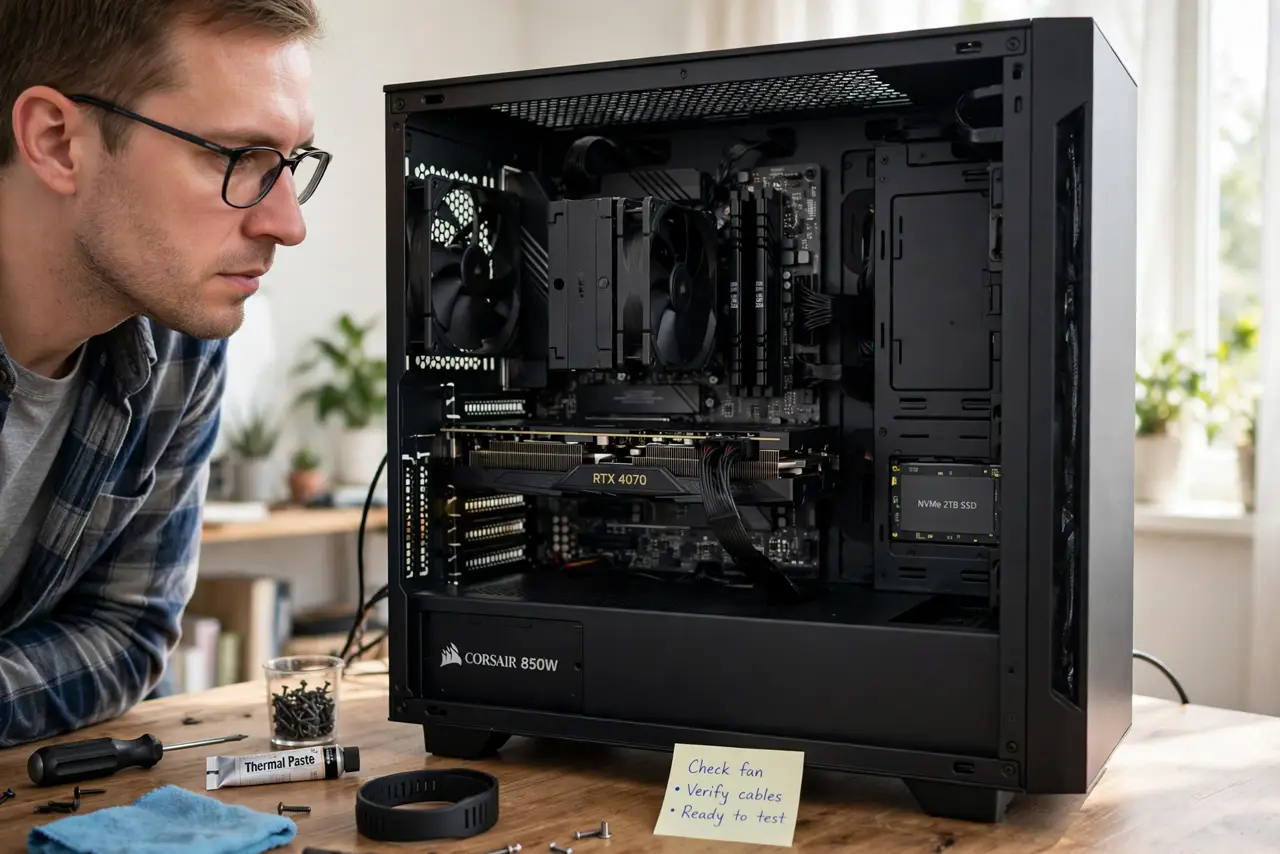
TL;DR / Quick Fix
A PC that powers on but never POSTs usually has a RAM, GPU, or power issue. Strip it to essentials — one RAM stick, no extra drives — clear the CMOS, and listen for beep codes. Most no-POST cases resolve to reseated RAM or a cleared CMOS, not dead parts.
Follow these steps
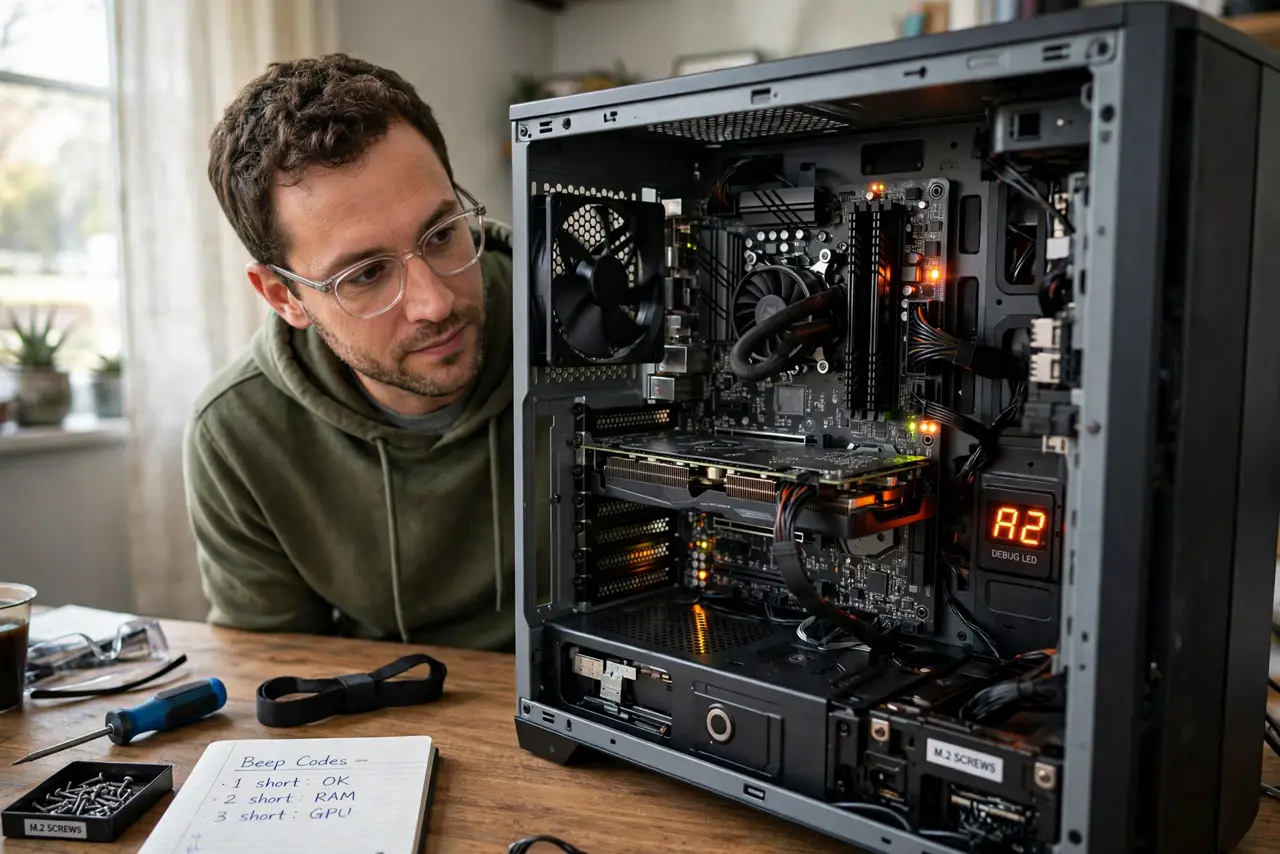
- Listen and look. Beep codes and debug LEDs are the motherboard talking to you. See the debug LEDs decoder for the light patterns.
- Strip to essentials. One RAM stick, CPU, and power — nothing else. Simplification isolates the fault fast.
- Reseat RAM and GPU. The two most common culprits. Remove and firmly reinsert both.
- Clear the CMOS. Corrupt BIOS settings can block POST entirely — see the CMOS reset method.
- Test the power supply. A failing PSU can spin fans while starving the board. Try a known-good unit if you have one.
- Breadboard if needed. Motherboard out of the case on cardboard rules out case shorts — the last resort before suspecting the board.
What NOT to do
- Do not buy a new motherboard first. It is the least likely culprit and the most expensive guess.
- Do not skip the beep codes and LEDs. They are free diagnostics — use them.
- Do not test with every drive connected. Simplify first, add back later.
- Do not forget the 4/8-pin CPU power cable. It is the classic forgotten plug in new builds.
Frequently asked questions
What does POST even mean?
Power-On Self-Test: the motherboard's pre-boot hardware check. No POST means it never got that far.
No beeps and no display — is it dead?
Not necessarily. The case may lack a speaker — check the debug LEDs instead.
How long should I spend before calling it?
An hour of methodical testing beats a week of guessing and part-swapping.