Use AirTag Lost Mode
Your bag is somewhere — the cafe, the taxi, the office — and retracing steps is not working. An AirTag in Lost Mode turns every nearby iPhone into a silent search party: when one passes near your tag, you get its location, and the finder sees your contact info. Here is how to trigger it before panic sets in.
TL;DR / Quick Fix
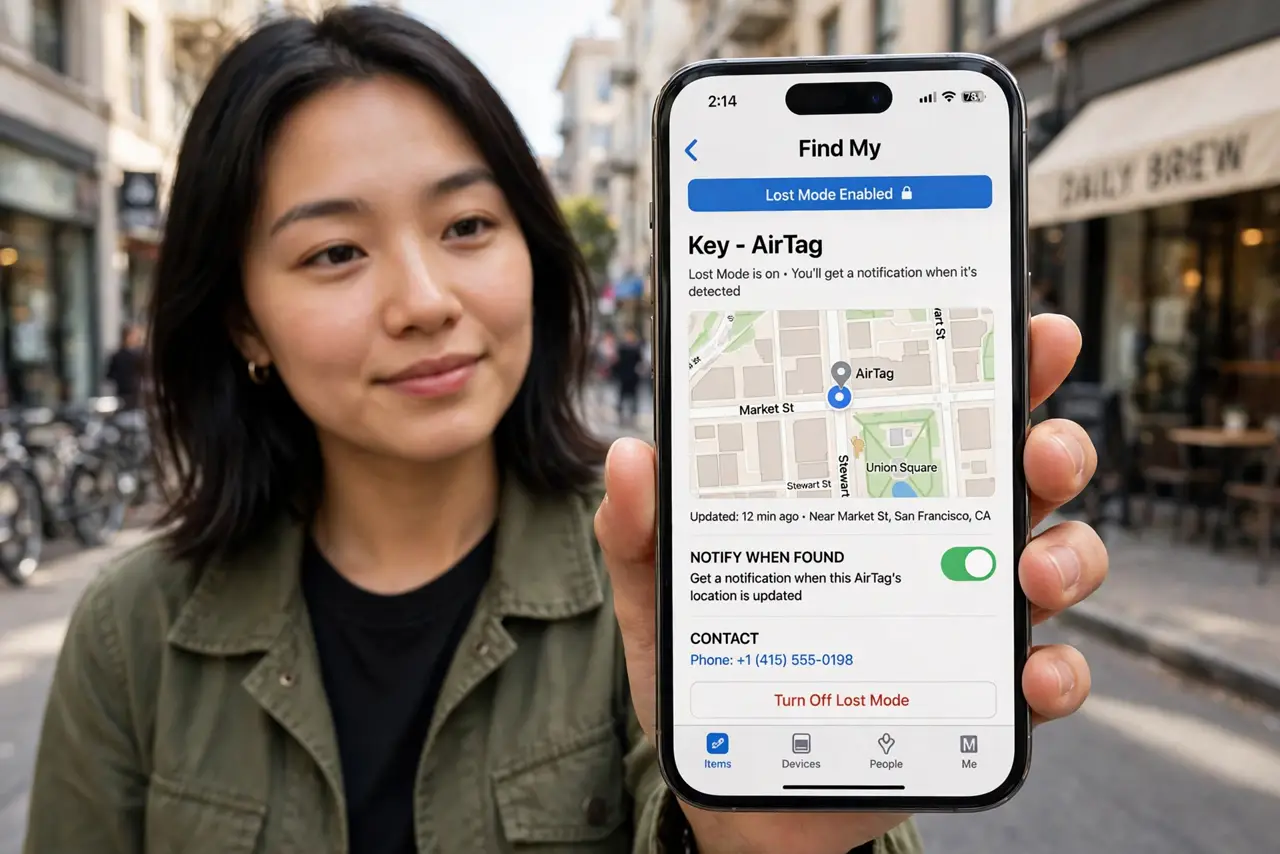
Quick fix: open Find My, tap Items, select your AirTag, and enable Lost Mode with a phone number and message. Passing iPhones report its location to you anonymously, and a finder tapping it sees how to reach you. Enable the moment something goes missing — sooner means a fresher trail.
Follow these steps
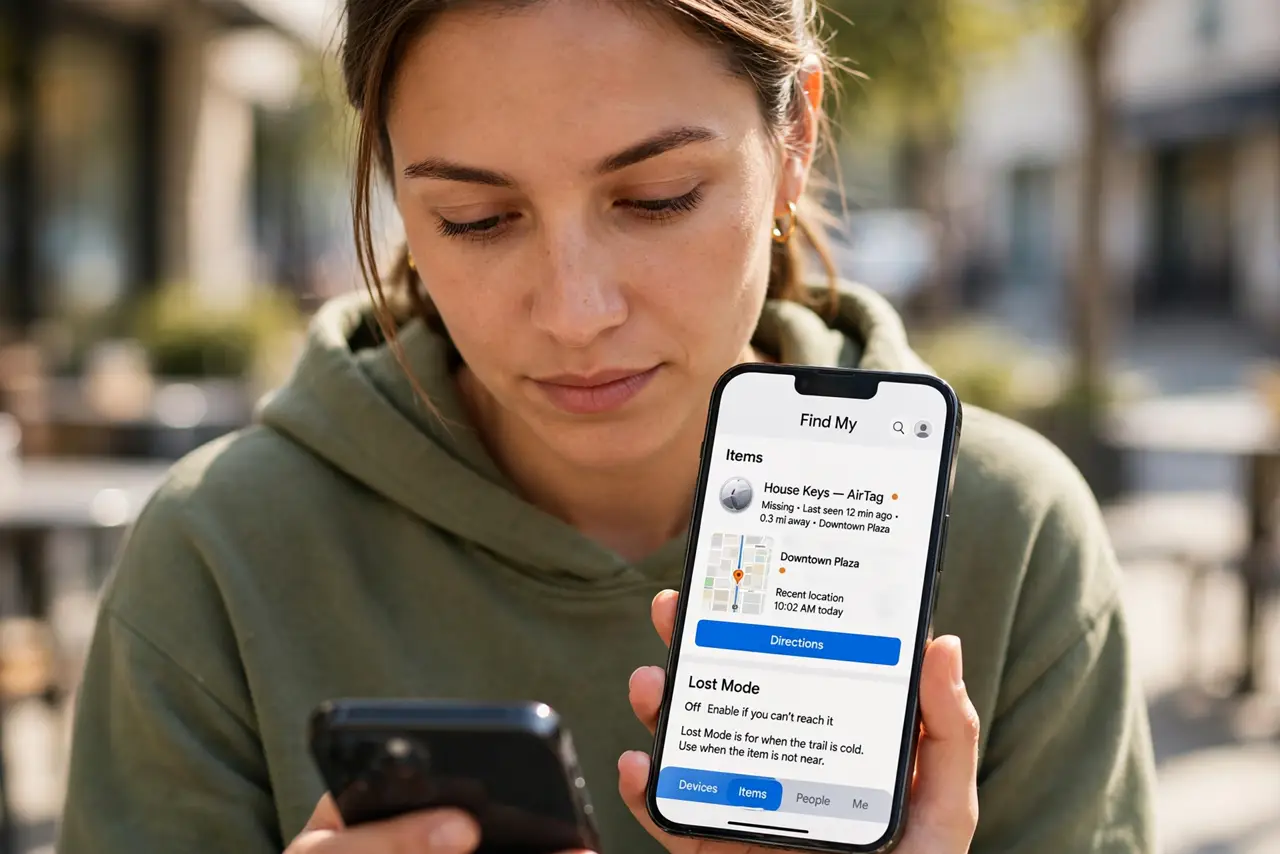
- Open Find My and pick the item. Tap the Items tab and select the missing AirTag. If it shows a recent location, head there first — Lost Mode is for when the trail is cold.
- Enable Lost Mode. Tap Enable under Lost Mode and enter a phone number plus a short message. The setup basics cover the naming that makes this step instant in a panic.
- Write a useful finder message. Lost bag — please call beats a blank message. Offer the return context a stranger needs: what it is and how to reach you.
- Watch for location updates. Lost Mode notifies you when the network spots the tag. Updates arrive as iPhones pass nearby — patience beats pacing.
- Use Precision Finding when close. Within Bluetooth range, the Find Nearby button gives an on-screen arrow. The last meters are the hardest; let the arrow walk you in.
- If it was stolen, call police. Lost Mode finds; it does not confront. Share the location with police rather than chasing it yourself — and check the battery state so a dead tag does not explain the silence.
What NOT to do
- Do not wait hours to enable Lost Mode. The sooner it is on, the fresher the location trail — minutes matter.
- Do not put your home address in the message. A phone number is enough; the handoff can happen in public.
- Do not chase a moving tag alone. If the location keeps moving, it may be theft — involve police.
- Do not assume silence means failure. Rural areas have fewer passing iPhones; the tag reports when someone comes in range.
Frequently asked questions
Can Android users help find my AirTag?
They cannot join the finding network, but any NFC phone — including Android — can tap a Lost Mode tag and see your message.
Does Lost Mode drain the battery?
Negligibly. The tag sips power; a fresh battery lasts about a year regardless.
What if someone finds it and keeps it?
Lost Mode keeps reporting its location whenever an iPhone passes. Share the trail with police — and consider the sharing feature for family items in future.