Laptop Only Charges While Off? Why
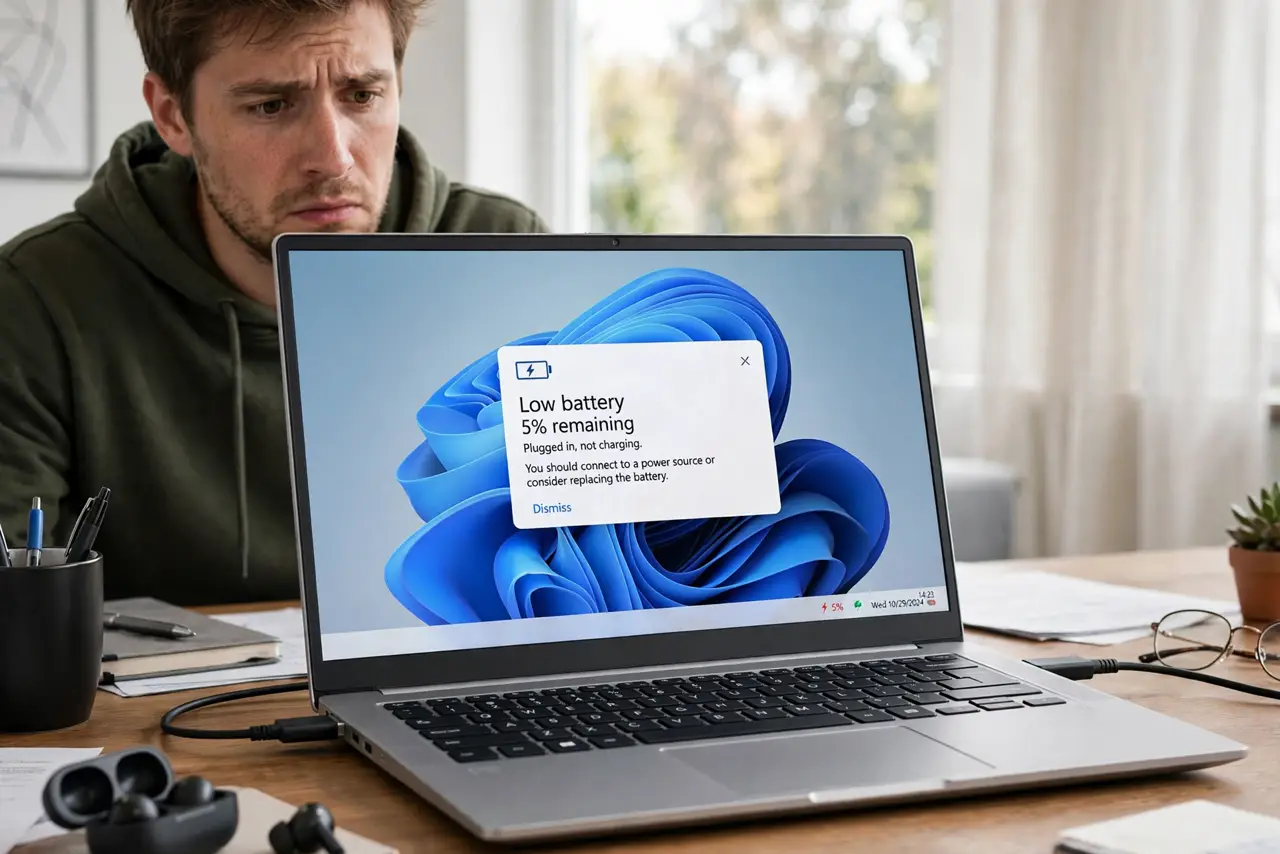
Close the lid and it charges; open it and the battery drains even while plugged in. This paradox has a clear cause: the charger cannot keep up with the laptop's power draw while running. Here is how to confirm it and what fixes it.
TL;DR / Quick Fix
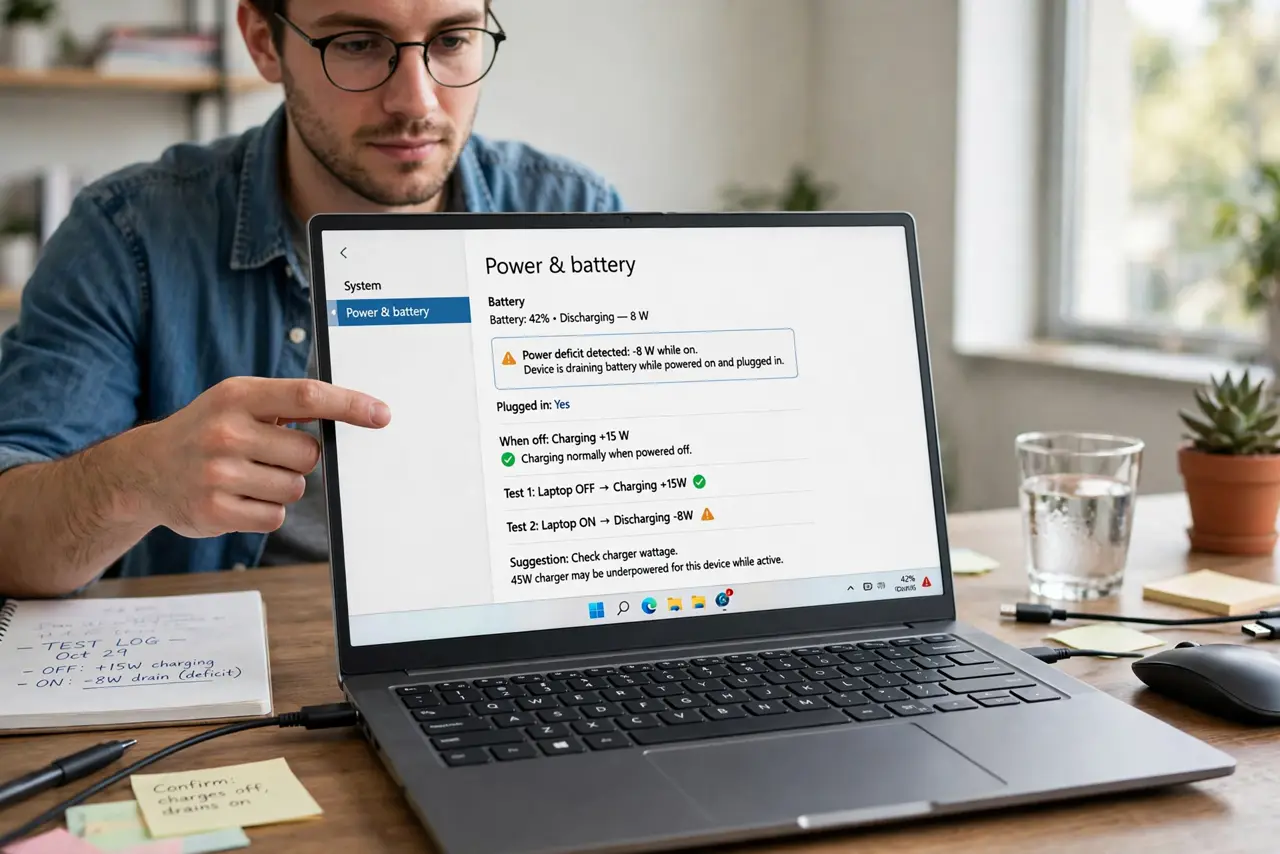
A laptop that only charges while off gets less power than it uses while running — usually an underpowered or failing charger. Check the wattage against the laptop's requirement, close heavy apps as a test, and try the original charger. If the original fixes it, replace the weak one.
Follow these steps
- Confirm the pattern. Charges while off, drains while on: that is a power deficit, not a dead battery. Naming it correctly points at the charger.
- Check the charger wattage. Underpowered chargers cause exactly this symptom. Compare against the original spec — the low-wattage signs guide lists them.
- Close heavy apps as a test. If the battery starts climbing with the workload gone, the deficit is confirmed.
- Try the original charger. The definitive test. If the original charges while running, the replacement is underpowered or failing.
- Check battery health. A worn battery plus a weak charger compound each other. See the dies-on-battery pattern for comparison.
- Replace with the right wattage. Match or exceed the original spec — the wattage explainer covers the math.
What NOT to do
- Do not buy a bigger battery to fix this. The charger is the bottleneck, not the battery's size.
- Do not run intensive tasks on a weak charger and wonder why it drains. Physics wins every time.
- Do not ignore a charger that used to work. Chargers degrade with age and heat — 'it worked last year' proves nothing.
- Do not assume the battery is dead. Test the charger first; it is cheaper and more often the cause.
Frequently asked questions
Is it bad to use the laptop while it drains on the charger?
It will not damage anything, but you gain no charge. It is a sign to fix the power deficit, not a mode to live in.
Why did this start suddenly?
Chargers weaken with age and heat. A charger can cross from 'enough' to 'not enough' without any visible change.
Can a BIOS charge limit cause this?
A limit caps the maximum percentage, but charging-only-while-off is a wattage problem, not a limit problem.