Reseat the RAM to Fix No-Boot
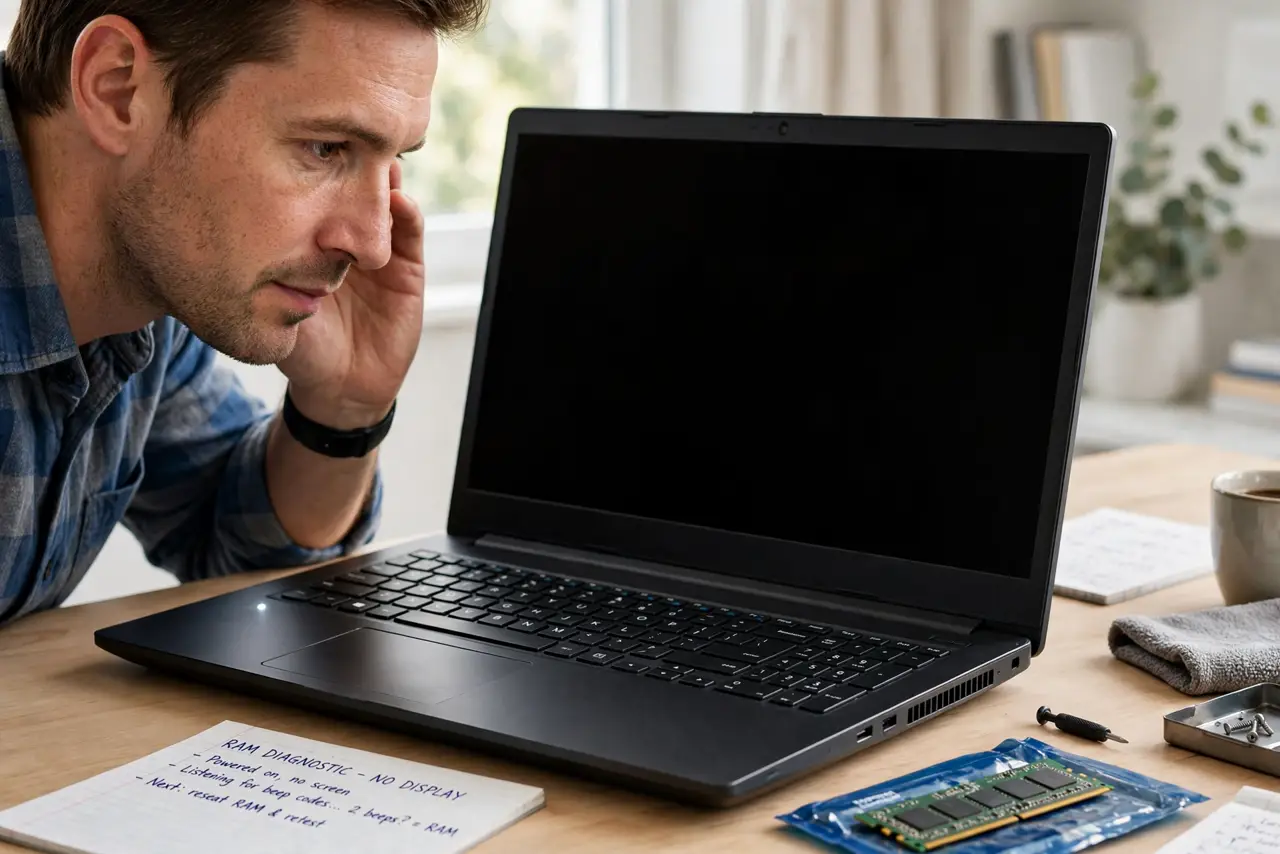
The laptop powers on — fans spin, lights blink — but nothing ever appears on screen. Before assuming the worst, reseat the RAM: memory modules creep loose over time, and a poor connection stops the boot cold. It is a ten-minute fix when it is the cause.
TL;DR / Quick Fix
If the laptop powers on but never displays anything, loose RAM is a prime suspect. Power down, unplug, remove the bottom cover, release clips, lift the module out, and reinsert firmly until the clips snap. If it boots, the reseat fixed it; if not, test one stick at a time.
Follow these steps
- Confirm the symptom fits. Power with no display, sometimes with beep codes — the classic loose-RAM signature. See the beep codes decoder.
- Power down fully and unplug. Remove the battery if it is removable. Hold the power button to drain residual charge.
- Open the bottom cover. Keep track of the screws — a magnetic mat or taped layout saves grief.
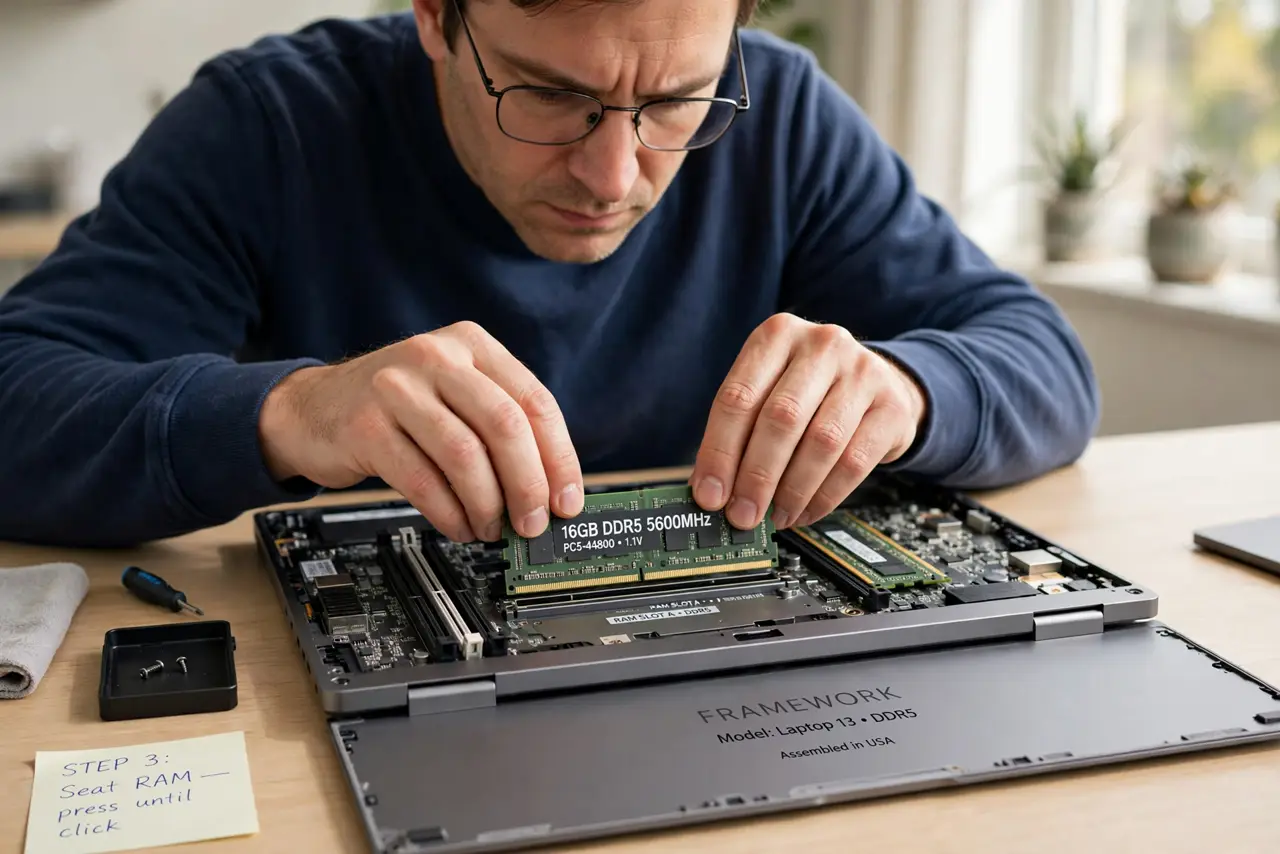
- Release and remove the RAM. Push the side clips outward; the stick pops up at an angle.
- Reinsert firmly. Slide in at an angle, press down flat until both clips snap. It should sit even, not tilted.
- Test, then try one stick at a time. If it boots, done. If not, test each stick alone to isolate a bad stick from a bad slot.
What NOT to do
- Do not touch the gold contacts. Handle sticks by the edges only.
- Do not force the stick. It seats at an angle first, then presses flat — force means wrong angle.
- Do not skip anti-static care. Touch grounded metal before handling the module.
- Do not reseat RAM on a swollen-battery machine. Deal with the battery first — see the swollen battery warning signs.
Frequently asked questions
How do I know RAM is the problem?
Power with no display, sometimes plus beep codes, is the textbook signature.
Can I upgrade the RAM while I'm in there?
Yes, if the laptop supports it — check the maximum capacity and type first.
What if there's only one stick and one slot?
Reseat it. If it still fails, the stick itself is the suspect — try a known-good one.