Motherboard Debug LEDs? Decoded
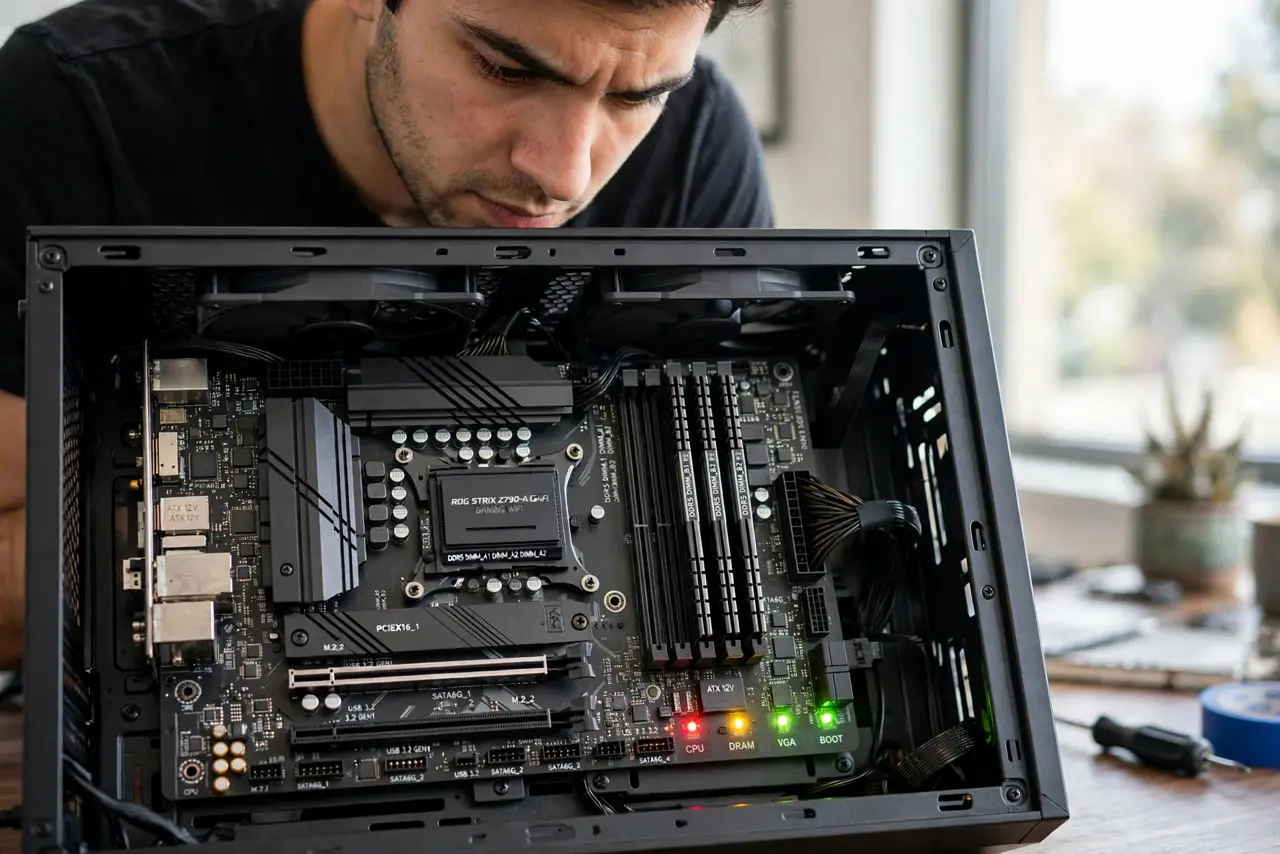
Four tiny lights labeled CPU, DRAM, VGA, BOOT — and one of them stays lit while your PC refuses to boot. Those debug LEDs are the motherboard telling you exactly where POST failed. Here is how to read them.
TL;DR / Quick Fix
Motherboard debug LEDs show which POST stage failed: CPU, DRAM, VGA, or BOOT. Note which LED stays lit, then focus there — reseat that component, check its power cables, and clear the CMOS. LEDs that cycle through all four and go dark mean POST passed; look elsewhere.
Follow these steps
- Find the LEDs. Near the 24-pin power connector or the board edge. Your manual shows the exact spot.
- Note which stays lit. CPU means processor or its power; DRAM means memory; VGA means graphics; BOOT means drives or boot order.
- Reseat the indicated component. The LED names the suspect. Remove and firmly reinsert it before suspecting the part itself.
- Check its power cables. CPU and GPU power plugs are the usual misses — especially the 4/8-pin CPU cable.
- Clear the CMOS. Bad firmware settings can stall any POST stage — see the CMOS reset method.
- If the LEDs cycle and go dark, POST passed. The fault lies beyond POST: drives, boot order, or the OS.
What NOT to do
- Do not replace the part the LED names without reseating first. Connections fail far more often than silicon.
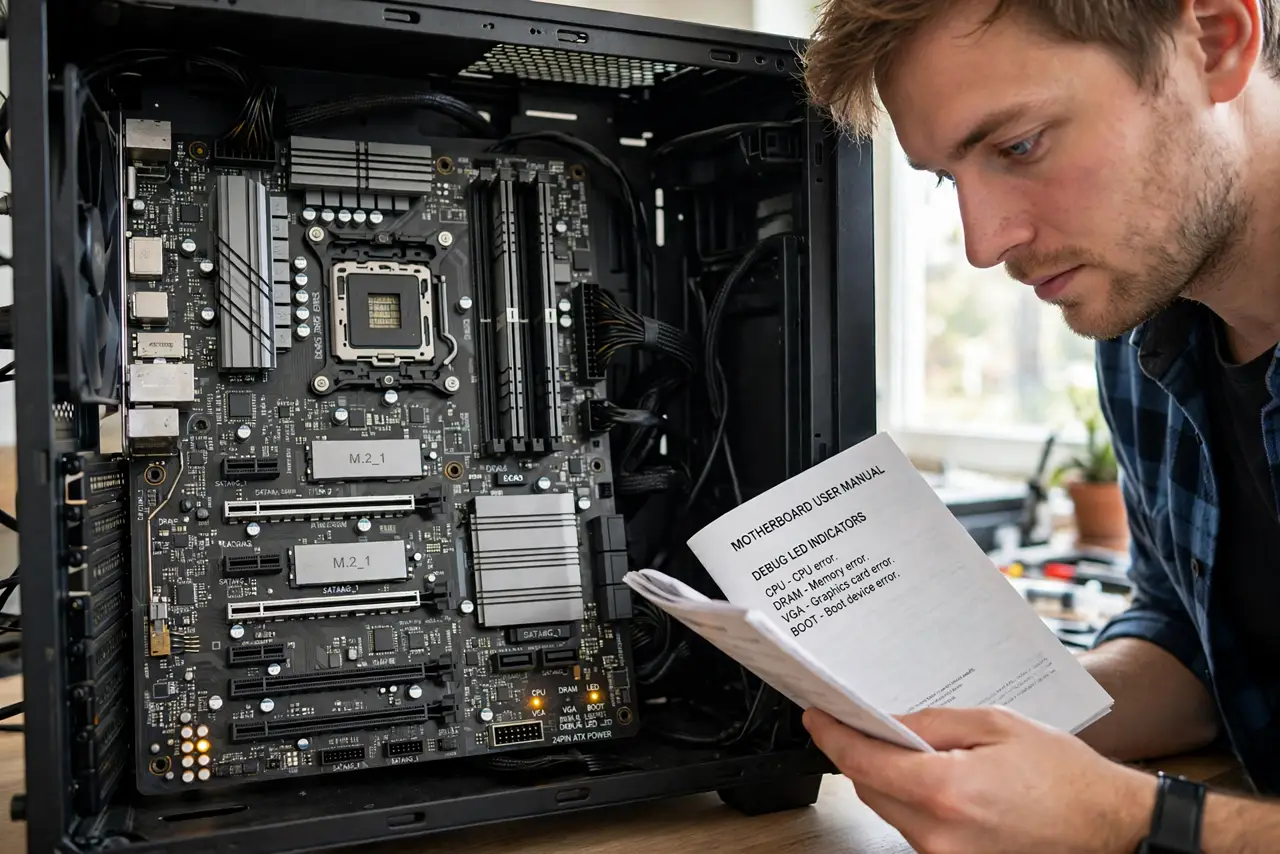
- Do not ignore the manual. LED positions and meanings vary between boards.
- Do not assume a BOOT LED means a dead drive. Check the boot order before buying storage.
- Do not flash the BIOS to fix a DRAM LED. Reseat the RAM instead — firmware is not the suspect.
Frequently asked questions
My board has no debug LEDs — now what?
Use the case speaker's beep codes instead — see the beep codes decoder.
The CPU LED is lit — is my CPU dead?
Rarely. Check the CPU power cable and seating first; dead CPUs are uncommon.
LEDs flash then all go dark, but still no display?
POST passed. Check the GPU output, the cable, and the monitor next.