NVMe vs SATA SSD?
You are buying an SSD and the listings split into two camps: NVMe and SATA, with NVMe boasting speeds several times higher. They are different interfaces, not just speed tiers, and your motherboard decides which ones you can actually use. Here is the practical difference and which one your upgrade needs.
TL;DR / Quick Fix
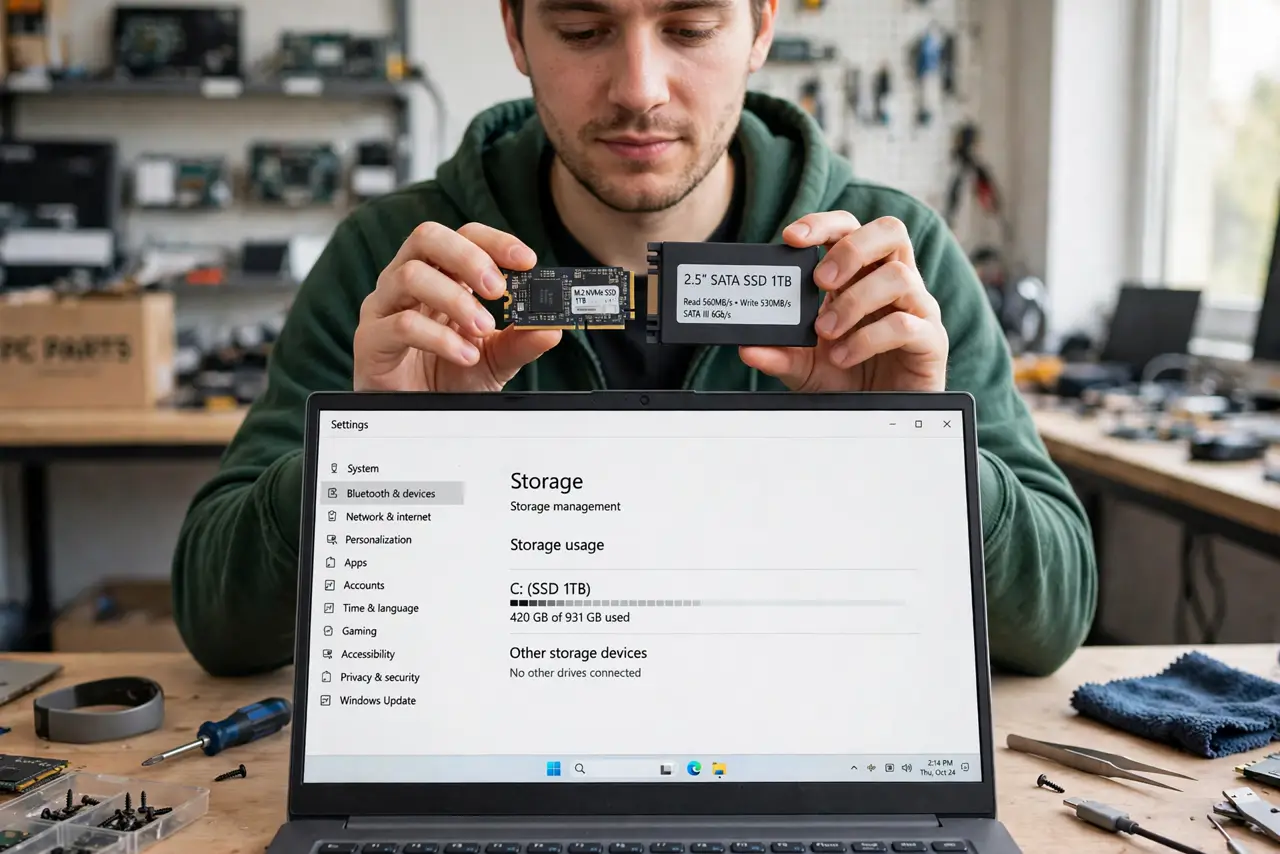
Quick fix: NVMe SSDs plug into M.2 slots and are several times faster than SATA SSDs, which use the older interface. For everyday use both feel fast, but NVMe is the modern default — buy it if your motherboard has an M.2 slot. SATA still suits older PCs.
Follow these steps
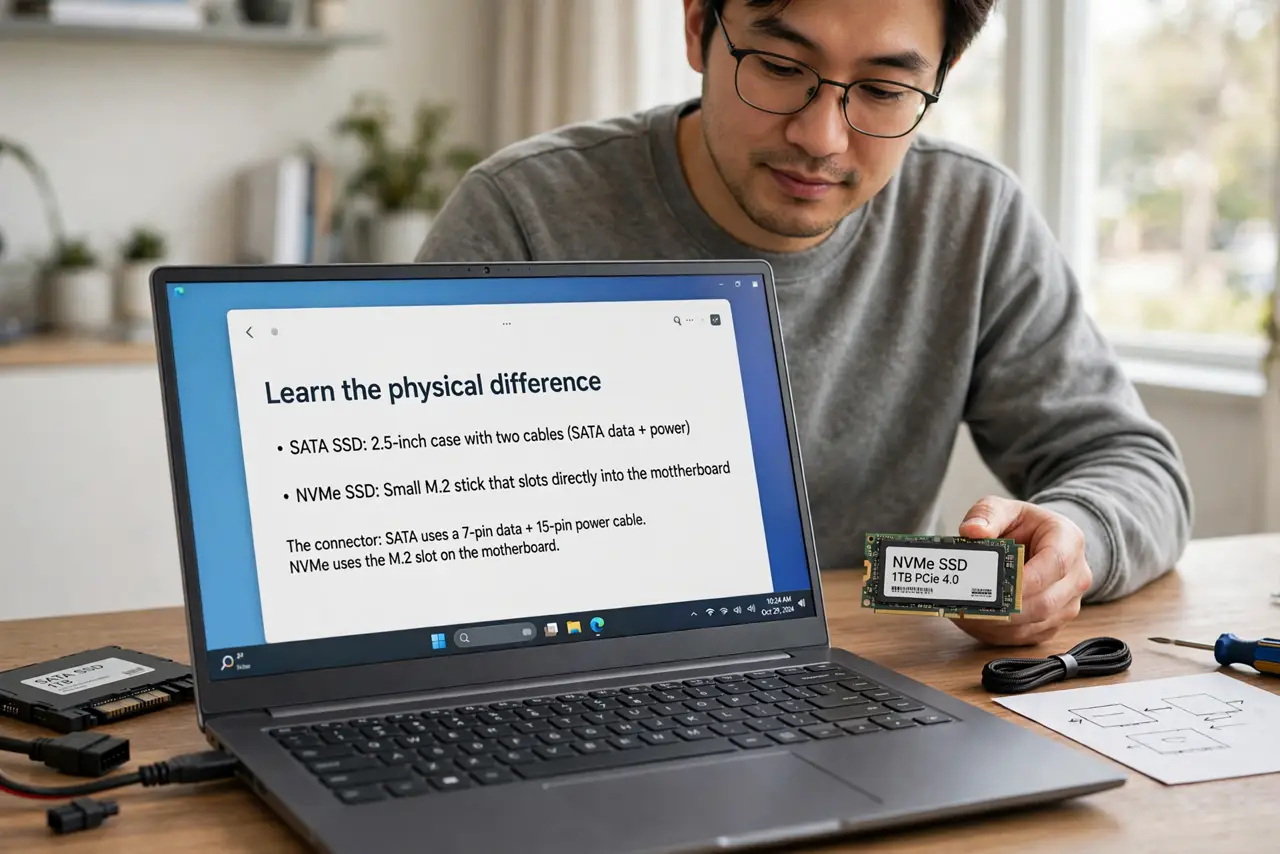
- Learn the physical difference. SATA SSDs come in 2.5-inch cases with two cables; NVMe drives are small M.2 sticks that slot directly into the motherboard. The connector tells you the type at a glance.
- Understand the speed gap. SATA tops out around 550 MB/s — the interface ceiling. NVMe starts around 2,000 MB/s and modern ones exceed 7,000. Booting and game loads feel snappier on NVMe, though both crush old hard drives.
- Check your motherboard's slots. NVMe needs an M.2 slot that supports it; some older M.2 slots are SATA-only. Check the manual before buying — see the laptop upgrade guide for finding your slot type.
- Match the drive to your actual use. Gaming, booting, and general use: any NVMe is plenty. Heavy video editing benefits from the fastest NVMe you can afford; a documents-and-browser PC will not notice beyond NVMe basics.
- Do not pay extra for speed you cannot reach. A 7,000 MB/s drive in a slot capped at 3,500 runs at 3,500. Check your slot's generation — Gen3 vs Gen4 — and buy accordingly instead of overspending.
- Clone before you swap. Moving to the new drive is painless with drive cloning — copy everything over, swap the drives, and boot like nothing changed.
What to avoid
- Do not buy NVMe for a PC with no M.2 slot. Without the slot it is a paperweight — SATA is the correct pick for older boards.
- Do not assume all M.2 slots take NVMe. Some are SATA-only; the manual or maker spec page settles it in seconds.
- Do not chase the fastest drive for basic use. The jump from SATA to NVMe is noticeable; the jump between NVMe generations mostly is not.
- Do not forget the heatsink question on fast drives. High-end NVMe runs hot — see whether your SSD needs a heatsink before it throttles.
Frequently asked questions
Is NVMe worth it over SATA?
Yes for new builds — the price gap is small now and the speed gap is large. For an old PC without M.2, SATA remains a great upgrade over a hard drive.
Can I use an NVMe drive in a SATA slot?
No — different connectors and protocols. Adapters exist but are clunky; buy the type your slot supports.
Will NVMe make games load faster?
Somewhat — faster than SATA, much faster than a hard drive. But the CPU and game design matter too, so expect improvement, not miracles.