Lost Your Device? Passkey Recovery
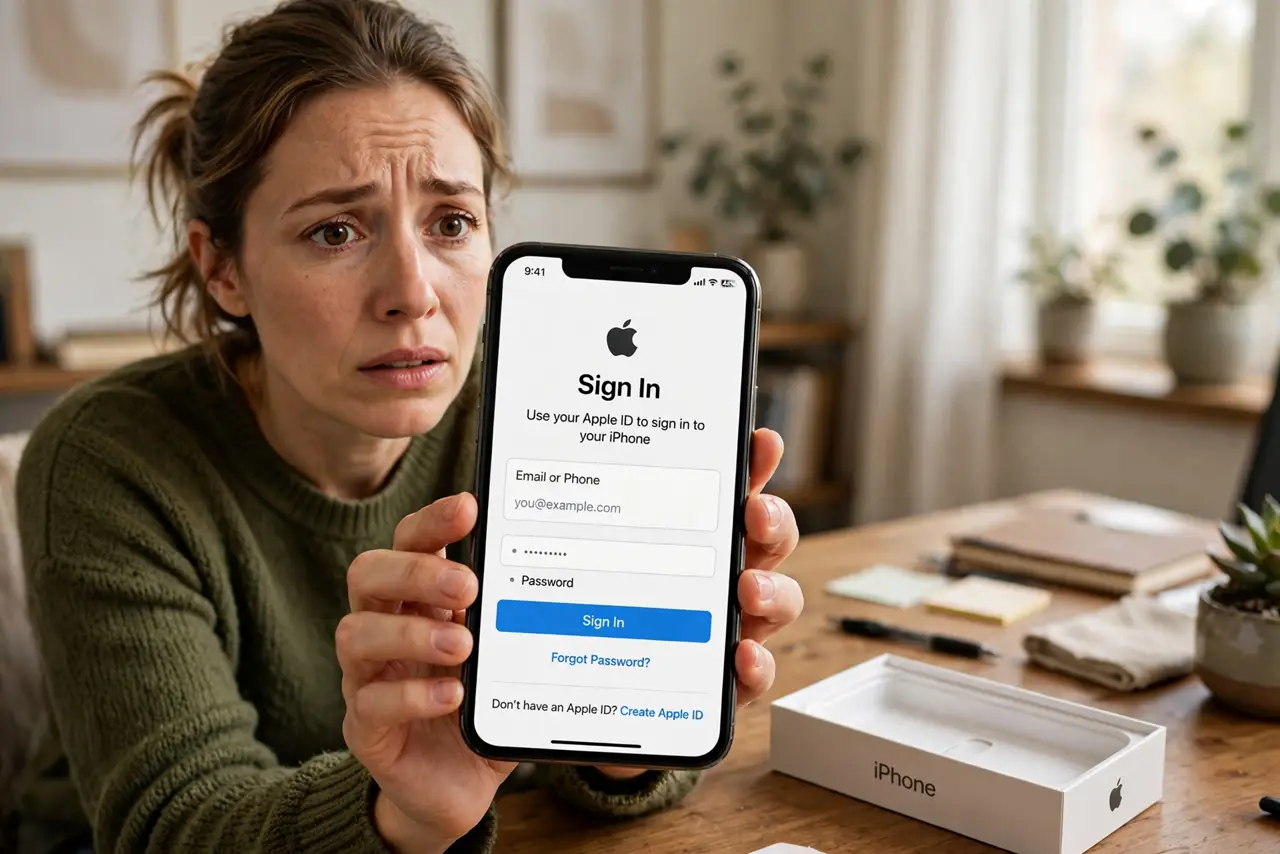
Your phone held your passkeys — and now the phone is gone. Panic is natural, but passkeys were designed for this: most live in your platform's password manager and sync to your other devices. Recovery means regaining that account, and the preparation you do today decides whether it takes minutes or weeks.
TL;DR / Quick Fix
Passkeys live in your password manager or platform account, so recovery means regaining that account — sign in on a new device with your Apple, Google, or Microsoft account. Keep a second device signed in as backup. Without that, each site's account-recovery process is your only way in.
Follow these steps
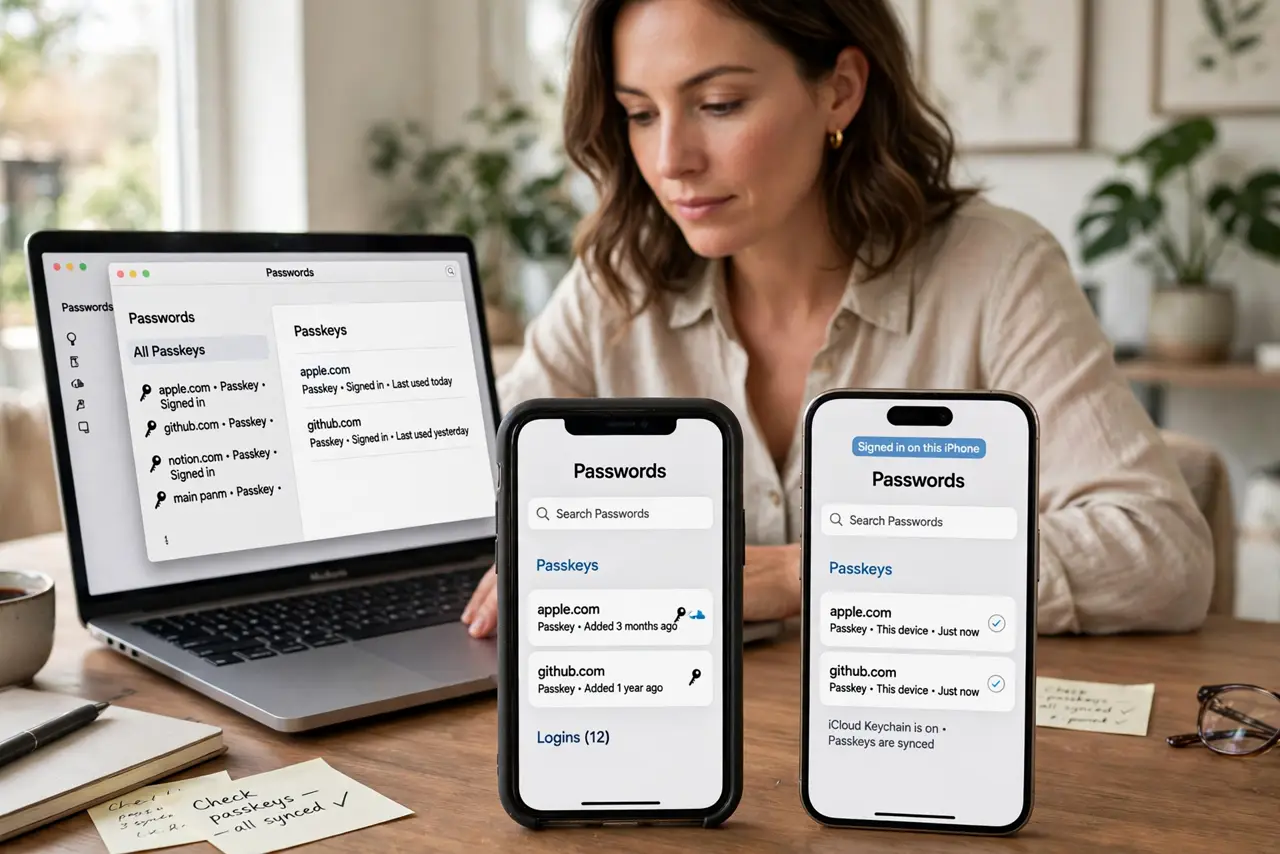
- Check your other signed-in devices. Open the password manager on a tablet, old phone, or computer still signed in to the same Apple, Google, or Microsoft account — your passkeys are probably already there.
- Sign in to the platform account on the new device. During setup, sign in with the same account. Synced passkeys — see how sync works — arrive automatically once the account verifies.
- Use a device passcode you remember. Account recovery leans on your device passcode and trusted phone number. Keep both current before you ever lose a device.
- Recover the platform account if locked out. Apple, Google, and Microsoft each offer account recovery with identity verification. It takes days by design — start it immediately.
- Fall back to each site's recovery. For passkeys stored only on the lost device, use the site's 'lost access' flow — usually email verification plus a waiting period.
- Rebuild your recovery kit afterward. Add the new device, store fresh backup codes, and register a second passkey device where sites allow it.
What NOT to do
- Do not delete the lost device from your account in a panic. Removing it can also revoke the synced credentials you are trying to recover.
- Do not assume one device is enough. A single phone holding unsynced passkeys is a single point of failure — keep two devices in the loop.
- Do not skip the platform account recovery setup. Recovery contacts and trusted numbers must be configured before the loss, not after.
- Do not reuse a weak device passcode. Your passcode guards the keys to every synced passkey — make it strong and memorable.
Frequently asked questions
Are my passkeys gone if my phone is stolen?
Not if they sync — iCloud Keychain and Google Password Manager copies survive on your other devices. Only device-bound passkeys on security keys stay solely on the lost hardware.
How long does platform account recovery take?
Days, deliberately — Apple and Google slow-walk it to defeat thieves. That is why a second signed-in device is the fast path.
Should I delete passkeys for the lost phone?
After recovery, yes — remove the lost device's passkeys from important accounts so the old hardware cannot be used if found by someone else.