Turn On Breach Alerts
Your password leaks in a breach you never heard of, and nobody tells you — the credentials sit in criminal databases while you keep using them. Breach alerts close that gap: your password manager or browser warns you when your logins appear in known leaks. Here is how to turn them on and what to do when one fires.
TL;DR / Quick Fix
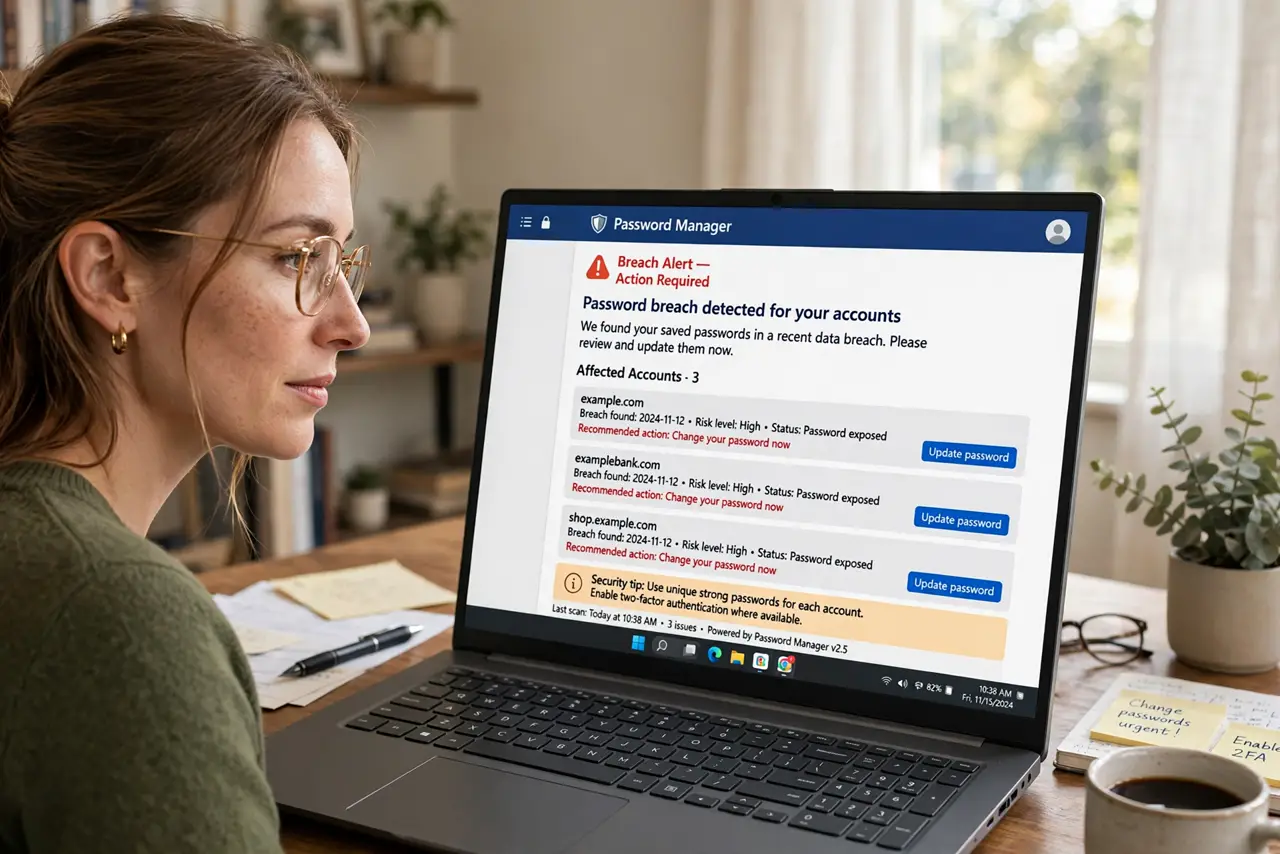
Quick fix: turn on breach alerts in your password manager and in Google's Password Checkup — you will hear when your credentials appear in a leak. When an alert fires, change that password everywhere you reused it. Alerts only help if you act on them.
Follow these steps
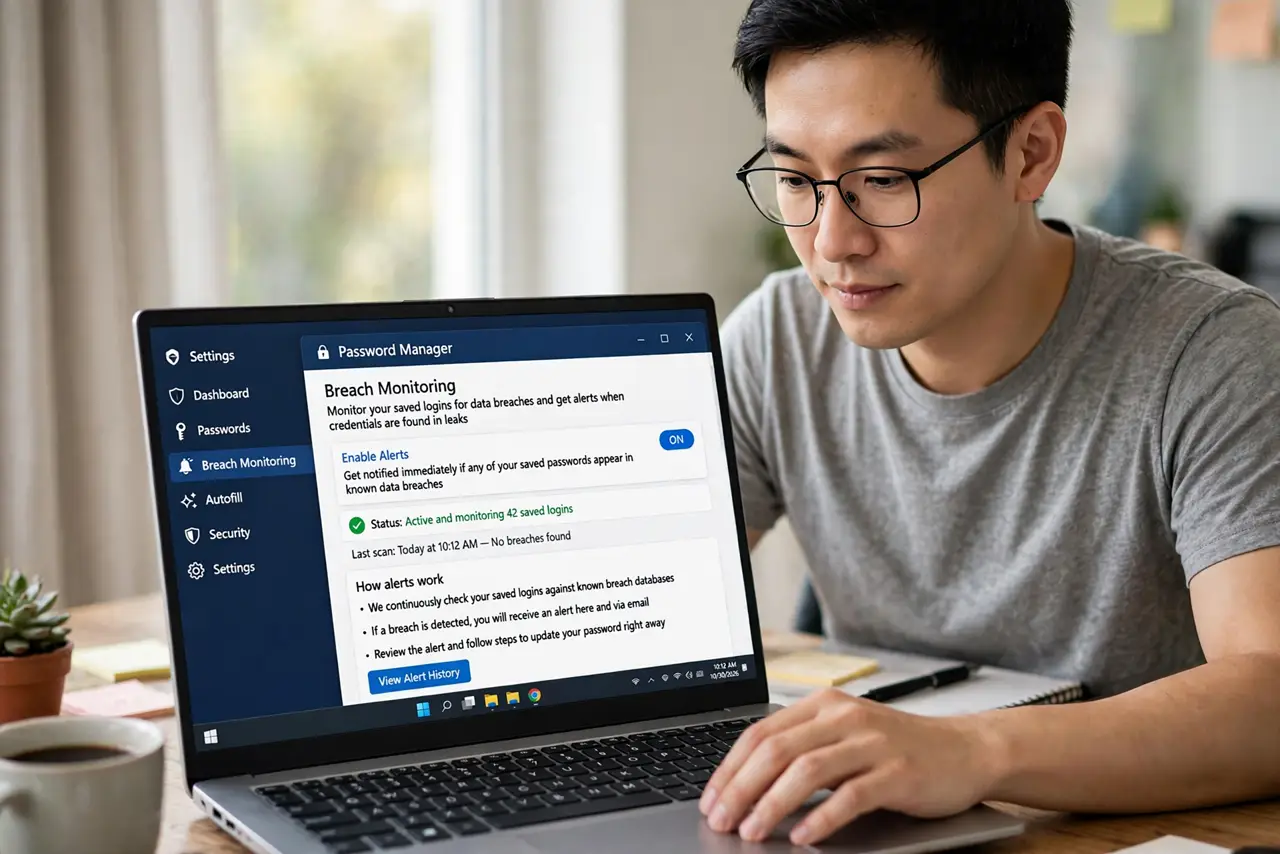
- Enable alerts in your password manager. Most managers have breach monitoring — turn it on in settings. It checks your saved logins against known leaks continuously — see how to act on breach alerts when one fires.
- Turn on Google's Password Checkup. In Chrome or your Google Account, enable the password checkup. It flags compromised, reused, and weak passwords — the checkup walkthrough covers the steps.
- Check your email too. See whether your address appears in known breaches — the email breach check shows how. An old breach explains a lot of spam.
- Act on every alert. Change the breached password immediately, and everywhere you reused it. The action checklist walks the full response — and see what to do if the password was in an old breach.
- Stop reusing passwords. One breach becomes ten compromised accounts through reuse. A password manager makes unique passwords effortless — reuse is the habit alerts punish.
- Recheck quarterly. New breaches surface constantly. A quarterly glance at the alerts keeps you ahead — set a calendar reminder.
What NOT to do
- Do not ignore an alert. A breach alert you dismiss is just a notification — the credential is still in criminal hands until you change it.
- Do not change only the breached site. Reused passwords mean the breach travels — change it everywhere the password was used.
- Do not panic about old breaches. An alert about a 2019 leak for a password you changed in 2020 is informational — verify, then relax.
- Do not rely on alerts alone. They catch known leaks; unique passwords and two-factor protect against the unknown ones.
Frequently asked questions
Are breach alerts safe?
Yes — reputable checkers compare hashes, not your actual passwords. Use your password manager's or Google's, not random websites.
What if every account alerts?
You reused one password everywhere — the alert is doing its job. Change them one by one, starting with email and bank.
How fast do alerts come?
Days to weeks after a breach becomes known. They are a safety net, not a real-time alarm — unique passwords are the real defense.