QR Code Leads to a Login Page? Stop
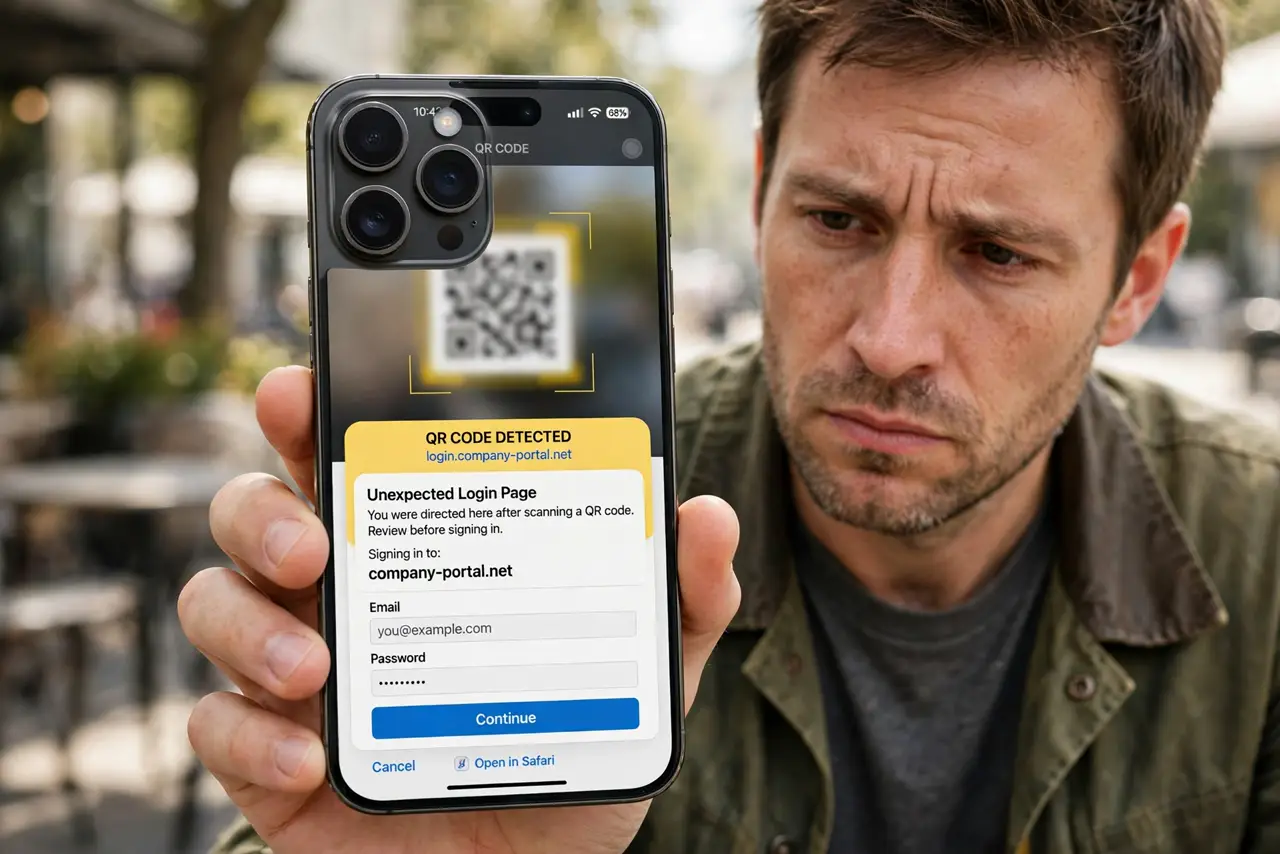
A genuine QR code usually opens a menu, a product page, or an app download, not a login form. A code that lands on a login page is often trying to steal your password. Close it and sign in through the official app instead.
TL;DR / Quick Fix
Quick fix: do not type your password into a login page reached from a QR code. Close the page, open the official app or type the official address yourself, and sign in there. If you already typed a password, change it at once.
Follow these steps
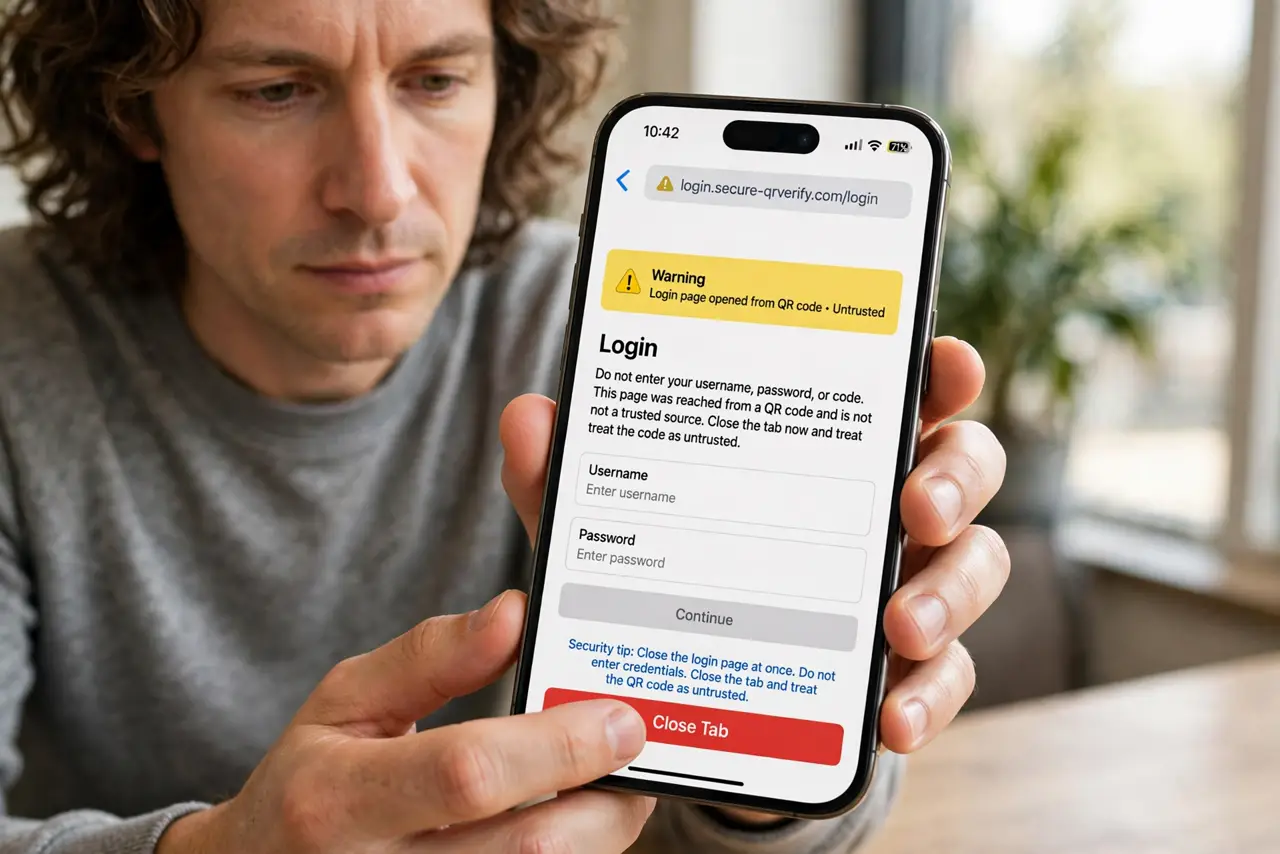
- Close the login page at once. Do not enter a username, password, or code on a login page reached from a QR code. Close the tab and treat the code as untrusted.
- Check what the code was supposed to do. Think about where the code was placed. A menu code should open a menu, and a product code should open product details, not a sign-in form.
- Sign in through the official app. Open the official app yourself, or type the official address by hand, and sign in there. The official route never needs a random code to reach it.
- Preview the address next time. Before opening a code, use the camera preview to read its address. If it points to an unrelated domain, or a login page you did not expect, do not open it.
- Change the password if you typed it in. Go to the real site yourself, change the password to a fresh, unique one, and turn on two-factor authentication if it is offered.
- Report the code. Tell the venue, or the owner of the sign, that the code leads to a login page. They can remove or replace a tampered code before others scan it.
What NOT to do
- Do not type a password into a page reached from a QR code, even if the page looks exactly like the real login.
- Do not enter a one-time code on such a page. A code is as valuable as a password to an attacker.
- Do not scan codes on loose flyers, stickers, or random posts without previewing the address first.
- Do not assume a code is safe because it was inside a shop. Tampered codes appear indoors too.
Frequently asked questions
Do real services ever use QR login?
Yes, some do, but you start that flow from the official app or site yourself. A random poster code asking you to log in is different, and should not be trusted.
What if I entered a password and a code?
Change the password from the real site at once, turn on two-factor authentication, and check recent activity for anything you did not do.
Can my camera app warn me?
Camera previews show the address, which is your warning. Read it before tapping open, especially for codes in public places.