Should You Repaste a Laptop?
Your laptop overheats — fans at full blast, sudden slowdowns, shutdowns during games. Old, dried thermal paste between the CPU and heatsink is a common cause, and fresh paste can drop temperatures dramatically. But repasting a laptop is surgery, not maintenance. Here is how to decide.
TL;DR / Quick Fix
Quick fix: repasting helps overheating laptops whose thermal paste has dried out — typically machines several years old. It requires full disassembly and voids some warranties. Try cleaning vents and a cooling pad first; repaste only if temperatures stay high.
Follow these steps
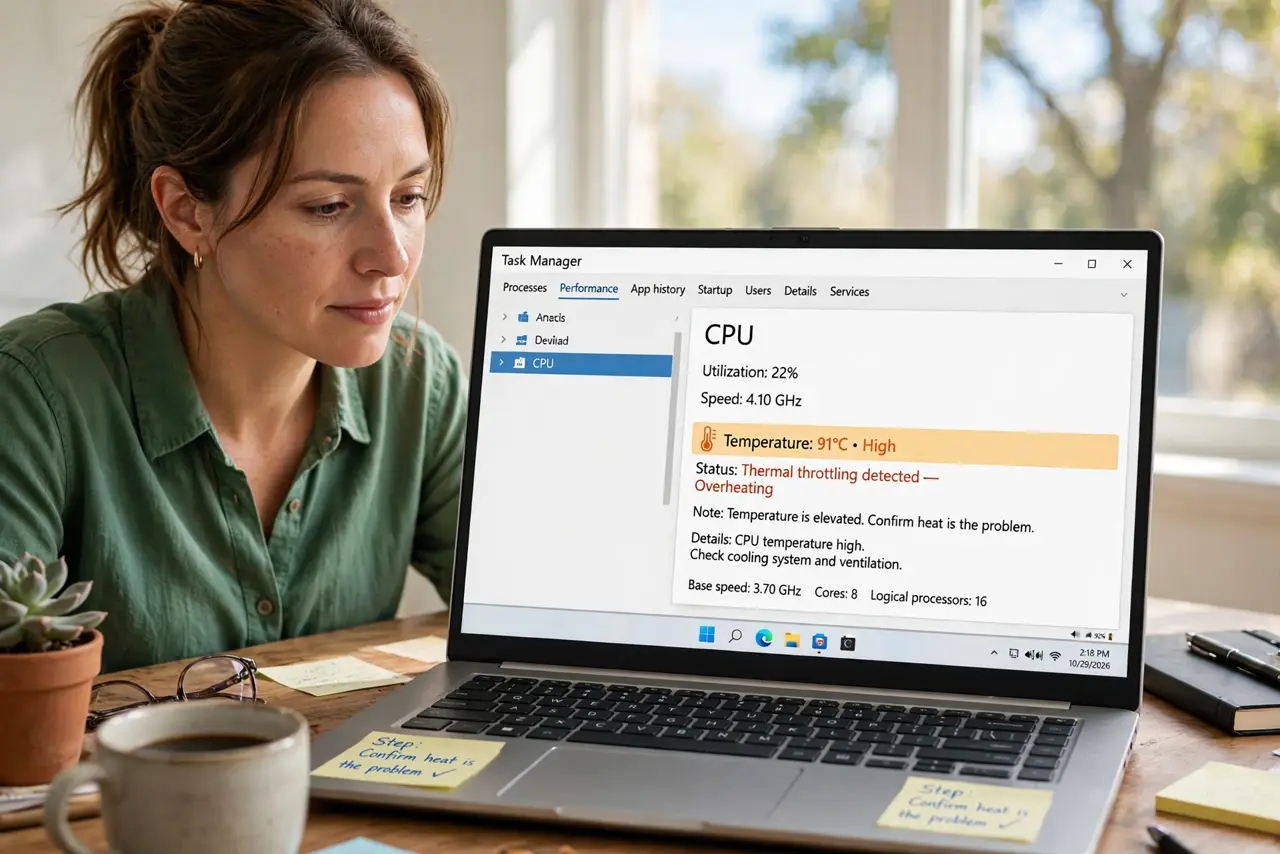
- Confirm heat is the problem. Check temperatures with a monitoring app. Sustained 95C+ under load with clean vents points at paste — see is it worth it.
- Try the easy fixes first. Clean the vents, replace worn thermal pads, use a cooling pad. Repaste is the last resort, not the first.
- Check your warranty. Opening the laptop can void remaining warranty. If covered, let the manufacturer handle overheating — free and risk-free.
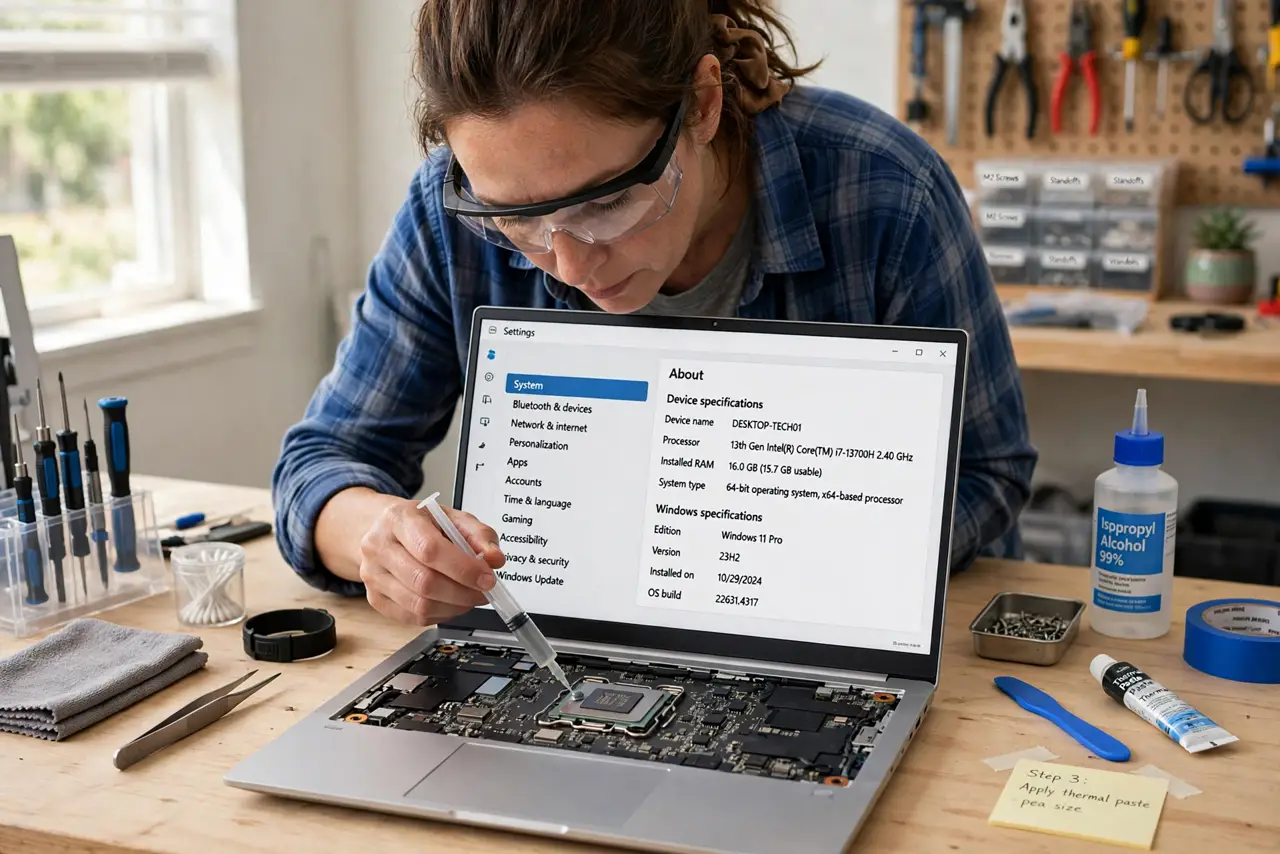
- Know what repasting involves. Full disassembly down to the motherboard, heatsink removal, old paste cleaned, new paste applied — see the process. One stripped screw can ruin the day.
- Decide DIY vs. shop. Confident with tiny screws and ribbon cables? DIY saves money. Otherwise a repair shop charges a modest fee — cheaper than a broken motherboard.
- Use quality paste, sparingly. A pea-sized dot of reputable thermal paste. More is not better — excess squeezes out and insulates.
What NOT to do
- Do not repaste a laptop under warranty. You pay to void coverage for a fix the maker owes you.
- Do not use conductive liquid metal on your first try. Regular paste is forgiving; liquid metal shorts boards on contact.
- Do not skip the cleaning step. New paste over old crust performs barely better than the crust.
- Do not repaste to fix non-heat slowness. A full drive or too little RAM will not care about temperatures.
Frequently asked questions
How often should paste be replaced?
Every 3–5 years for heavy use; many laptops never need it in their working life.
Will it void my warranty?
Often yes if you break a seal or damage something. Check the terms first.
What temperatures are normal?
70–85C under heavy load is typical for thin laptops; sustained 95C+ with throttling is the warning zone.