Keys vs Authenticator Apps?
Your accounts ask for two-factor codes, and you have a choice: an authenticator app on your phone, or a physical security key. Both beat SMS — but they are not equal. Keys resist phishing in a way codes cannot, while apps win on convenience. Here is the honest comparison so you pick the right tool per account.
TL;DR / Quick Fix
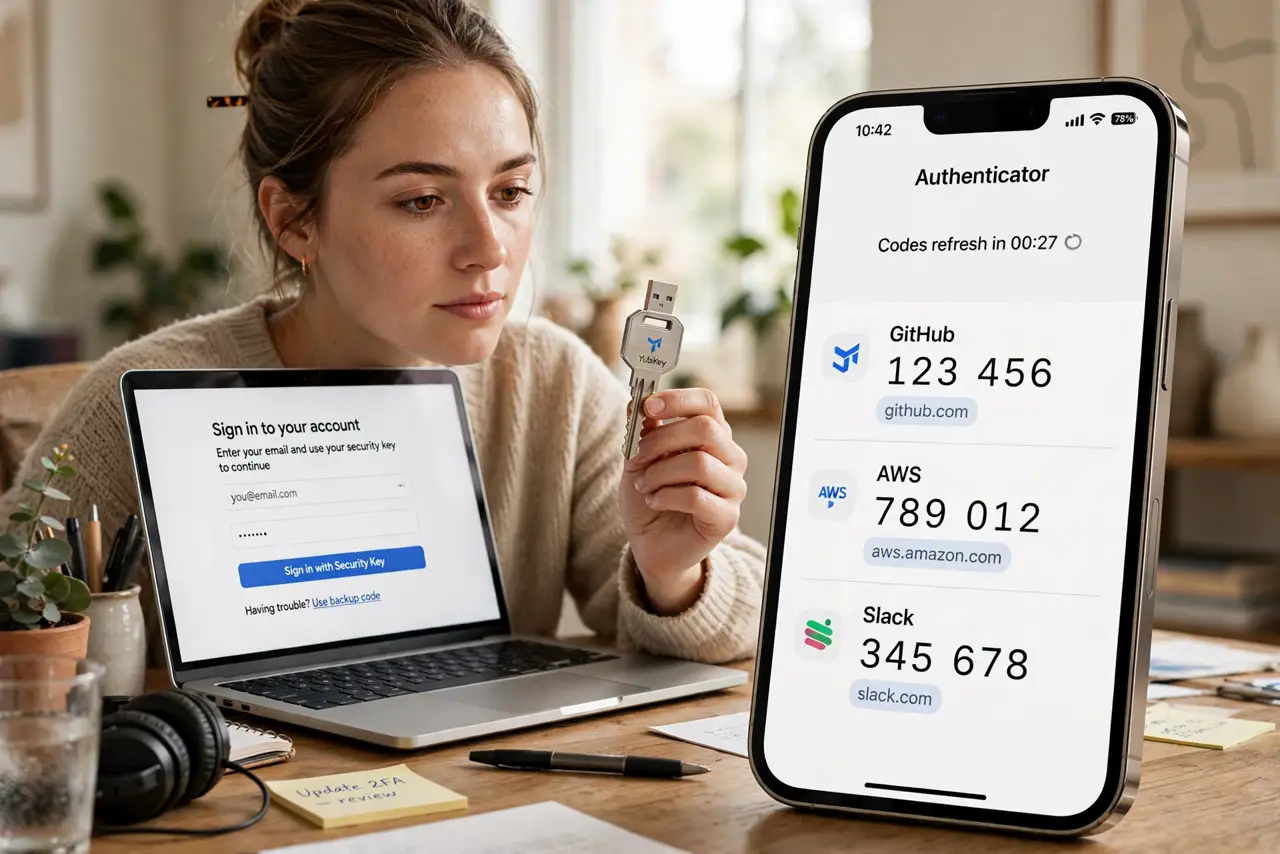
Quick fix: hardware security keys beat authenticator apps — keys cannot be phished, while codes can be intercepted. Keep the authenticator app as backup, but make the key your primary on important accounts. One key plus a backup key covers you even if one is lost.
Follow these steps
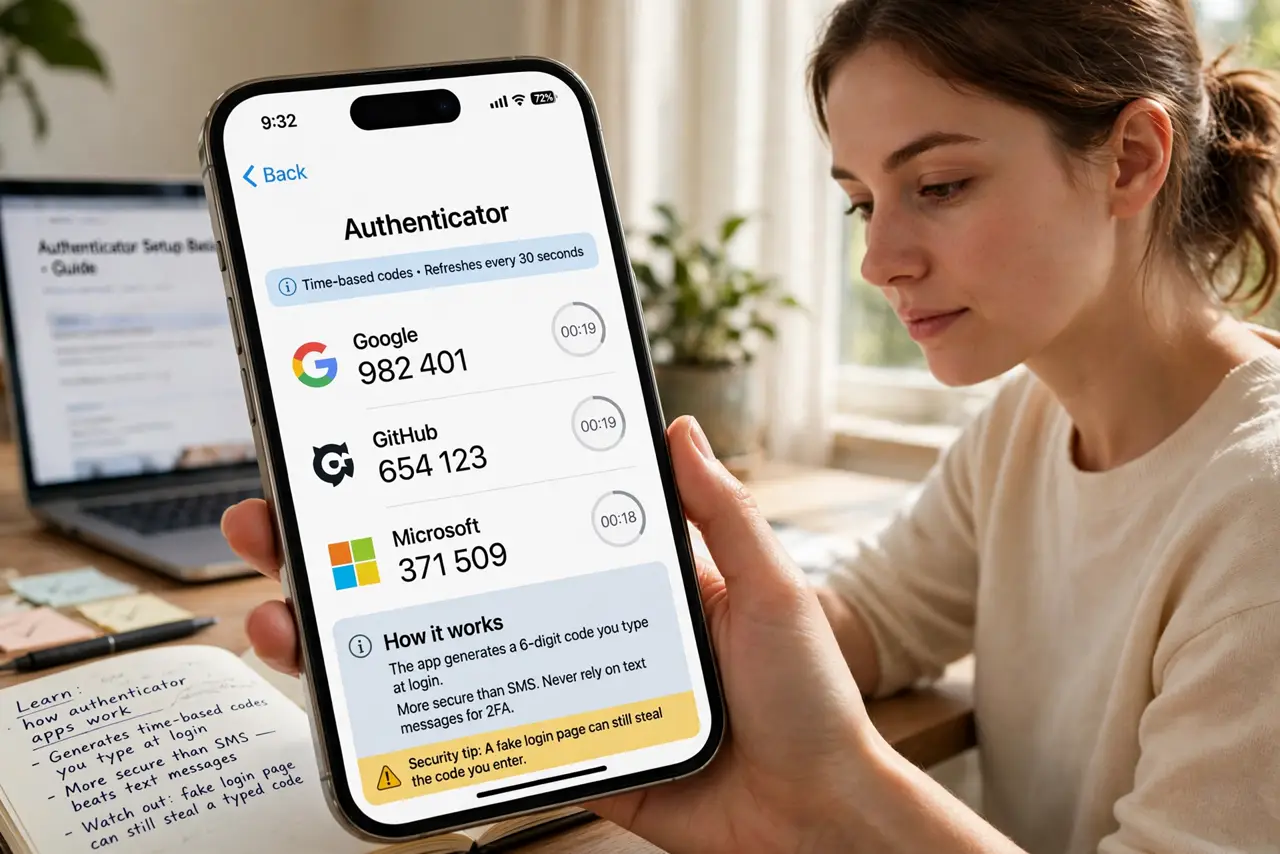
- Learn how authenticator apps work. The app generates time-based codes you type at login. It beats SMS soundly — see the authenticator setup basics — but a fake login page can still steal a typed code.
- Learn how security keys work. The key verifies the real site cryptographically before signing in — a phishing page gets nothing. See the security key basics and the head-to-head keys vs authenticator comparison.
- Use keys on the crown jewels. Email, bank, cloud storage, password manager — the accounts that unlock everything else deserve keys. Set them up with the hardware key guide.
- Keep the app as backup. Register the authenticator app as the second method on the same accounts. If the key is lost, the app gets you back in — see the setup walkthrough for registering both.
- Move off SMS everywhere. SMS codes are the weakest option — SIM swapping defeats them. The authenticator vs SMS comparison shows why everything beats texted codes.
- Plan for a lost key. Register two keys from the start, or store backup codes somewhere safe. A single key with no backup turns a lost key into a lockout.
What NOT to do
- Do not treat codes and keys as equal. Codes can be phished through fake login pages; keys cannot — the security difference is real.
- Do not register only one key. Keys are losable; two keys or a key plus app backup is the minimum sensible setup.
- Do not leave SMS enabled as a fallback. An SMS backup reopens the exact phishing hole the key closed — remove it where possible.
- Do not skip the important accounts. Securing a forum with a key while email uses SMS protects nothing that matters.
Frequently asked questions
Which should I buy first?
One hardware key for your email and bank, keeping the authenticator app everywhere else. Expand from there.
Are authenticator apps bad?
No — they are vastly better than SMS. Keys are simply the stronger option where phishing is the threat.
What if a site only offers app codes?
Use the app — it is still good protection. Keys win where offered, but app codes beat nothing everywhere.