Secure Your NAS? Basics
Your NAS — that box of hard drives holding family photos, backups, and documents — sits on your network with an internet-facing login page, which makes it a favorite target for automated attacks. Ransomware crews actively scan for exposed NAS boxes with default passwords. This guide locks yours down properly.
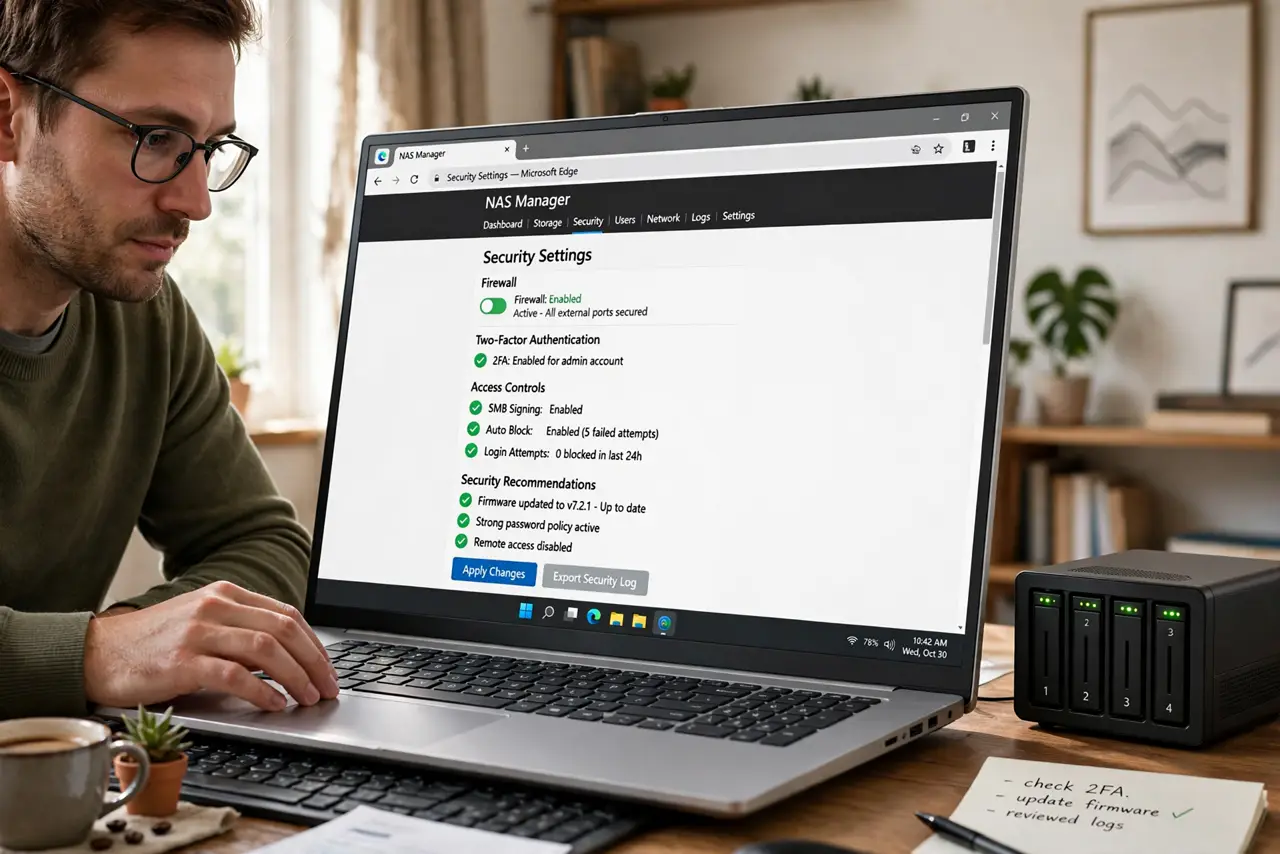
TL;DR / Quick Fix
Quick fix: change the default admin password immediately and enable two-factor authentication. Turn off internet-exposed services you do not use, especially remote admin access. Keep the NAS firmware updated and maintain an offline backup of your most important data. A NAS is not a backup until a copy exists elsewhere.
Follow these steps
- Change the default credentials. The factory admin/admin login is the first thing attackers try. Create a new admin account, disable the default one, and use a long unique password — this single step blocks most automated attacks.
- Enable two-factor authentication. Turn on 2FA for the admin account in the NAS settings. Even if a password leaks, the second factor keeps attackers out of your files.
- Disable unneeded internet exposure. Turn off remote access, FTP, and any service you do not actively use. Every open port is a door — see how a NAS compares to simpler storage if remote access was the whole point.
- Keep firmware updated. NAS makers patch serious flaws regularly, and attackers exploit the unpatched. Enable automatic updates or check monthly — this is non-negotiable for an internet-connected box.
- Follow the 3-2-1 backup rule. Three copies, two media types, one offsite. Your NAS can be one copy, but ransomware encrypts network shares too — an offline or cloud copy is the real safety net, as the backup comparison explains.
- Review user accounts. Delete old accounts, give family members only the folders they need, and never share the admin login. Least privilege applies at home too.
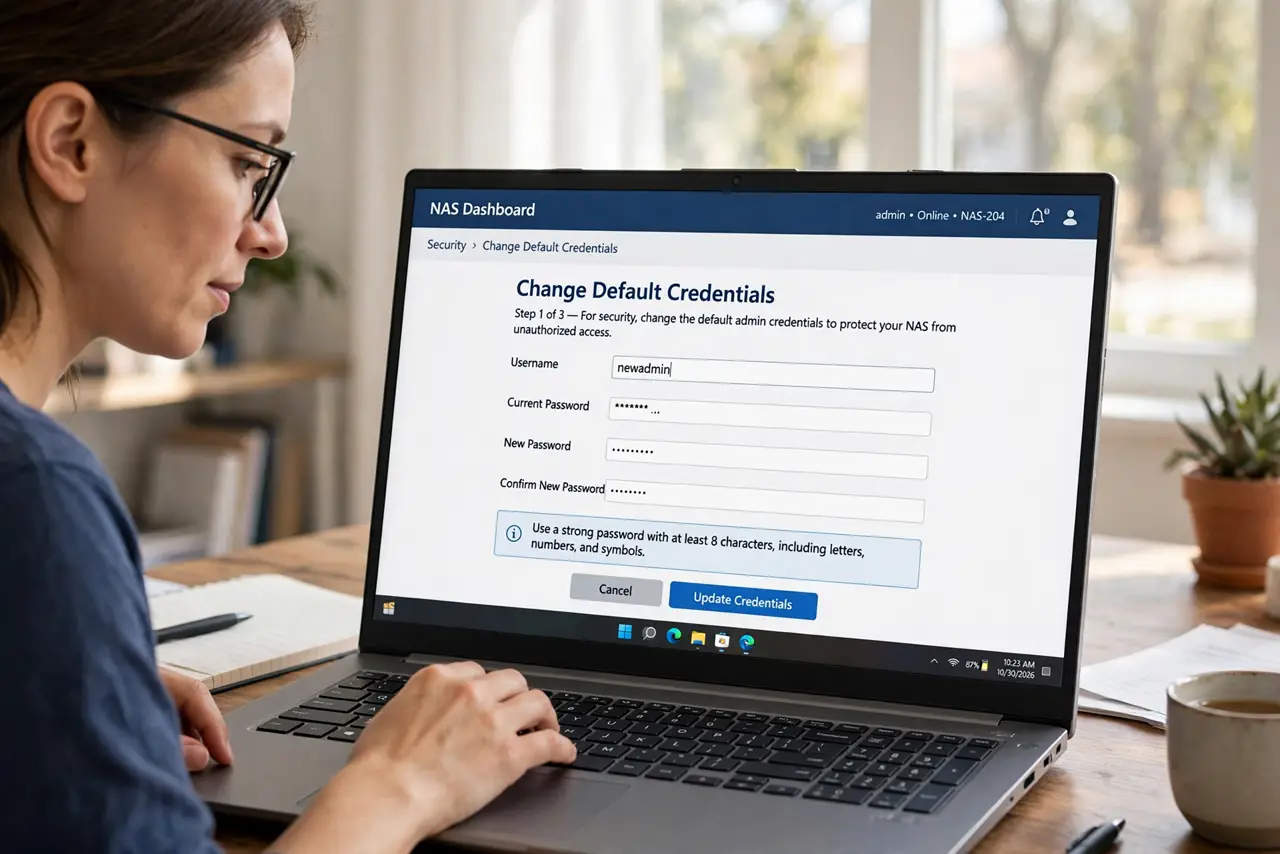
What NOT to do
- Do not expose the admin page to the internet. Remote admin access is the classic ransomware entry point — use a VPN if you need remote management.
- Do not keep the default admin account. Automated attacks try it first; a renamed admin account dodges the laziest (and most common) attacks.
- Do not treat the NAS as your only backup. Ransomware encrypts mapped drives too — one offline copy is the difference between annoyance and disaster.
- Do not ignore update notifications. An unpatched NAS on the internet is a sitting duck — updates are the cheapest security you own.
Frequently asked questions
Can a NAS get ransomware?
Yes — documented waves have encrypted NAS boxes with weak passwords or unpatched firmware. Strong credentials and updates prevent nearly all of it.
Do I need antivirus on my NAS?
Most NAS systems include a malware scanner — enable it. It is a second layer, not a replacement for the basics above.
Should I let family access it remotely?
Only through the NAS maker's secure relay or a VPN, never by opening ports directly. Convenience is not worth an exposed login page.