Public Charging Stations? Risks
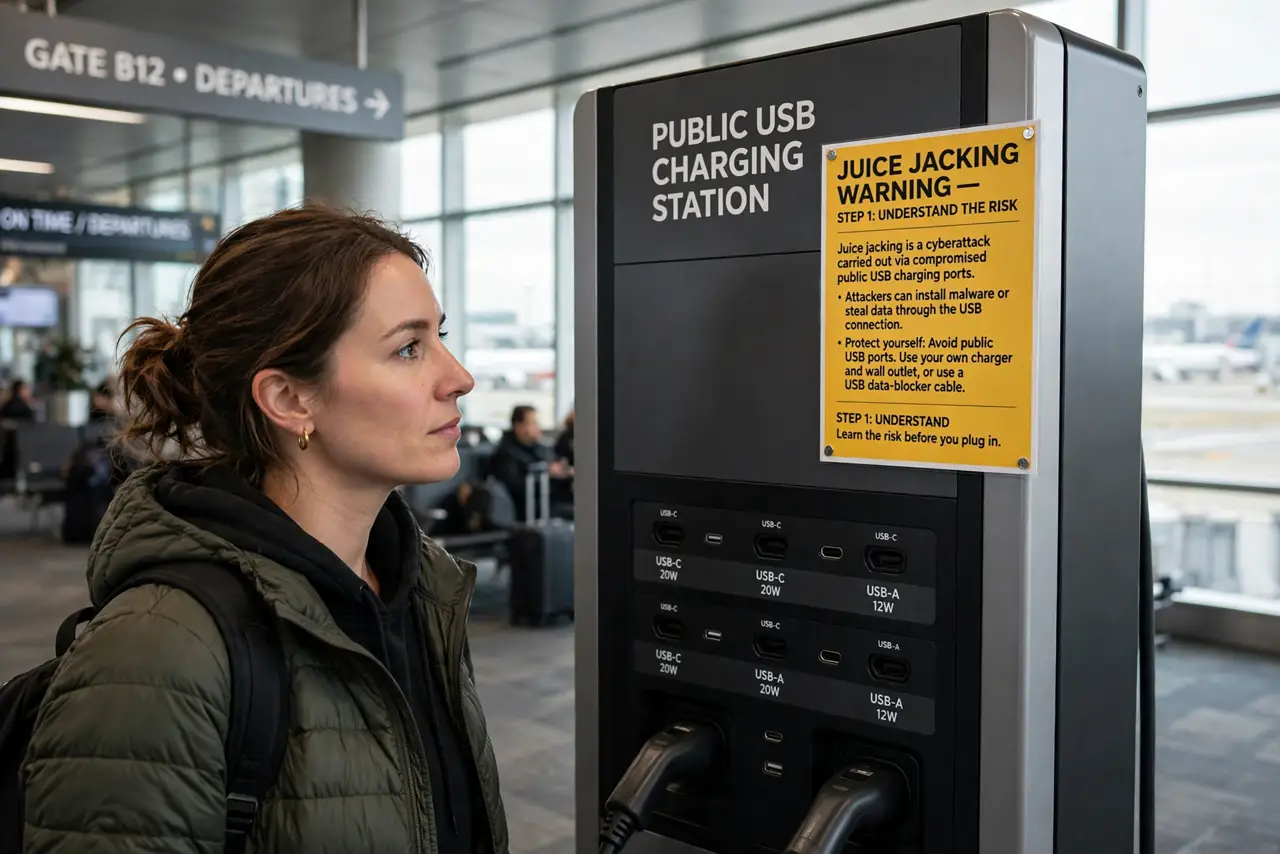
Those free USB charging stations at airports and malls are convenient — and a known attack vector. A compromised port can siphon data while it charges, a trick called juice jacking. The real-world risk is low but real, and the defense is trivial: use your own charger in a wall outlet, or a USB data blocker. Here is the calm guide.
TL;DR / Quick Fix
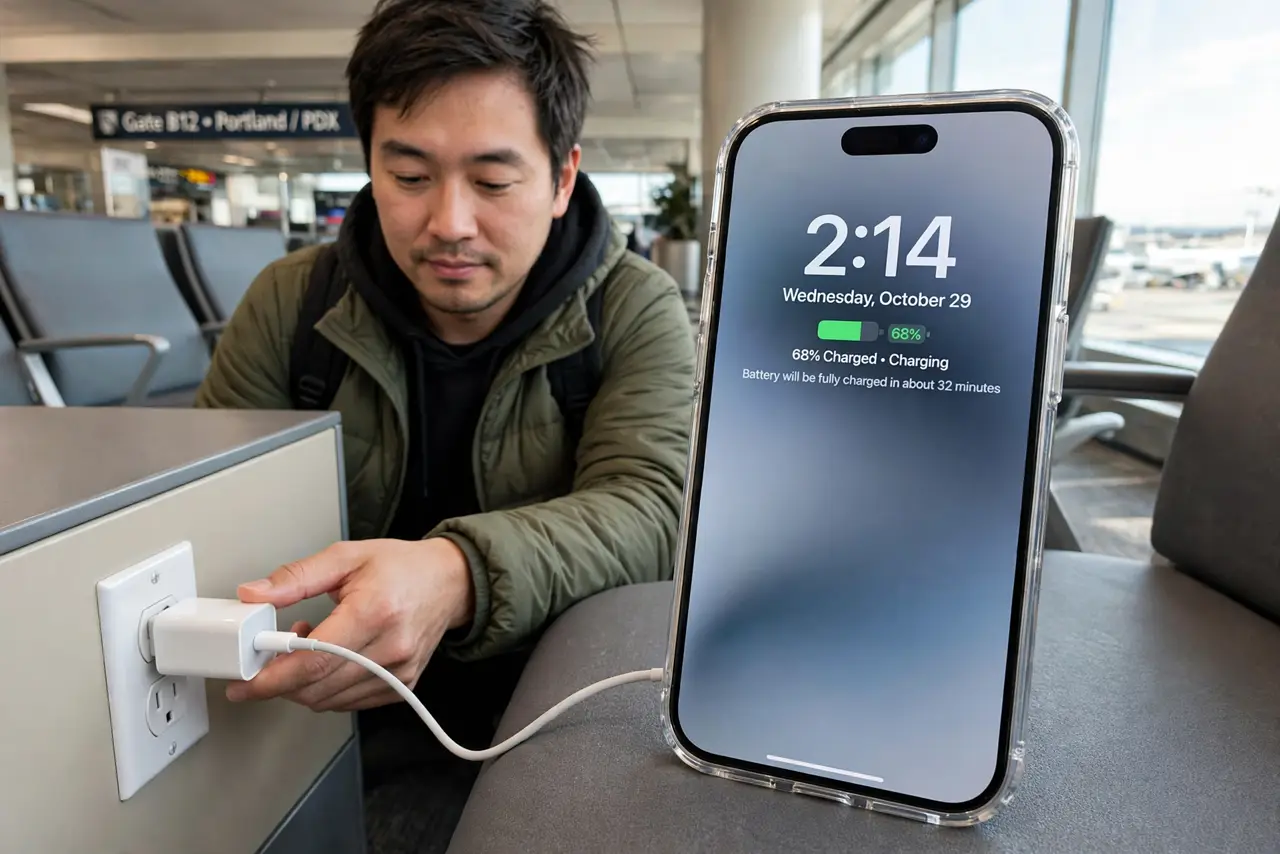
Quick fix: avoid public USB ports — plug your own charger into a regular wall outlet instead. If you must use a USB station, use a USB data blocker or a charge-only cable. Never tap 'Trust this computer' on an unknown port. Your own power bank beats every public station.
Follow these steps
- Understand juice jacking. A tampered public USB port can transfer data as well as power — malware in, photos out. Read the juice jacking explanation for the mechanics. Real-world cases are rare, but the attack is genuinely possible.
- Prefer wall outlets. Your own charger in a plain AC outlet carries zero data risk — power only, by physics. Airports and cafes have outlets everywhere; they are always the safest choice.
- Carry a USB data blocker. These tiny adapters sit between the cable and the port, passing power while physically blocking data pins. Cheap, pocketable, and they end the question entirely — also see the general USB charging safety guide.
- Use a charge-only cable. Some cables are built power-only with no data wires. Keep one in your bag for public stations — it cannot transfer data no matter how evil the port.
- Never tap 'Trust'. If a public port triggers a 'Trust this computer?' prompt, that is data attempting to flow. Tap Don't Trust and unplug — a pure charger never asks that question.
- Bring your own power bank. A charged power bank makes public stations irrelevant. Top it up overnight and you may never need a strange port again.
What NOT to do
- Do not plug into random USB ports casually. Treat unknown USB like unknown food — fine 99 percent of the time, regrettable the other 1 percent.
- Do not tap 'Trust this computer' on a public port. That prompt means data wants to flow — decline and unplug.
- Do not assume a branded station is safe. Compromise is about the port, not the logo on the kiosk.
- Do not leave your phone unattended while charging. Physical access plus time is all any attack needs — stay with it.
Frequently asked questions
Has juice jacking actually happened?
Documented real-world cases are rare, which is why it is low-risk but not no-risk. The defenses are so cheap that caution costs nothing.
Is wireless public charging safe?
Yes — wireless pads transfer power only, with no data channel at all. A public Qi pad is inherently safer than a public USB port.
What is a USB data blocker?
A small adapter that physically disconnects the data pins, passing only power. It makes any USB port as safe as a wall outlet.