Sign Out Everywhere
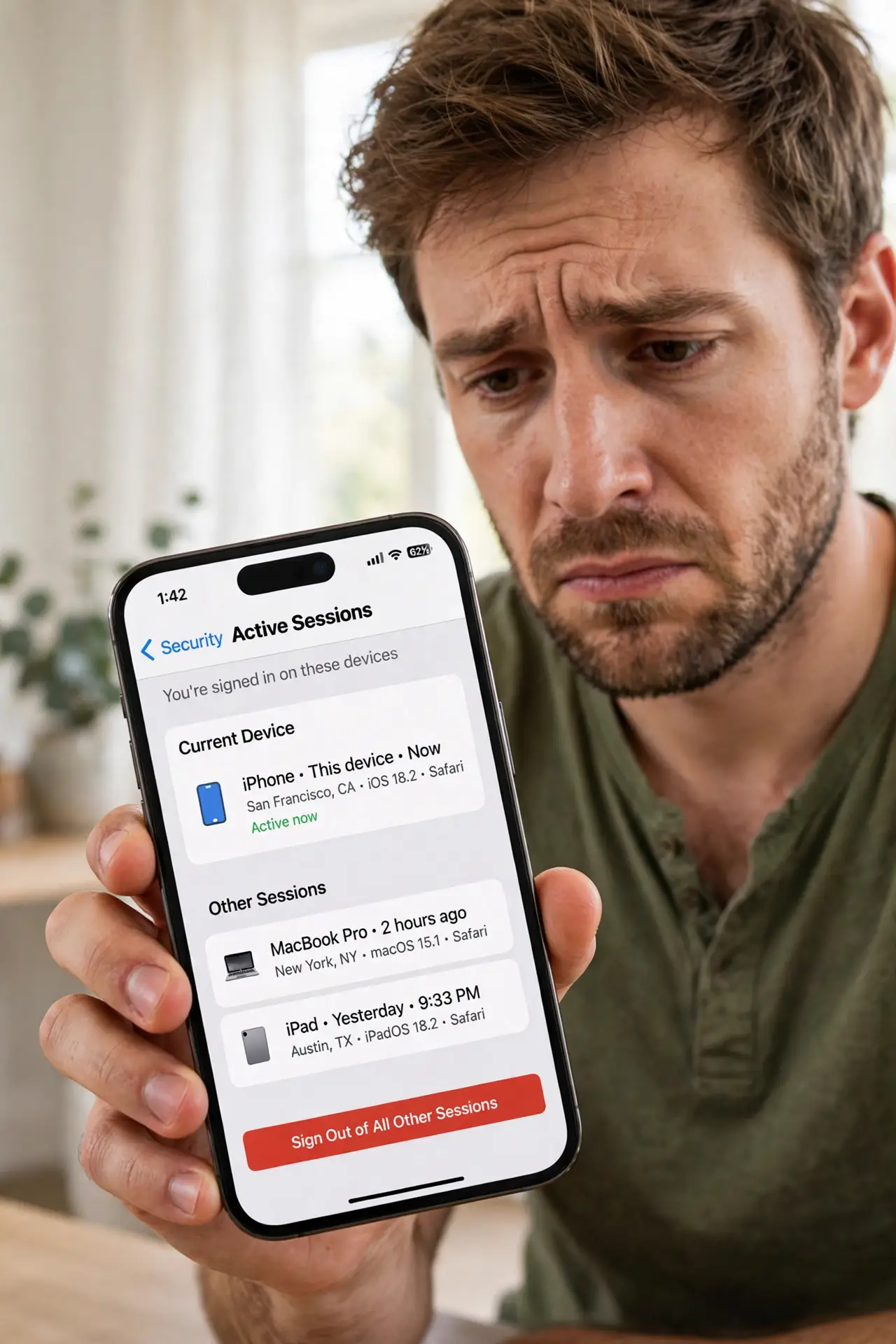
You logged into email on the library computer, the hotel lobby PC, a friends laptop — and walked away still signed in. Somewhere out there, your accounts sit open. The fix has two halves: the emergency remote sign-out you do right now, and the habits that stop it happening again.
TL;DR / Quick Fix
Quick fix: open your Google and Microsoft account security pages on your phone and sign out other sessions — then change passwords for anything sensitive. Going forward, use private windows on shared PCs and never stay signed in. The sign-out is the fire extinguisher; the habit is the fire prevention.
Follow these steps
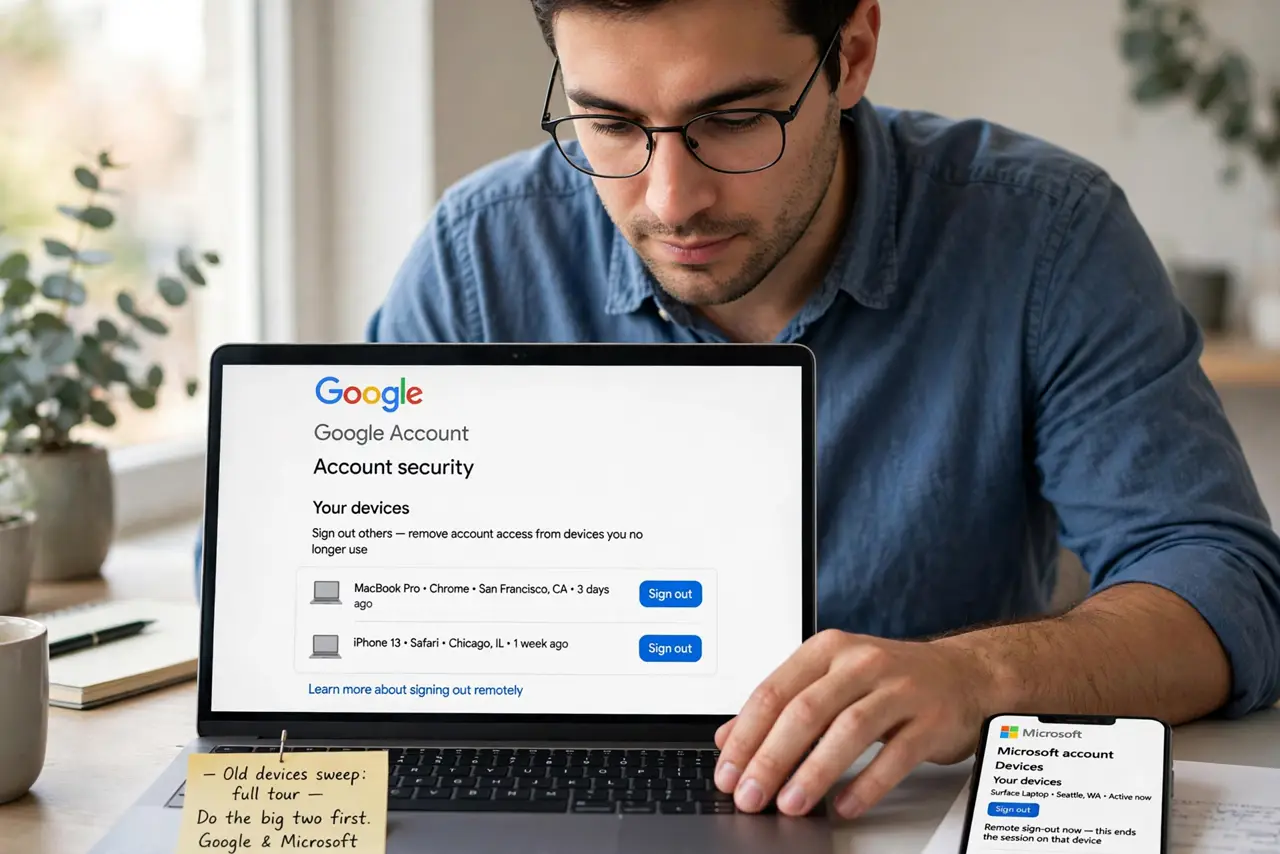
- Sign out remotely, now. Google: account security, Your devices, sign out others. Microsoft: account devices, sign out. The old devices sweep covers the full tour — do the big two first, this minute.
- Change key passwords. Email first — it resets everything else. Then banking and socials. A session you killed plus a fresh password is the complete lockout.
- Check for stranger activity. Skim recent activity on the security pages. Unknown logins or sent mail you did not send mean act faster — and the Mac-side sweep if Apple devices are in the mix.
- Build the private-window habit. On any shared computer, private window first, always. The full public-PC sign-out checklist makes the routine automatic.
- Never save logins on shared PCs. Decline every save-password prompt. Convenience on a shared machine is just vulnerability with better marketing.
- Use your phone instead. For anything sensitive, the phone in your pocket beats any shared screen. Make it the default for email and banking away from home.
What NOT to do
- Do not assume closing the browser signs you out. It does not — sessions persist. Sign out explicitly, every time.
- Do not reuse the old password after a scare. A fresh password closes the window the forgotten session opened.
- Do not forget the little accounts. Streaming, shopping, forums — sweep them too, not just email.
- Do not beat yourself up. It happens to everyone; the remote sign-out exists precisely for this moment.
Frequently asked questions
How do I sign out of Google everywhere?
Google Account, Security, Your devices — Manage all devices, sign out the ones you do not recognize. Takes a minute.
Does changing my password sign everyone out?
On most services, yes — password changes invalidate existing sessions. Do both anyway for certainty.
What if I cannot access the account?
Use the services account recovery immediately — and treat it as urgent, since someone else may be inside.