Design Better Slides
Death by PowerPoint is real: walls of 10pt bullet text, five fonts, clip-art-era graphics — and an audience reading instead of listening. Good slides are simple: one idea each, big text, strong visuals, and you doing the talking. These basics fix 90% of ugly decks in an afternoon.

TL;DR / Quick Fix
Quick fix: one idea per slide, big readable text (24pt minimum), and more images than bullet walls. Stick to two fonts and a consistent color scheme. Cut every slide to its single point — if a slide needs three paragraphs, it is three slides.
Follow these steps
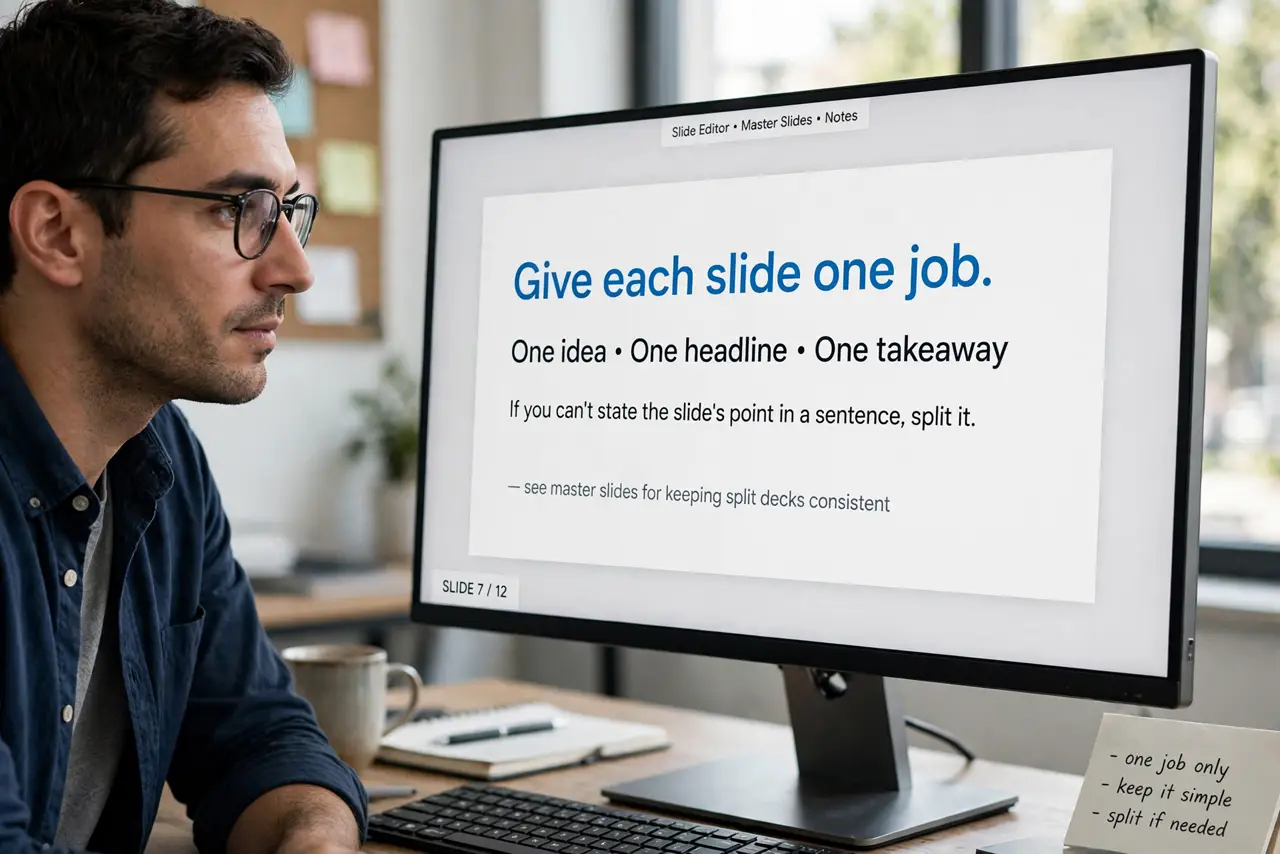
- Give each slide one job. One idea, one headline, one takeaway. If you can't state the slide's point in a sentence, split it — see master slides for keeping split decks consistent.
- Go big on text. 24pt minimum for body, 36pt+ for headlines. If it doesn't read from the back of the room, it's decoration — shrink the words, not the font below legibility.
- Replace bullets with visuals. A photo, chart, or diagram beats six bullet points. When text is unavoidable, keep it to short phrases — the audience can't read paragraphs and listen simultaneously.
- Limit fonts and colors. Two fonts max (one for headlines, one for body), one accent color plus neutrals. Restraint reads as professional; variety reads as chaos.
- Use the slide master. Set fonts, colors, and layouts once in the master — see when the master misbehaves. Every new slide then matches automatically instead of drifting.
- Rehearse with a timer. Ugly slides often hide an overstuffed talk. Timing yourself exposes the bloat — see rehearsal timing and cut mercilessly.
What NOT to do
- Do not paste your script onto slides. Slides are visual support, not teleprompters — if the audience can just read it, why are you there?
- Do not use more than two fonts. Every extra typeface screams 'template chaos' and fights the others for attention.
- Do not drown slides in transitions and animations. One subtle transition style, used sparingly — see transitions done right.
- Do not design only on your laptop screen. Projectors wash out colors and shrink text — test on the actual display if the talk matters.
Frequently asked questions
How many slides for a 20-minute talk?
Roughly one per 1-2 minutes — 10 to 15 slides. Fewer dense slides beat more thin ones; pacing matters more than count.
Should I use a template?
Yes — a clean template enforces consistency. Customize its master rather than fighting it slide by slide.
Why do my slides look different on another computer?
Missing fonts and version differences — see the cross-computer problem and embed your fonts.