Stop Your Smart TV Tracking You
Your smart TV watches what you watch — logging viewing habits to sell ads, often under a cheerful name like 'viewing data.' The good news: the off switches exist, buried three menus deep. Here is where they hide on the major TV brands, and what changes when you flip them.
TL;DR / Quick Fix
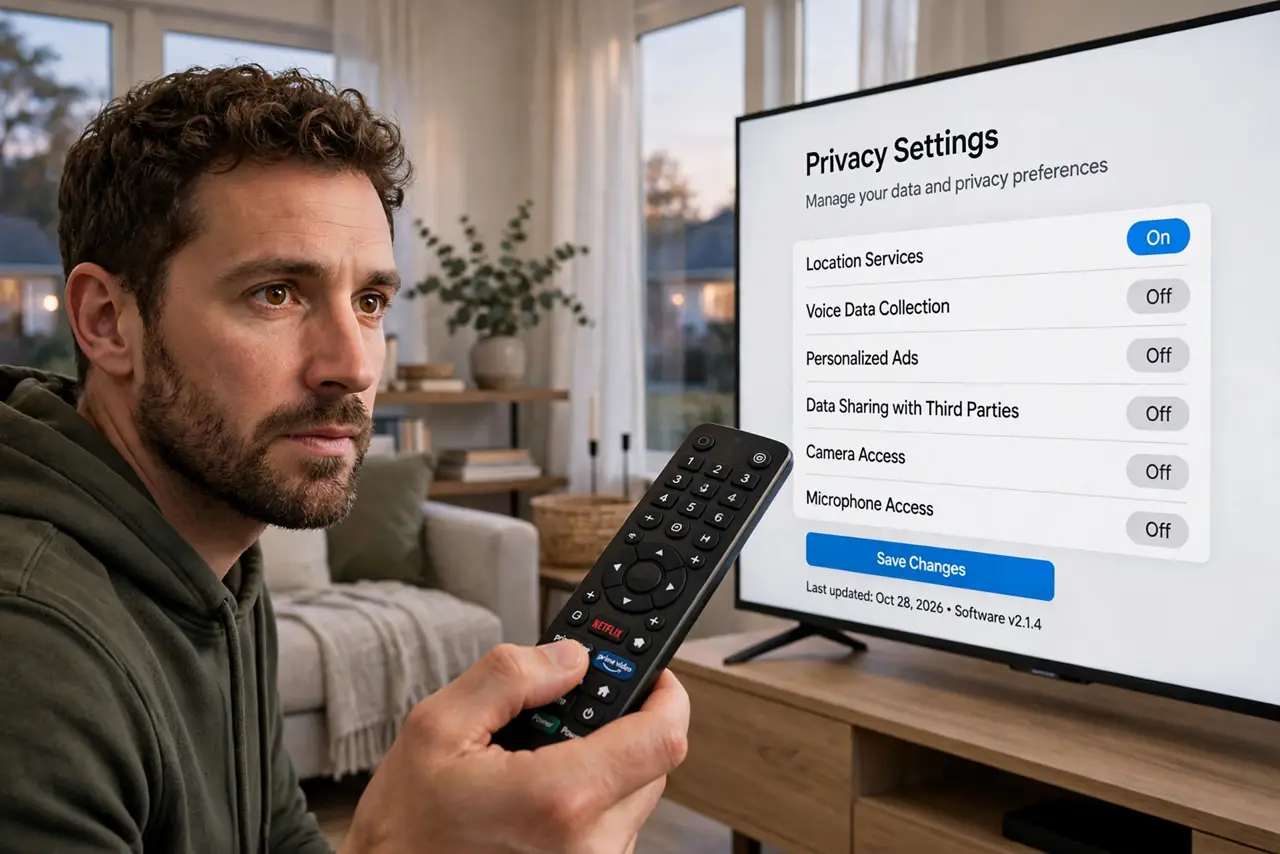
Smart TVs log what you watch through a feature usually called viewing data or ACR, feeding ad targeting. Open Settings > Privacy on the TV and switch off viewing information services, interest-based ads, and voice data collection. Apps and features keep working — only the reporting to the manufacturer stops.
Follow these steps
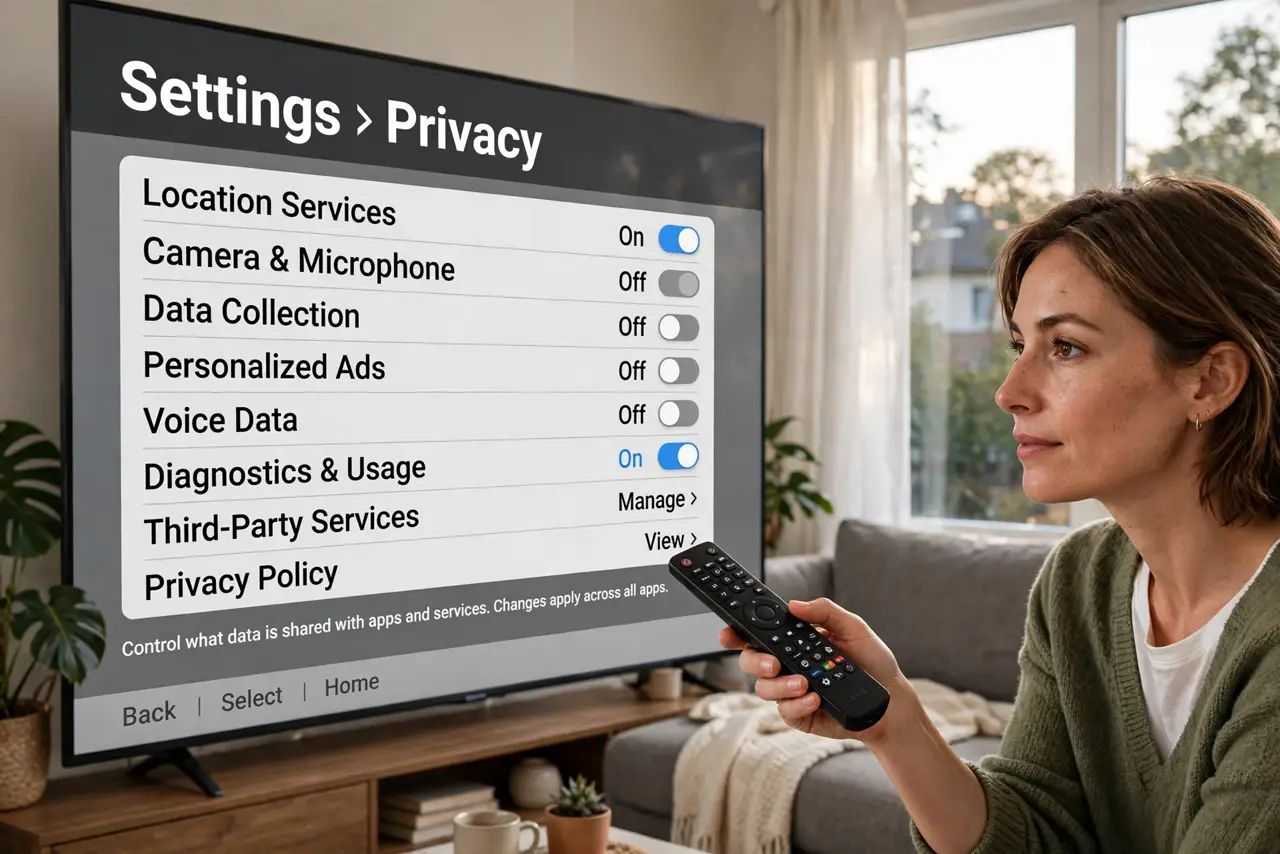
- Find the privacy menu. On most brands it is Settings > Privacy or General > Privacy. The exact path varies, but every major brand has one.
- Turn off viewing data / ACR. Automatic content recognition fingerprints what is on screen — this is the main tracker. Switch off 'viewing information services' or similarly named options.
- Turn off interest-based or personalized ads. This is the ad-targeting layer built on the viewing data. See the general ad personalization opt-out guide for the same setting everywhere else.
- Turn off voice data collection. Voice remotes and built-in assistants send clips for 'improvement.' Check the microphone setting on your remote too.
- Check the remote's microphone. Some remotes have a physical mic switch — the only guaranteed off. Otherwise, review the voice data toggles.
- Re-check after software updates. TV updates are notorious for restoring defaults. Glance at the toggles after each big update.
What NOT to do
- Do not expect the TV to work offline. Streaming apps still need the internet — you are stopping the reporting, not the connection.
- Do not confuse 'viewing data' with an app's watch history. One feeds the manufacturer's ad business; the other is your Netflix continue-watching row.
- Do not buy a streaming stick as a privacy fix without checking it. Sticks from the same companies track too — see the Roku and Fire TV guides.
- Do not disable your network to stop tracking if you use streaming apps. The toggles are the precise tool; a dead network breaks everything.
Frequently asked questions
Will turning this off break Netflix or my apps?
No. Apps, logins, and streaming all work identically. Only the background reporting to the manufacturer stops.
What is ACR exactly?
Automatic content recognition: the TV fingerprints pixels or audio to identify what you are watching, even from external devices.
Why is this on by default?
Because the viewing data subsidizes the TV's low price. You are the product unless you opt out.