Tablet Charges Slowly With a Phone Charger?
Your tablet crawls toward full charge — or barely holds its charge while in use — on a phone charger. Tablets need more power than phones, and a small phone brick simply cannot feed them fast enough. This guide matches the charger to the tablet.
TL;DR / Quick Fix
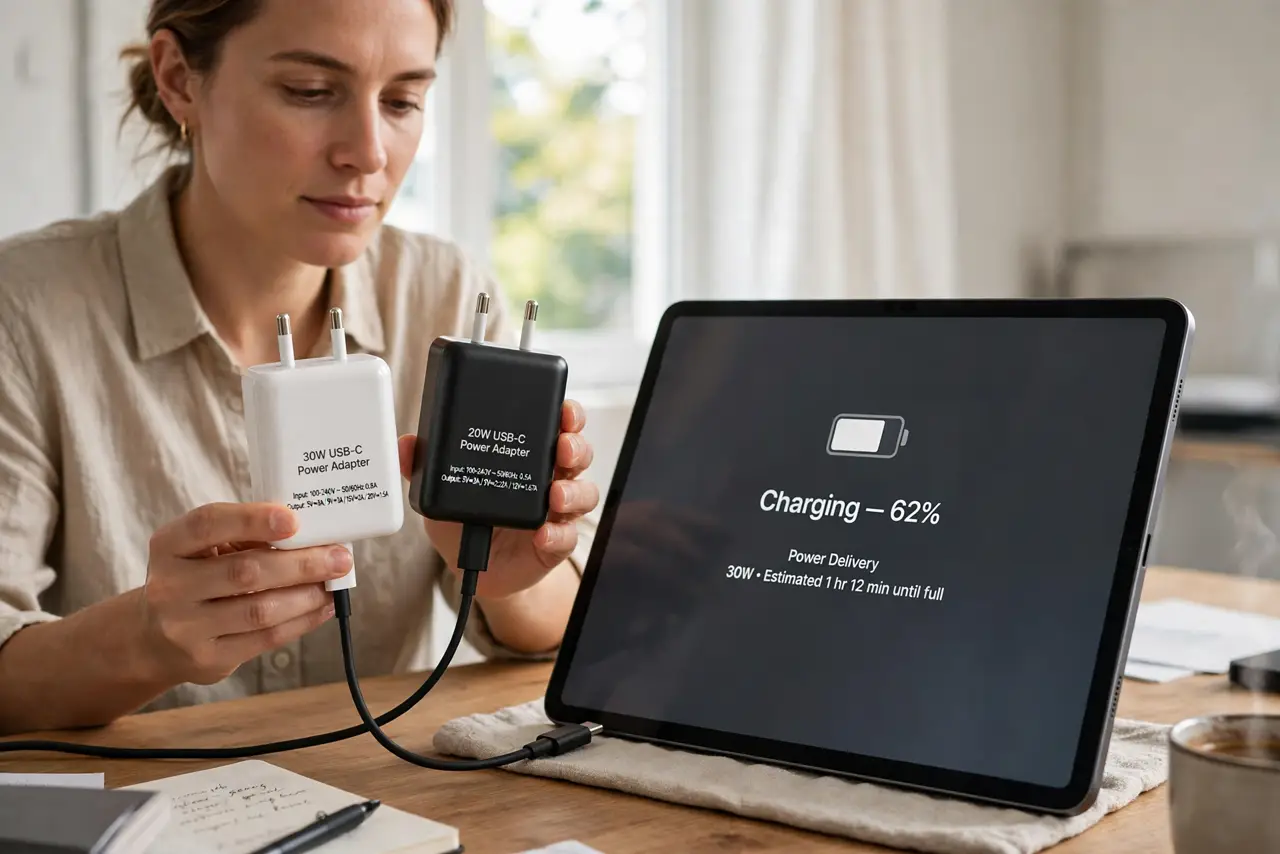
Quick fix: use the charger that came with the tablet, or any brick rated for the tablet's wattage — a 5W phone brick will always be slow. Use a good cable, and avoid heavy use while charging. If the proper charger is still slow, test the cable and the port.
Follow these steps
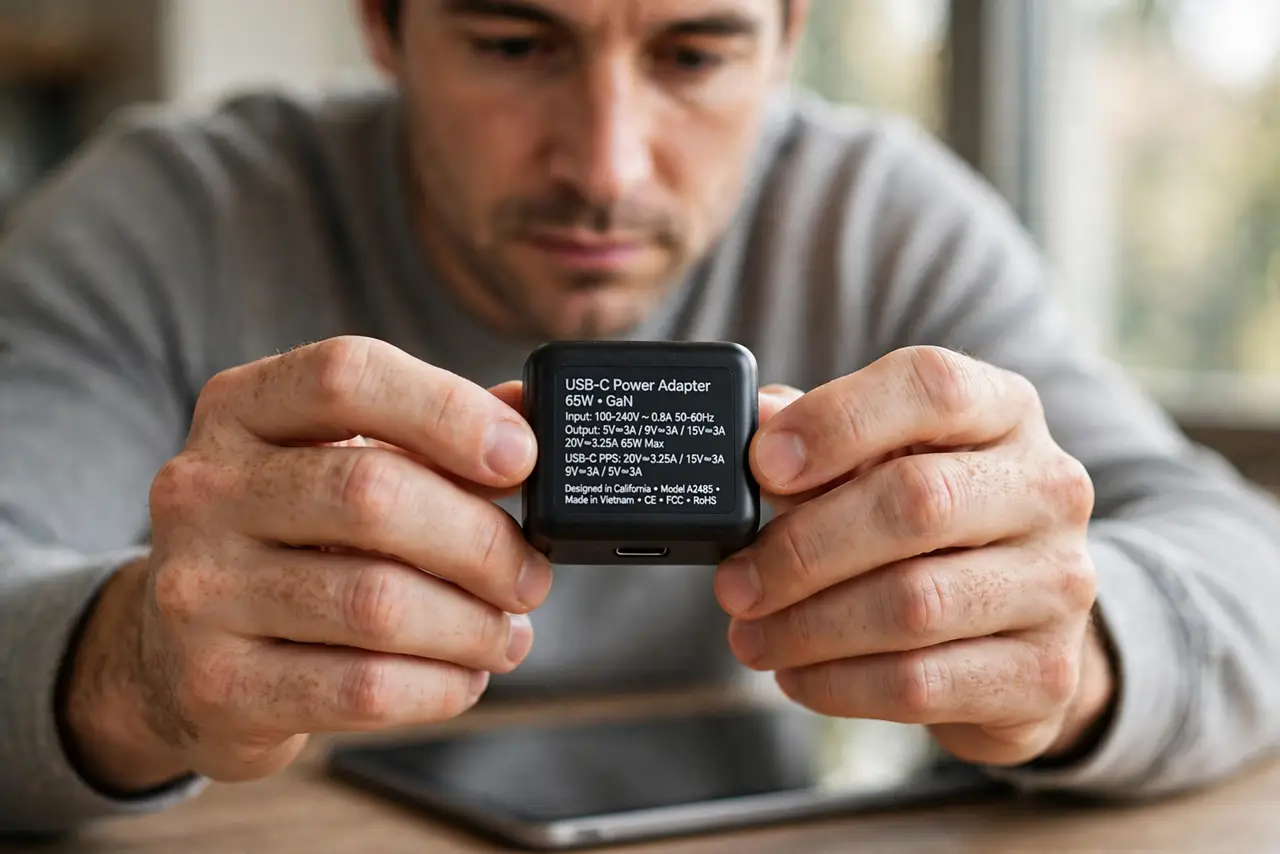
- Check the charger's wattage. Read the fine print on the brick. Tablets typically want 12W to 30W or more; a 5W phone charger delivers a trickle that barely outpaces the screen's own drain.
- Use the tablet's original charger. The included brick is matched to the tablet's charging circuitry. It is the reference point — if the original is fast and the phone brick is slow, the brick was the whole problem.
- Upgrade the cable too. A thin or damaged cable throttles even a good brick. Use a cable rated for the charger's wattage; the angle-charging cable problem slows charging as well as stopping it.
- Reduce load while charging. Streaming video or gaming while charging can consume nearly as much as a weak brick provides. Let the tablet rest and it will charge far faster.
- Try a different outlet. A loose outlet or an overloaded power strip can starve the brick. Plug directly into a wall outlet to rule out the power source.
- Test the port if nothing helps. If the right brick and cable are still slow, inspect the tablet's port for lint and test wireless charging if supported. A damaged port needs professional repair.
What NOT to do
- Do not expect a 5W phone brick to charge a tablet well. It will take all night and may lose charge during use — that is physics, not a defect.
- Do not use a frayed cable with a bigger brick. More wattage through a damaged cable is a heat and safety risk.
- Do not charge on a soft surface. Tablets generate heat while fast-charging; blankets trap it and trigger thermal slowdowns.
- Do not assume the tablet is broken. Slow charging on an underpowered brick is normal behavior — match the charger first.
Frequently asked questions
Can I charge my tablet with a phone charger?
Yes, safely but slowly. It works in a pinch, but a tablet-sized brick charges several times faster.
Why does my tablet lose charge while plugged in?
The charger supplies less than the tablet consumes — typical with a 5W phone brick during video or gaming.
Does fast charging hurt the tablet battery?
Modern tablets manage charging heat and rate themselves. The matched charger is designed for the battery — an undersized one is the real problem.