Tell USB 2 and USB 3 Apart
Your 'fast' transfer crawls at USB 2 speeds, and you suspect the cable or port is the older kind. USB 2 and USB 3 ports and plugs look almost identical — the differences are a color, a pin count, and a logo. Learn the three tells and you will never plug a fast drive into a slow port again.
TL;DR / Quick Fix
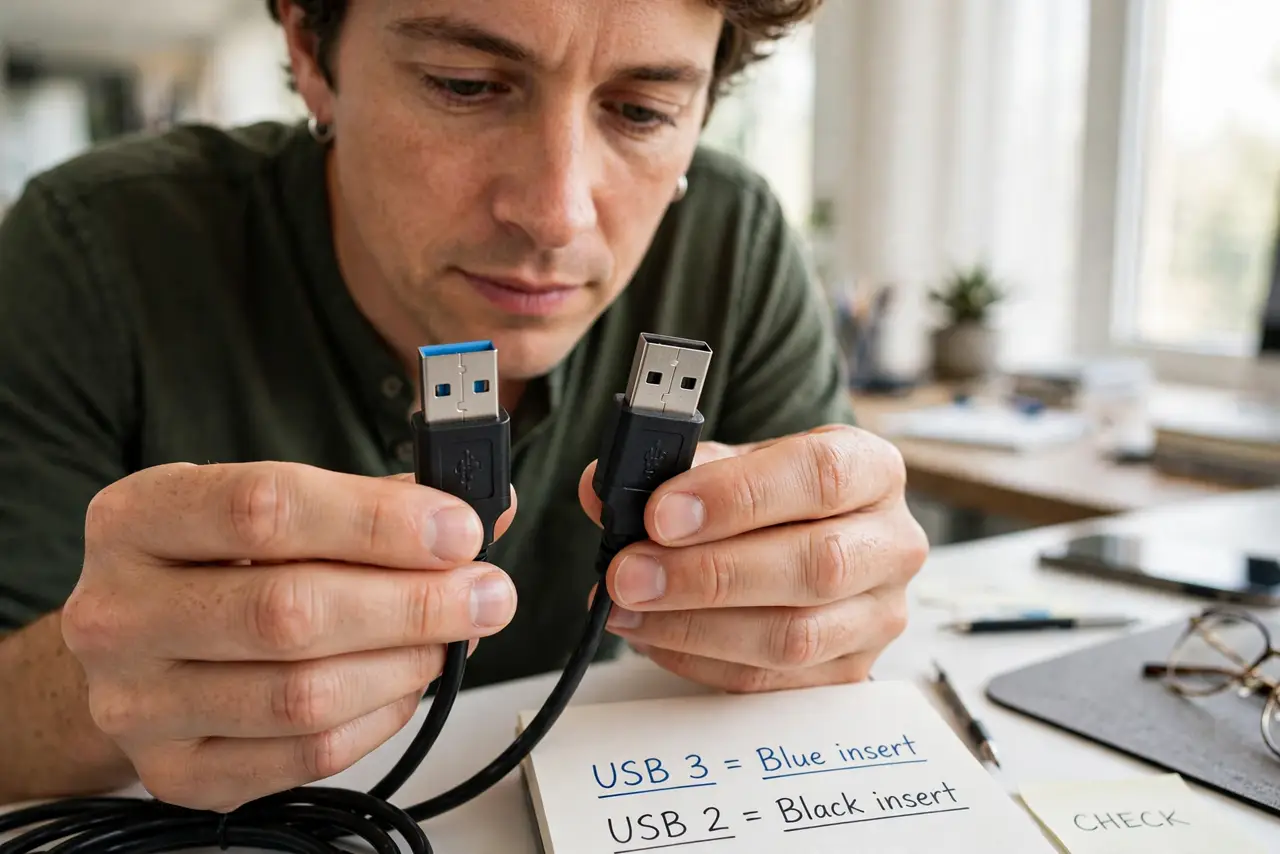
Quick fix: look inside the plug — USB 3 has blue inserts and nine pins; USB 2 has black or white inserts and four pins. The SS (SuperSpeed) logo marks USB 3 ports on PCs. If a fast drive runs slow, check both the port and the cable.
Follow these steps
- Check the plastic color inside. Blue insert means USB 3 on most devices; black or white means USB 2. It is a convention, not a law — some makers use other colors, so treat it as clue one of three.
- Count the pins. USB 2 shows four contacts; USB 3 shows nine — five extra tucked behind the front four. More pins, newer standard, every time.
- Look for the SS logo. Ports marked with 'SS' and the USB trident are SuperSpeed (USB 3). No SS marking usually means USB 2 on older machines.
- Check both ends of the chain. A USB 3 drive in a USB 3 port with a USB 2 cable still runs at USB 2 speed. Port, cable, and device must all be USB 3 for full speed.
- Verify with an actual transfer. Copy a large file and watch the speed. Roughly USB 2 speeds crawl; several hundred megabytes per second confirms USB 3. The numbers do not lie when colors do.
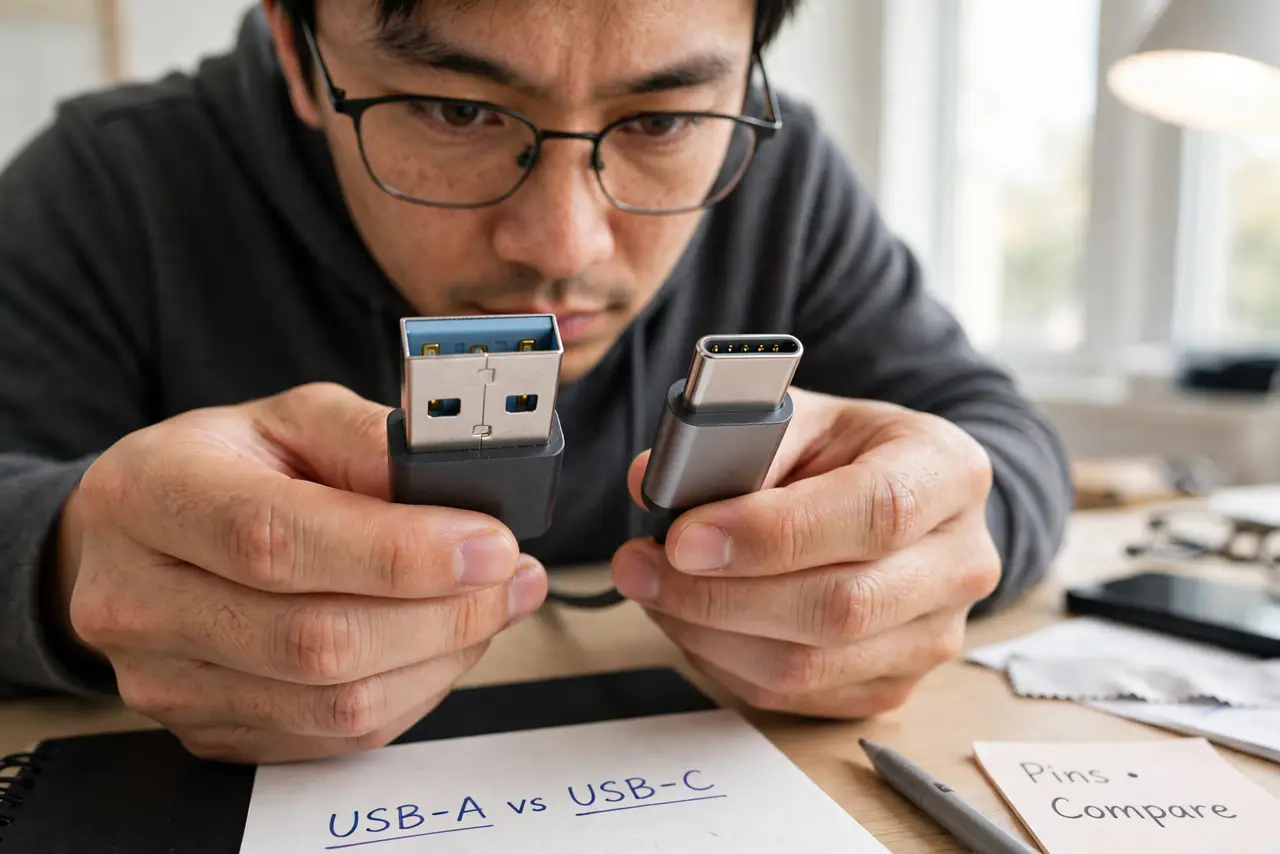
- Remember USB-C is a shape, not a speed. A USB-C port can hide USB 2, USB 3, or Thunderbolt underneath. For cable confusion beyond the classic plug, see data vs charge-only.
What NOT to do
- Do not trust color alone. Some makers ignore the blue convention — confirm with pins or the SS logo.
- Do not assume every blue port hits full speed. Hubs and front-panel wiring can bottleneck even a genuine USB 3 port.
- Do not buy the cheapest cable for a fast SSD. A bargain cable is the most common silent downgrade to USB 2 speeds.
- Do not confuse USB 3.0, 3.1, and 3.2 names. The renaming mess is real, but all of them beat USB 2 by a mile — that is the distinction that matters.
Frequently asked questions
Can I plug USB 3 devices into USB 2 ports?
Yes — everything is backward compatible. It just runs at USB 2 speed. Nothing breaks; it is only slower.
Why is my USB 3 drive slow on a blue port?
Check the cable first — a USB 2 cable in the chain caps everything. Then check for a hub or front-panel wiring in between.
What about the newer USB-C ports?
USB-C describes the connector shape only. The speed underneath varies — see the USB-C vs Thunderbolt guide to sort those out.