Bluetooth Audio Lag? Fix It
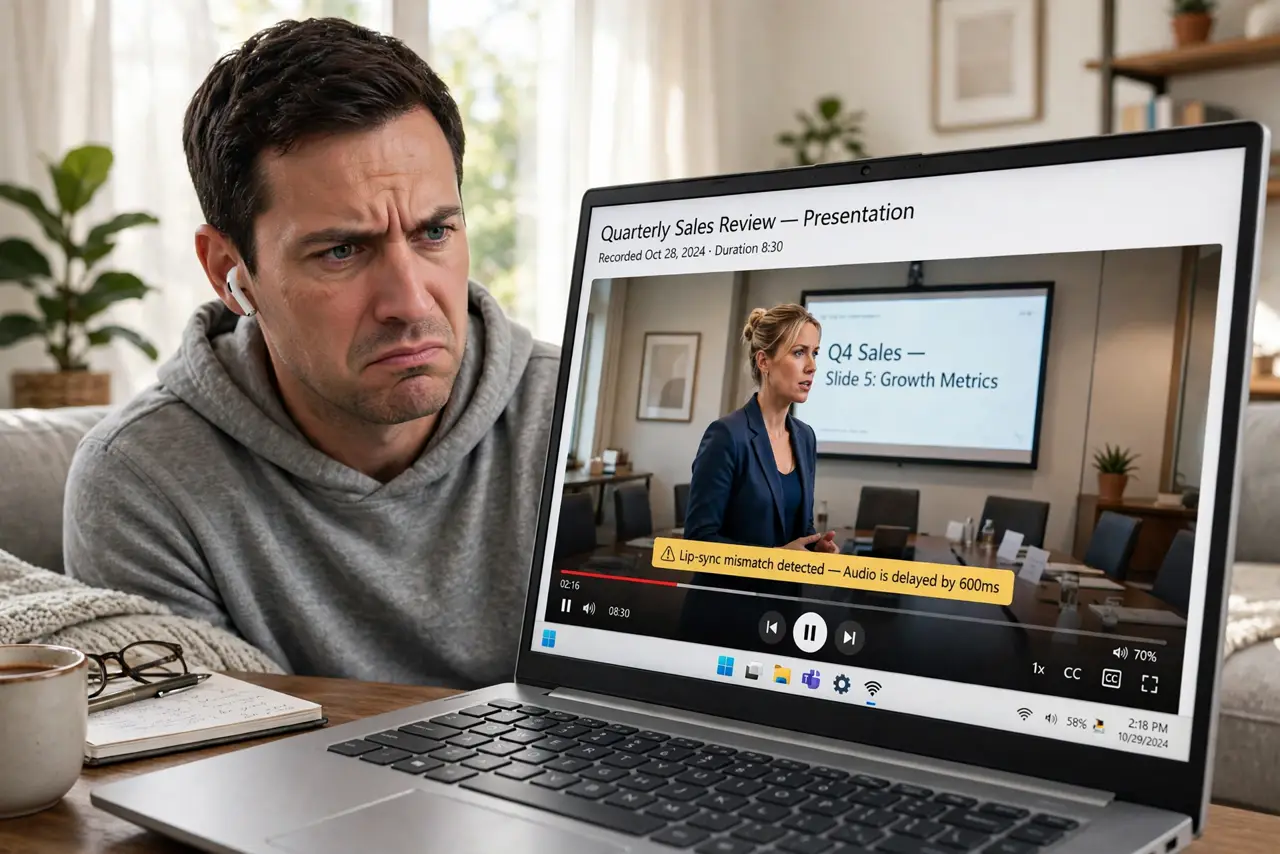
The video plays, the lips move, and the sound arrives a beat late — classic Bluetooth audio lag. Wireless audio always has some delay, but when it grows past a quarter second, videos become unwatchable. The causes range from the wrong audio profile to Wi-Fi interference, and most are fixable without new gear.
TL;DR / Quick Fix
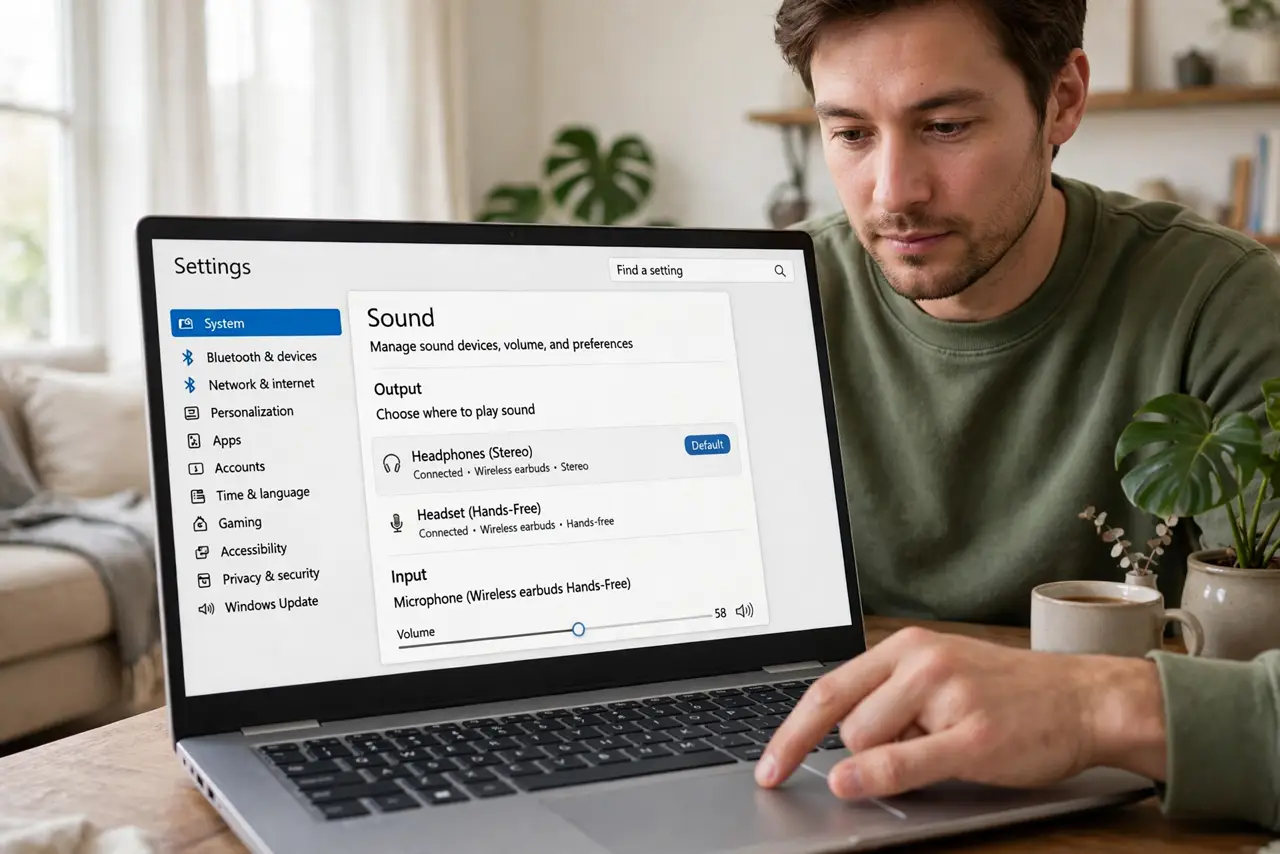
Quick fix: make sure your earbuds connected in stereo (A2DP) mode, not headset (HFP) mode — the headset profile sounds worse and lags more. Move closer to the PC, and turn off Wi-Fi-heavy downloads during video. If lag persists only on video, your player's audio-delay setting can compensate.
Follow these steps
- Check you are on the stereo profile. In Sound settings, your earbuds may list twice: Headphones (stereo, A2DP) and Headset (hands-free, HFP). Choose the stereo one for media — HFP is for calls and sounds noticeably worse.
- Close the distance. Bluetooth weakens through walls and bodies. Sit closer to the PC and keep the earbuds' line of sight clear — distance is the simplest lag reducer.
- Reduce 2.4 GHz congestion. Bluetooth shares spectrum with 2.4 GHz Wi-Fi. Move big downloads to 5 GHz or Ethernet while watching — see Wi-Fi audio stutters.
- Disconnect other Bluetooth devices. A mouse, keyboard, and earbuds sharing one radio compete for airtime. Test with only the earbuds connected to isolate the culprit.
- Update Bluetooth drivers. In Device Manager, update the Bluetooth radio driver — or grab it from the PC maker's site. Old drivers mishandle modern audio codecs badly.
- Compensate in the player as a last resort. VLC and others offer audio-delay adjustment. It masks the lag for that player rather than fixing it, but it saves movie night.
What NOT to do
- Do not buy new earbuds before checking the audio profile. Most 'laggy' earbuds are just stuck in headset mode — a settings fix, not a hardware flaw.
- Do not expect zero lag from Bluetooth. Some delay is physics; the goal is getting it small enough that lips and sound match.
- Do not use the headset profile for music and video. HFP exists for calls — forcing media through it guarantees bad sound and big lag.
- Do not forget the mic tradeoff. Using the earbuds' mic forces HFP mode and its lag — use a separate mic for calls if sync matters.
Frequently asked questions
How much lag is normal?
Around a tenth to two-tenths of a second on the stereo profile — barely noticeable. Past a quarter second, lips visibly mismatch and it is worth fixing.
Why do my earbuds lag but my speaker does not?
Speakers often use newer codecs or stronger radios. Earbuds vary wildly — codec support matters more than price.
Will a Bluetooth 5.x dongle help?
Sometimes, if the PC's built-in radio is old. A modern USB Bluetooth adapter with good codec support can cut lag noticeably.