Set Metered Connections
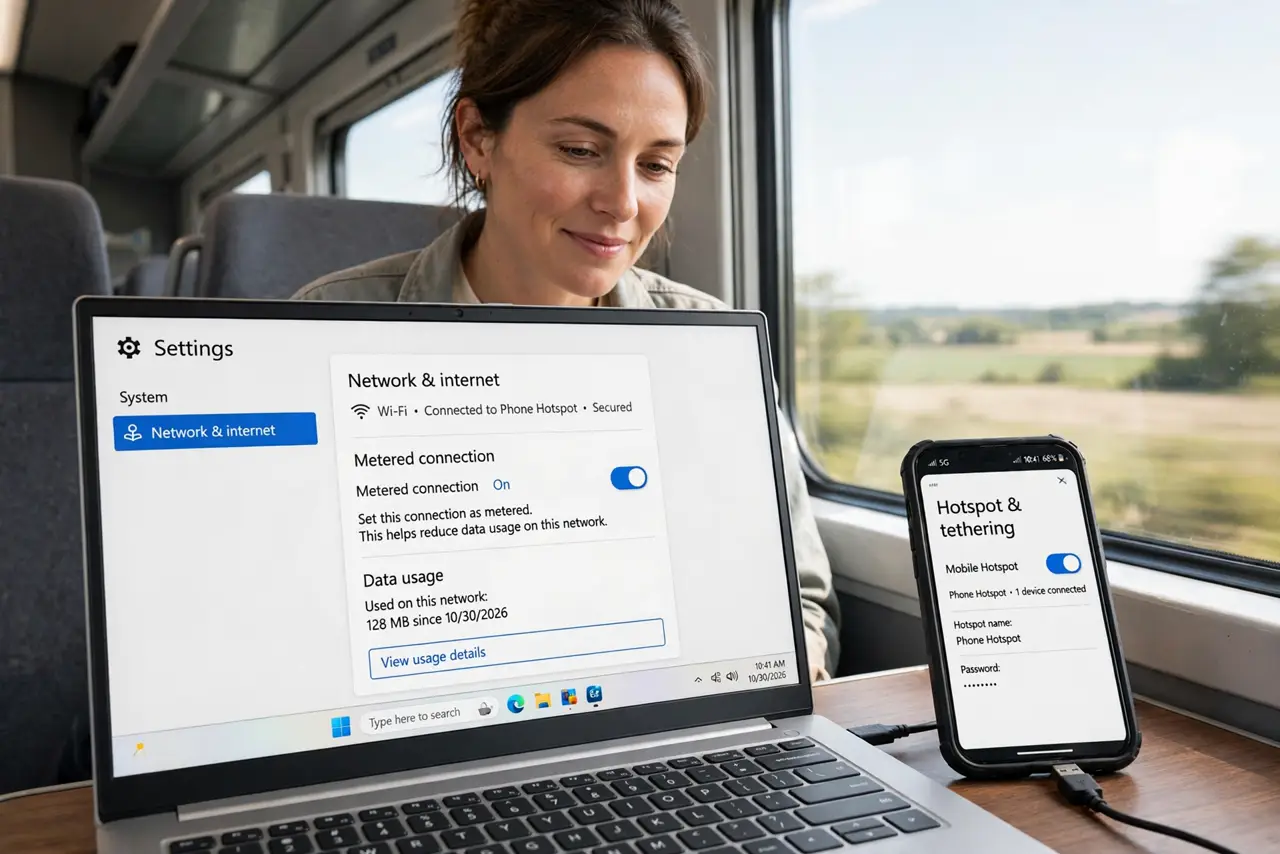
Tether to your phone's hotspot and Windows treats it like unlimited fiber — downloading updates, syncing clouds, burning your data plan in an hour. Marking the connection as metered tells Windows to behave: pause the big downloads, trim the background chatter. Here is the thirty-second fix.
TL;DR / Quick Fix
Quick fix: open Settings, Network and internet, Wi-Fi, and set your hotspot connection as metered — Windows pauses big updates and background uploads on it. Your phone's data plan will thank you. Remember to un-meter it back on home Wi-Fi.
Follow these steps
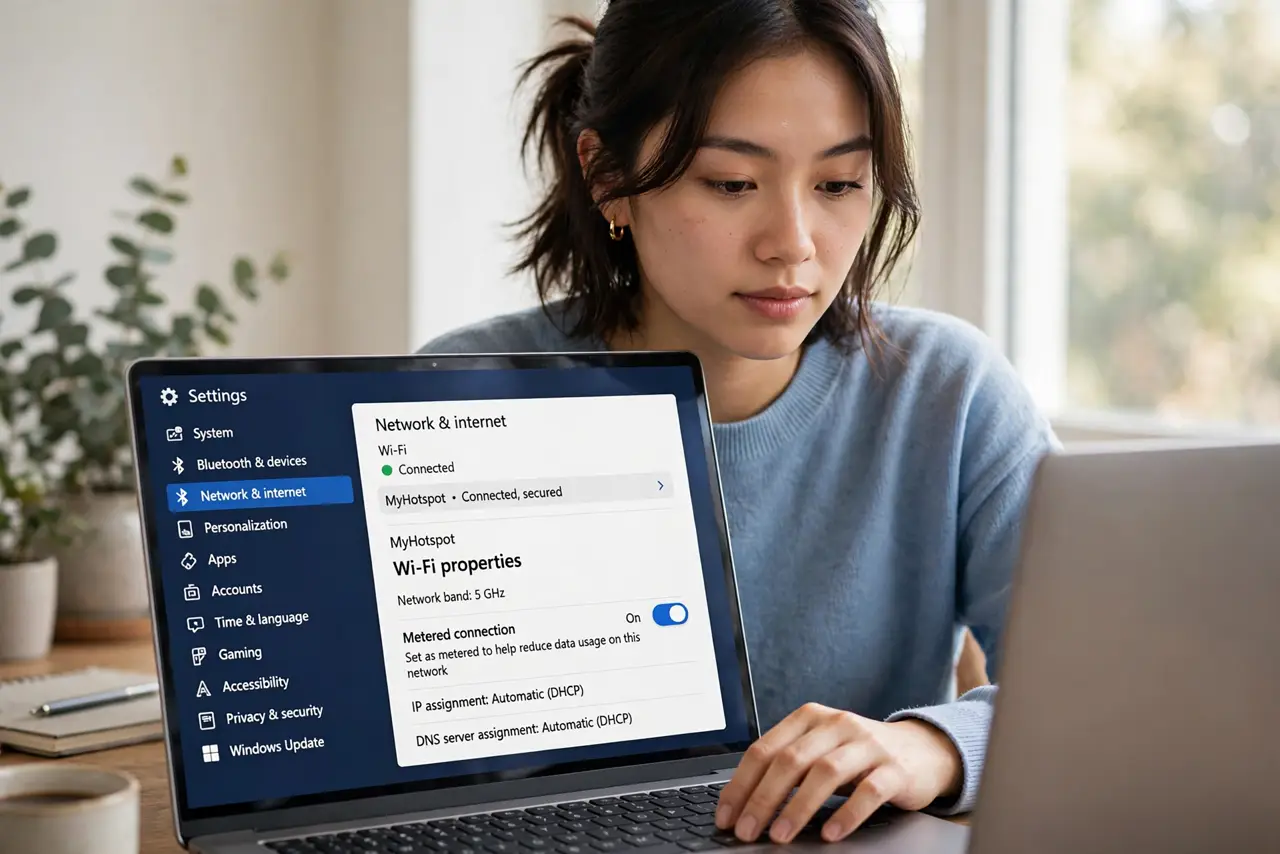
- Open the Wi-Fi properties. Go to Settings, Network and internet, Wi-Fi, click your hotspot network. The metered toggle lives in the network's properties.
- Turn on metered connection. Flip Set as metered connection on. Windows immediately treats this network as precious — see the metered Wi-Fi basics for what changes.
- Understand what pauses. Windows Update downloads, Store updates, and many background syncs pause on metered networks. Your browsing and work continue normally — see what metered blocks exactly.
- Watch for the stuck-metered trap. If Windows later refuses updates at home, the metered flag may have stuck — see the resets fix for that quirk.
- Un-meter home Wi-Fi. Check that your home network is NOT metered. A metered home network silently starves updates — the setting is per-network, so verify each.
- Pair with hotspot hygiene. Metered plus manual hotspot discipline — see the bad networks cleanup to stop auto-joining data-hungry hotspots.
What NOT to do
- Do not leave home Wi-Fi metered. Per-network means your mistake follows you — home on metered silently blocks updates for months.
- Do not expect zero data use. Metered trims background chatter; your actual browsing still uses data — watch usage, not just the toggle.
- Do not forget to un-meter. The most common metered complaint is updates that never come — because home got flagged months ago.
- Do not meter and then wonder why OneDrive stalls. Paused sync is the feature working — resume manually when on unmetered Wi-Fi.
Frequently asked questions
Will metered break my VPN?
No — VPNs work fine on metered connections. Only Windows' own background downloads pause.
Does it affect Ethernet?
You can mark Ethernet metered too, in its properties. Useful for tethered or capped wired connections.
Why are updates still downloading?
Some critical security updates bypass metered. That is by design — security outranks data savings.