'Missing Important Updates'? Fix It
A banner or a security app warns that important updates are missing, and it sounds alarming. Usually it means updates are paused, the PC has been off for weeks, or a metered connection is holding downloads back. It is a nudge, not an emergency — work through these checks and the message clears.
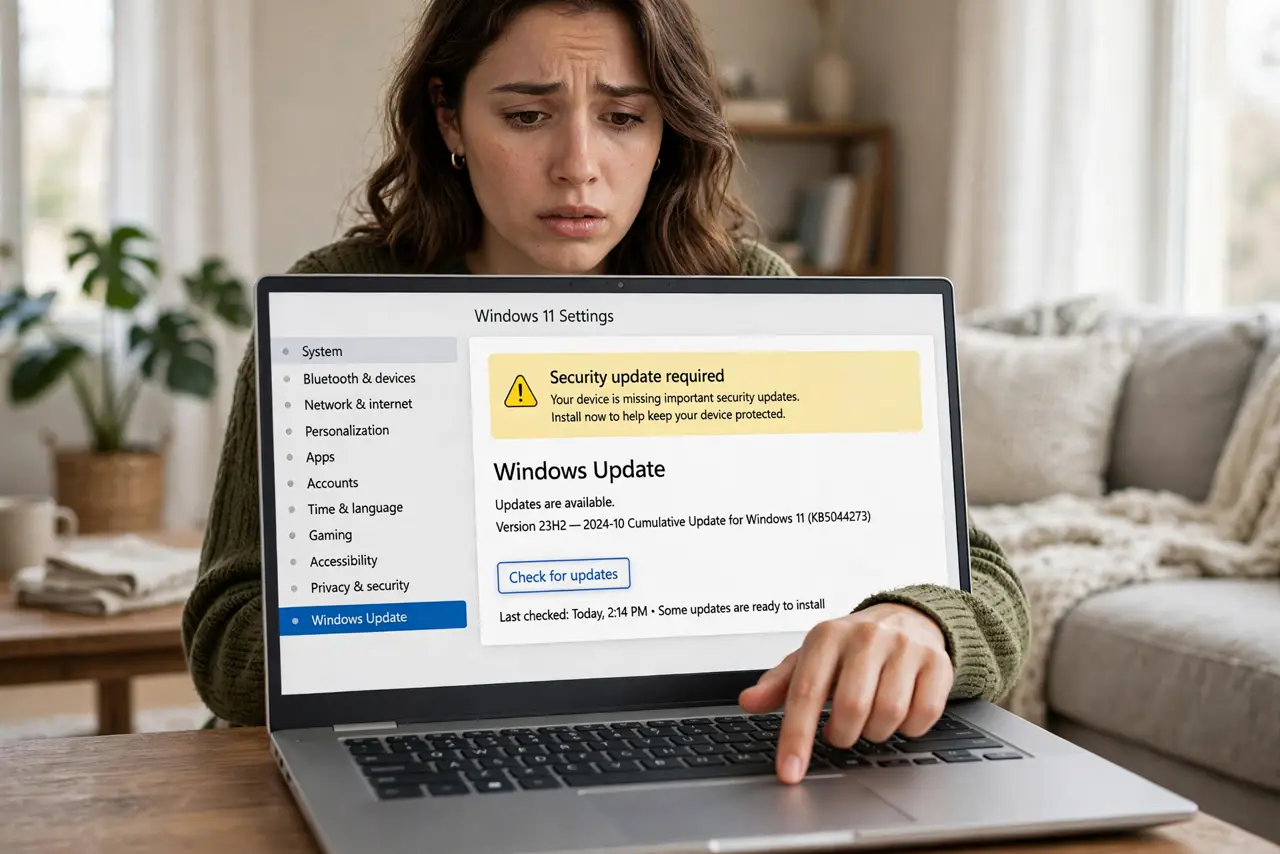
TL;DR / Quick Fix
Quick fix: open Windows Update and click Check for updates — 'missing important updates' usually means updates were paused, blocked by a metered connection, or simply failed silently. Resume updates, un-meter the connection, and install what arrives. If updates keep failing, run the built-in troubleshooter and work the error checks.
Follow these steps
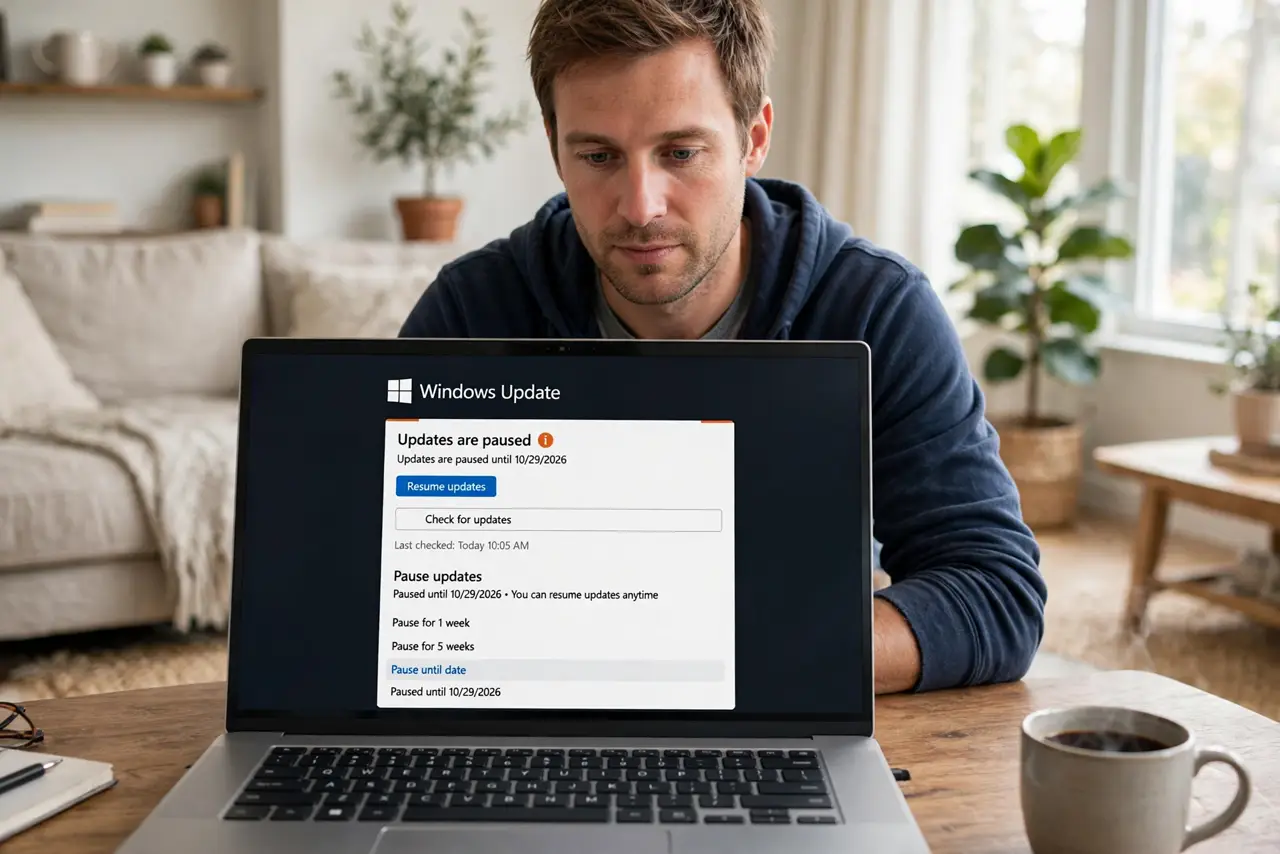
- Check whether updates are paused. An active pause is the most common cause. If you paused updates and forgot, resume them now and let the backlog install.
- Check the connection. A metered Wi-Fi connection blocks most downloads. If the PC is on mobile data or a capped connection, that is the holdup.
- Run Check for updates manually. Click the button and wait. Sometimes the automatic schedule simply missed its window and a manual check pulls everything in.
- Look at history for silent failures. Open your update history — updates that failed to install can masquerade as missing. Failed entries point to the real problem.
- Run the troubleshooter on persistent failures. If the same updates keep failing, run the built-in troubleshooter and follow the safe error checks ladder.
- Give it time on a long-idle PC. A PC that sat off for months needs several update rounds. Install, restart, and check again — repeat until the warning clears.
What NOT to do
- Do not panic and install random updates from the web. Everything you need comes through Windows Update itself.
- Do not dismiss the warning instead of fixing it. Turning off the nag leaves the gap; closing the gap removes the nag.
- Do not assume missing updates mean you were hacked. It almost always means paused, metered, or failed — boring causes, simple fixes.
- Do not reset the whole PC over this message. It is a nudge about downloads, not a sign of deep system damage.
Frequently asked questions
Is my PC unsafe right now?
Being a few days behind is fine. Being months behind with the warning ignored is when real risk builds — fix it this week, not this year.
Windows says I am up to date but the warning persists.
A third-party security app may mean its own definitions, not Windows updates. Update that app separately and the warning usually clears.
Can I just hide the warning?
You can, but you should not — it exists to protect you. Clear the actual backlog and the warning leaves on its own.