Phishing-Resistant MFA
Those six-digit codes feel secure — until you learn attackers can steal them with a fake login page in real time. SMS and authenticator codes can be phished; passkeys and hardware security keys cannot, because they verify the real site cryptographically. Upgrading is the single biggest login-security step most people can take.
TL;DR / Quick Fix
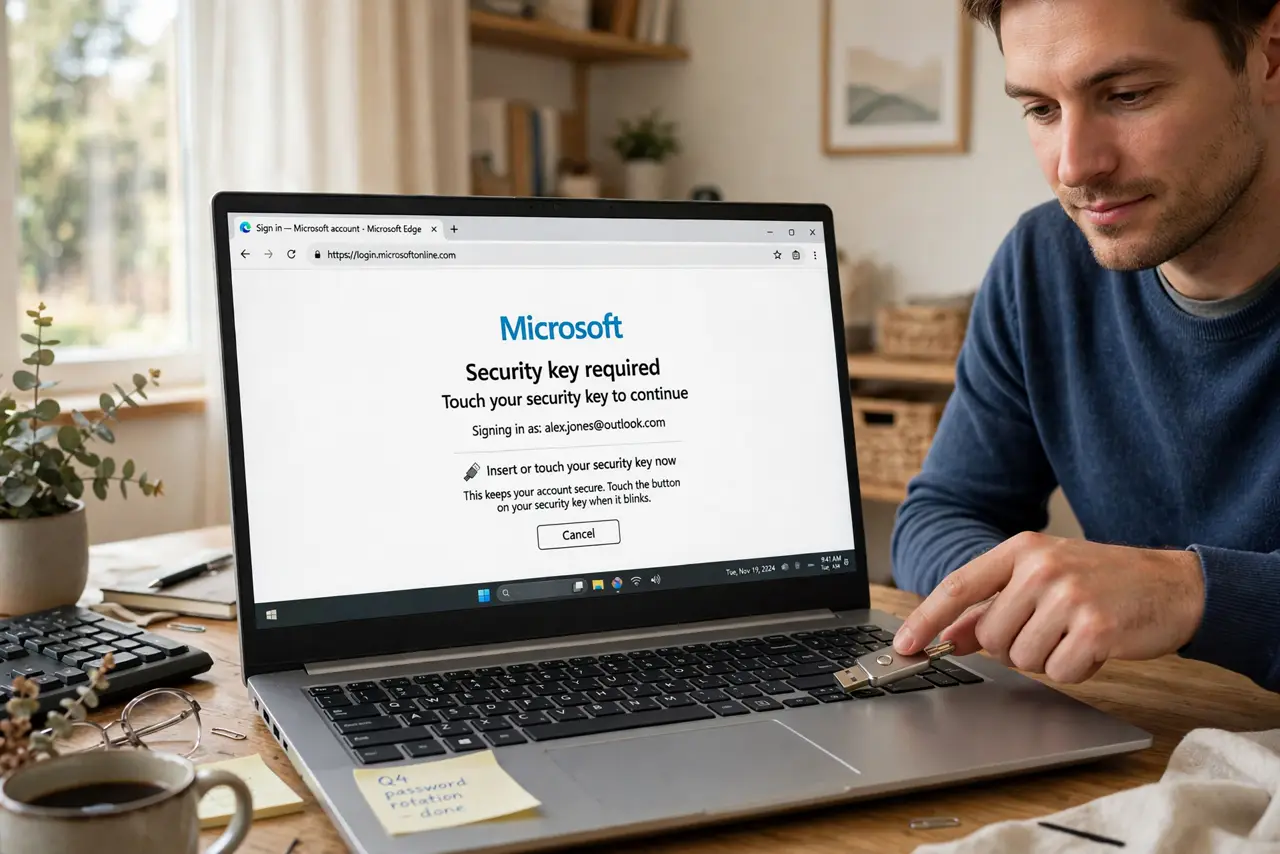
Quick fix: upgrade to phishing-resistant MFA — passkeys or hardware security keys — instead of SMS or app codes, which attackers can intercept. Register the key on your important accounts and keep a backup method. It is the single biggest login security upgrade most people can make.
Follow these steps
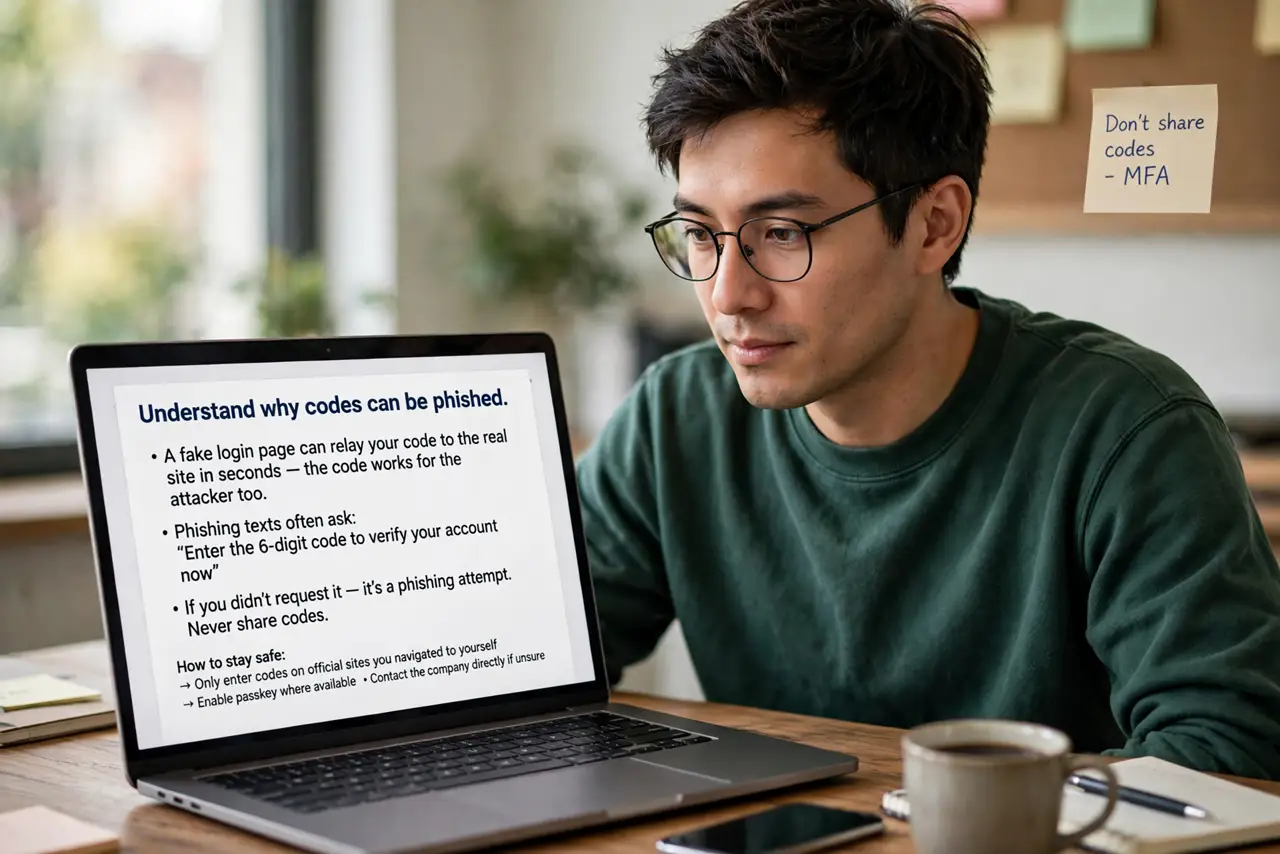
- Understand why codes can be phished. A fake login page can relay your code to the real site in seconds — the code works for the attacker too. See how phishing texts ask for codes to recognize the attack pattern.
- Choose passkeys or a security key. Passkeys live on your devices; hardware keys are physical tokens. Both verify the actual site before signing in — a fake site gets nothing. Compare security keys vs authenticator apps to pick your path.
- Register on your important accounts. Start with email, bank, and cloud storage — the accounts that unlock everything else. Add the key in each account's security settings; it takes a few minutes per account.
- Keep a backup method. Register two keys or keep a backup code in a safe place. Losing your only key without a backup means a painful account recovery — see the hardware key setup for the backup steps.
- Move off SMS codes. Once the key works, remove SMS as a login method where possible. An SMS fallback reopens the exact hole you just closed — also compare authenticator vs SMS to understand the ladder.
- Test the login flow. Sign out and back in with the key before you need it. Confirm the backup method works too — discovering a broken backup during a real lockout is miserable.
What NOT to do
- Do not keep SMS as a fallback. A phishing-resistant key with an SMS backup is only as strong as the SMS — remove the weak link.
- Do not buy one key with no backup plan. Keys get lost; register a second key or store backup codes somewhere safe.
- Do not skip your email account. Email resets every other password — securing it first protects everything downstream.
- Do not assume work accounts are covered. Personal and work logins need separate setup — do both.
Frequently asked questions
What is phishing-resistant MFA?
Login methods that verify the real website cryptographically — passkeys and hardware security keys — so fake sites cannot steal them.
Are passkeys really safer than authenticator codes?
Yes against phishing — codes can be relayed through fake pages, while passkeys simply will not sign into a fake site.
What if I lose my security key?
Use your registered backup key or backup codes. That is why setting up the backup during enrollment matters.