Print via IPP
Your printer is on the network but your computer cannot find it, or the auto-setup installed a driver that prints garbage. IPP — Internet Printing Protocol — is the modern universal way to add a network printer manually: one address, no driver hunt, works across Windows, Mac, and Linux.
TL;DR / Quick Fix
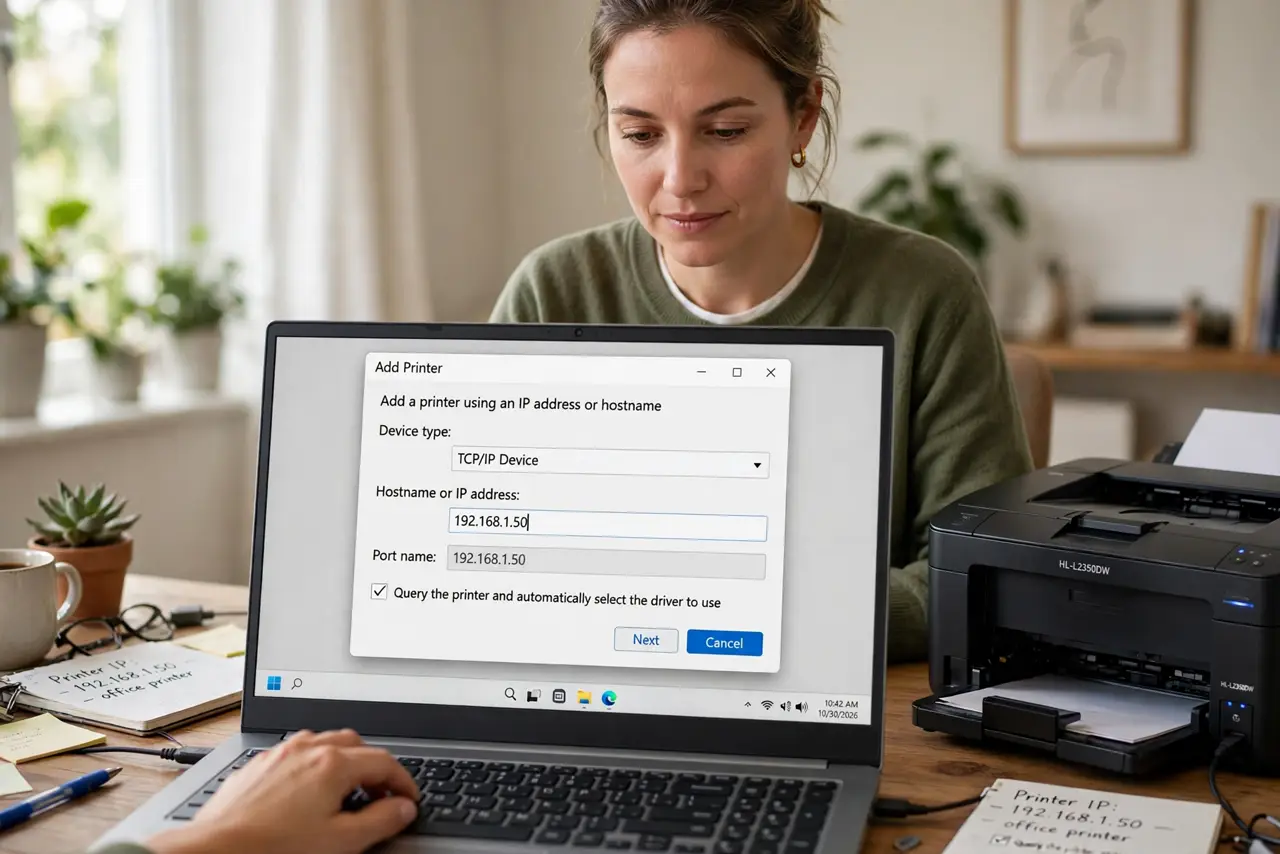
Quick fix: find your printer's IP address on its display or network report. On your computer, add a printer manually and choose IPP, then enter ipp://printer-ip/ipp/print. Print a test page. If it fails, confirm the printer and computer share the same network and no VPN is blocking local discovery.
Follow these steps
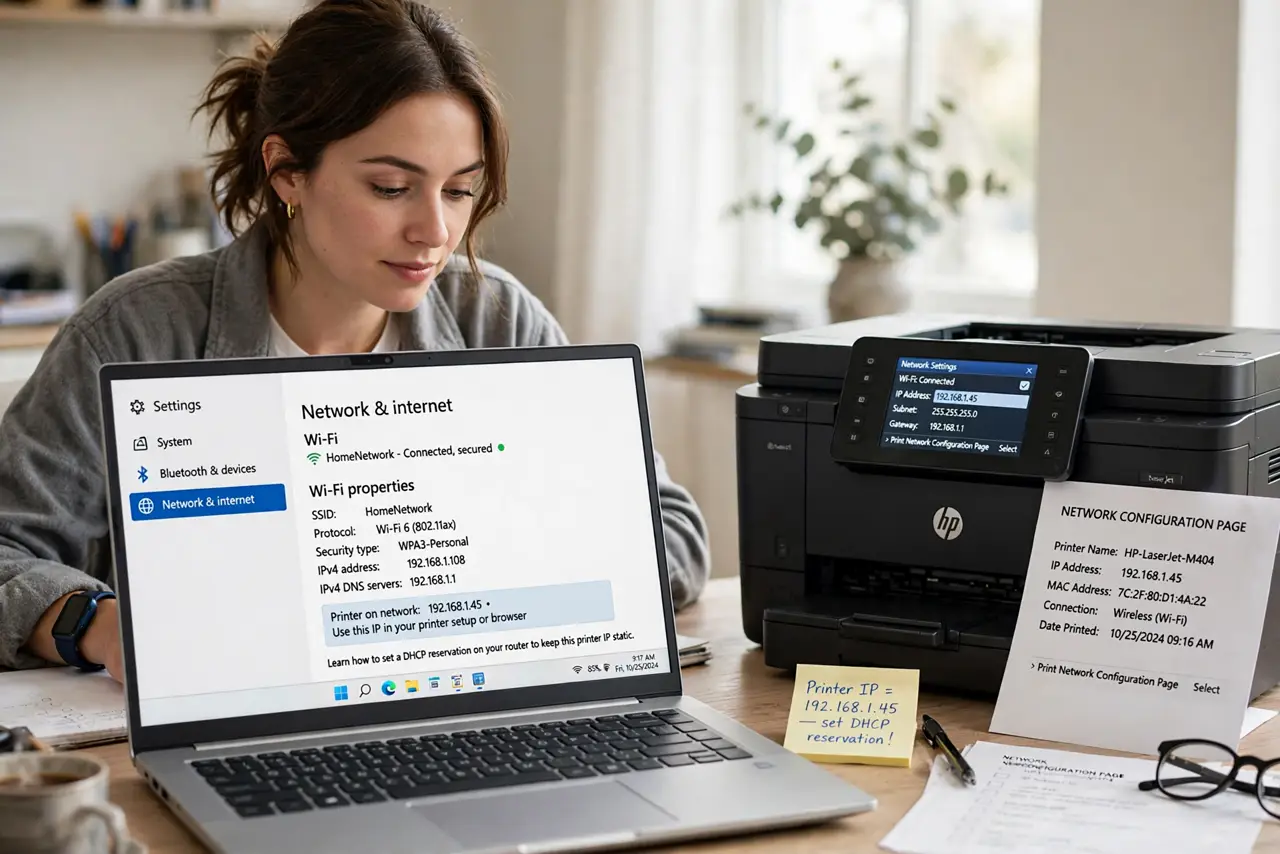
- Find the printer's IP address. Print a network configuration page from the printer's menu, or check the display under network settings. You need the current IP — it changes unless you set a DHCP reservation.
- Add the printer manually. Open your system's add-printer dialog and choose the manual or IP option instead of waiting for auto-discovery. Auto-discovery fails silently on segmented networks.
- Select IPP as the protocol. Choose Internet Printing Protocol from the protocol list. IPP is driverless on modern systems — the OS fetches what it needs automatically.
- Enter the IPP address. Type ipp:// followed by the printer's IP and the queue path, usually /ipp/print. One typo breaks it — copy the address from the network report, do not retype from memory.
- Print a test page. Send a test page before printing anything real. If it prints, save the setup; if not, the printer discovery checklist covers network causes.
- Watch for VPN interference. A VPN on your computer hides the local network and breaks IPP. Disconnect the VPN to print, or see VPN vs local printer for workarounds.
What NOT to do
- Do not use an old IP from memory. Printer IPs change with DHCP — always check the current address first.
- Do not install the ancient CD driver first. Try driverless IPP before the decade-old disc; the old driver often causes more problems.
- Do not add the printer while on the guest network. Guest networks isolate devices — join the main network for setup.
- Do not skip the test page. A setup that looks right but never printed a test will fail exactly when the deadline hits.
Frequently asked questions
What does IPP stand for?
Internet Printing Protocol — the standard modern printers and computers use to talk over a network without special drivers.
Is IPP better than the maker's driver?
For basic printing, yes: simpler and more reliable. For advanced finishing options like stapling, the full driver may still win.
Why did my printer stop working after a router restart?
The IP address changed. Set a DHCP reservation so the printer keeps the same address forever.