Spot Smishing Texts
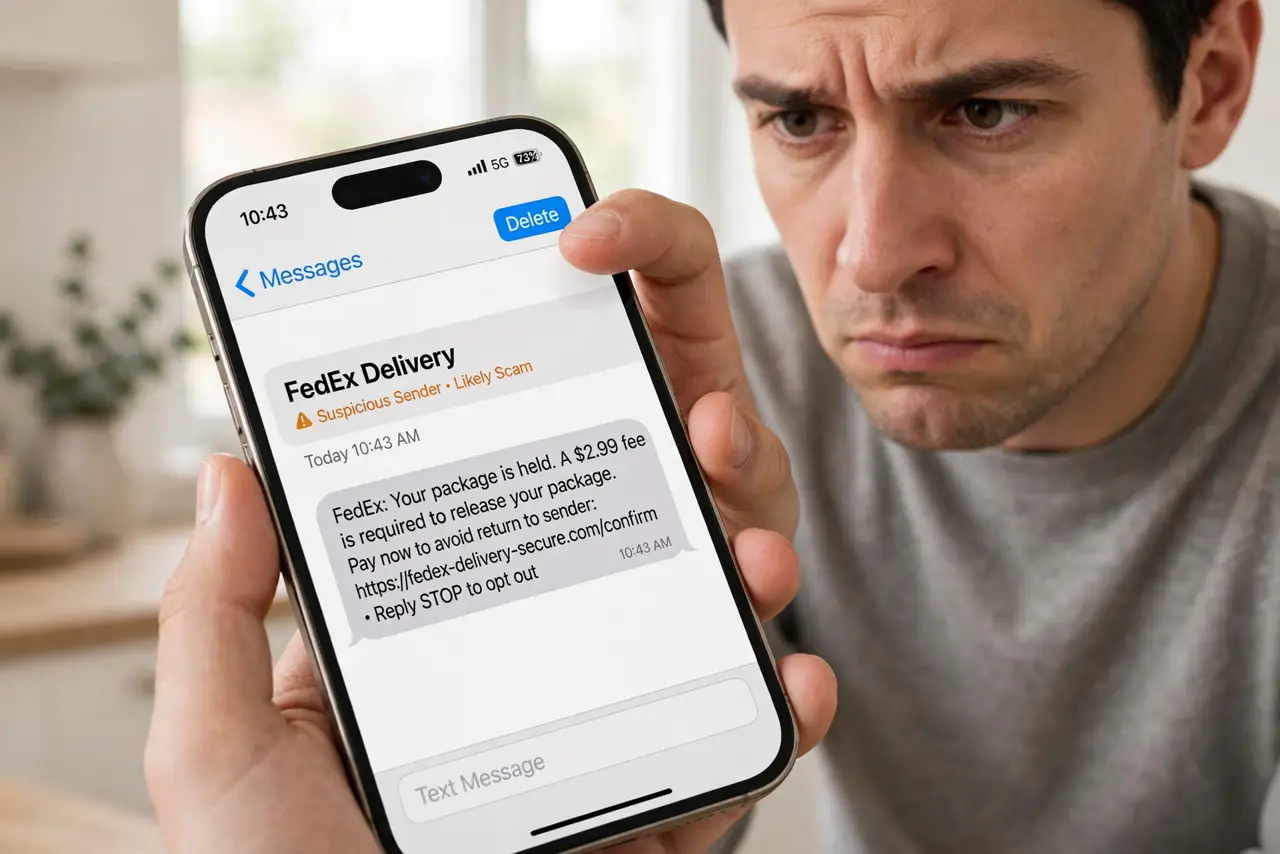
Your package could not be delivered — click here. Your bank account is locked — verify now. These texts arrive daily, and they are smishing: phishing by SMS. The links steal logins, install malware, or confirm your number is live for more scams. The good news: smishing texts share telltale signs that take seconds to check.
TL;DR / Quick Fix
Quick fix: treat every unexpected text with a link as suspicious — especially delivery, bank, or toll alerts you did not request. Never tap the link; go to the official app or site directly instead. Delete the message and report it as spam to help carriers block the sender.
Follow these steps
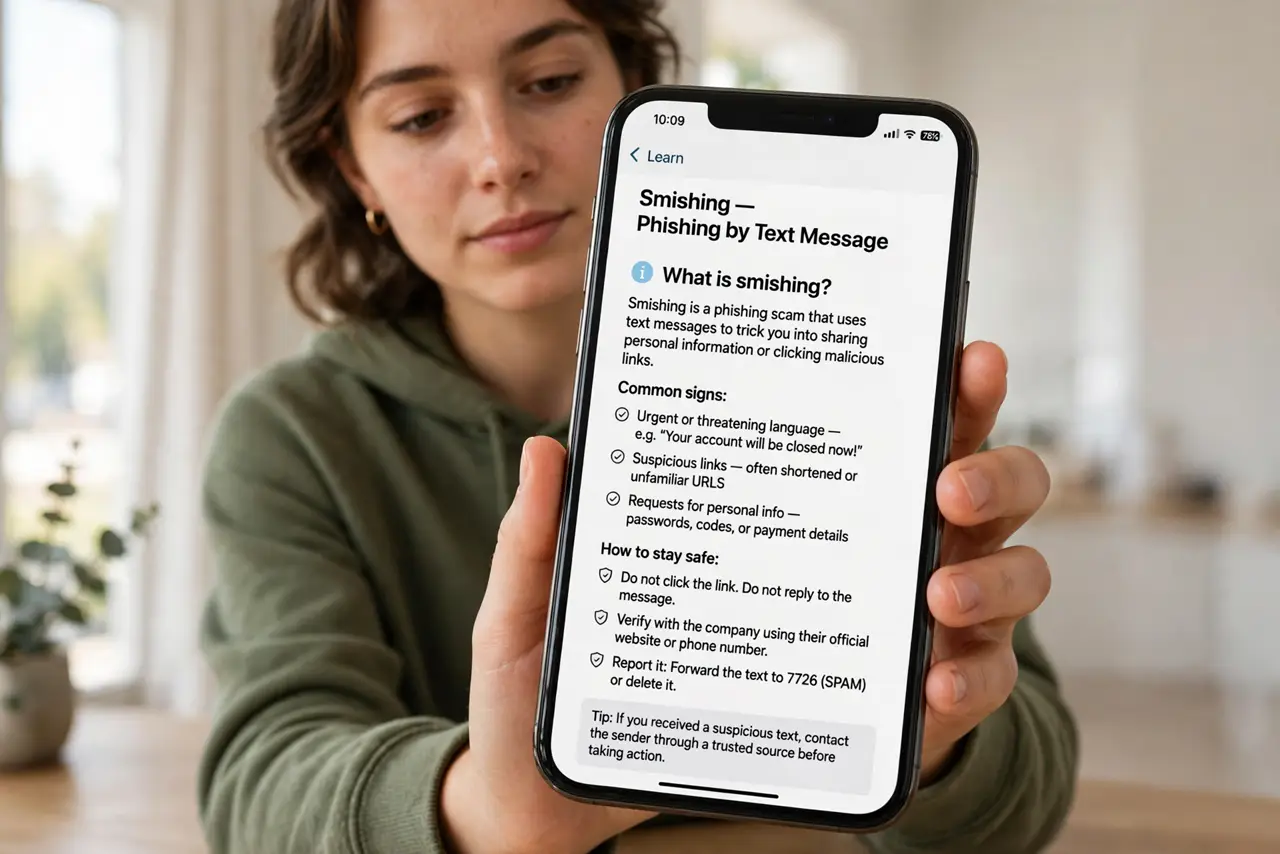
- Know what smishing is. Smishing is phishing delivered by text message. Attackers blast millions of texts hoping a few recipients tap — the fake delivery text is the most common lure in circulation.
- Check whether you expected it. Did you order a package, or do you even bank there? Smishing relies on vague messages that could apply to anyone. An unexpected text about an account you do not have is an instant tell.
- Inspect the link without tapping. Long-press to preview the address. Misspelled brand names, odd domains, and URL shorteners hiding the destination are classic signs — the same red flags as email phishing.
- Never tap — go direct instead. Need to check the delivery or account? Open the company's official app or type its address yourself. Legitimate companies do not mind; scammers depend on the tap.
- Do not reply, even with STOP. Replying confirms your number is active and monitored, which invites more smishing. Silence starves them of that signal.
- Report and delete. Report the text as spam — on iPhone tap Report Junk under the message — then delete it. Learn the full reporting routine so the next one takes five seconds.
What NOT to do
- Do not tap links in unexpected texts, even from familiar-looking sender names. Sender names are trivially faked.
- Do not call back numbers from suspicious texts. The callback is often a premium-rate trap or a vishing setup.
- Do not reply STOP to smishing. On scam texts, any reply marks you as a live target.
- Do not forward the text to friends without context. Screenshots with is this real spread the malicious link further.
Frequently asked questions
What should I do if I already tapped the link?
Do not enter any information. Close the page, and if you did enter credentials, change that password immediately and turn on authenticator codes. See what to do after clicking a phishing link.
Can my carrier block smishing?
Partially — carriers filter known campaigns, and reporting texts as spam trains those filters. But new campaigns appear daily, so your own skepticism remains the main defense.
Why do I get smishing about banks I don't use?
Because it is a numbers game. Attackers blast the same text to millions of numbers; they only need the small fraction who do bank there to tap.