Secure Your Recovery Email
Your recovery email can reset almost every account you own — which makes it the most valuable target you have. Attackers who own it do not need your passwords; they just click 'forgot password' everywhere. Locking it down is the highest-leverage security move most people never make.
TL;DR / Quick Fix
Quick fix: give your recovery email a unique, manager-generated password and turn on authenticator-based two-factor — never SMS alone. Remove old recovery addresses you no longer control, and check that no unknown recovery email was added. This one account guards all the others.
Follow these steps
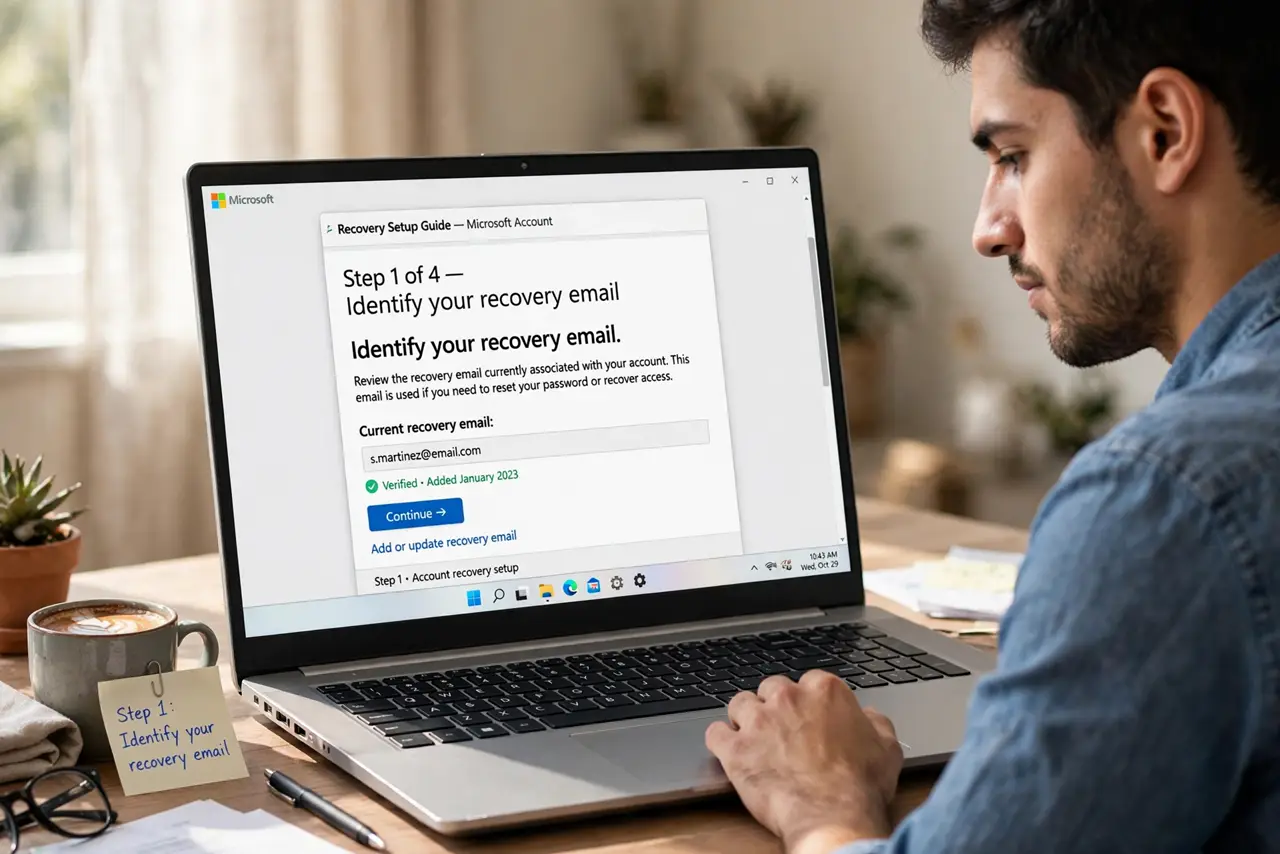
- Identify your recovery email. It is the address your accounts use for password resets — often your oldest email. If you are not sure, check a major account's security settings to see which address is listed.
- Give it a unique password. Generate a long random password in your manager, used nowhere else. This password guards every 'forgot password' flow you have.
- Enable app-based two-factor. Use an authenticator app, not SMS — this account is exactly what SIM swaps target. Store its backup codes in your manager.
- Prune old recovery addresses. Remove ex-school or ex-employer addresses you no longer control. A recovery address you cannot access is an attacker's opportunity — see account recovery without email for the mess it causes.
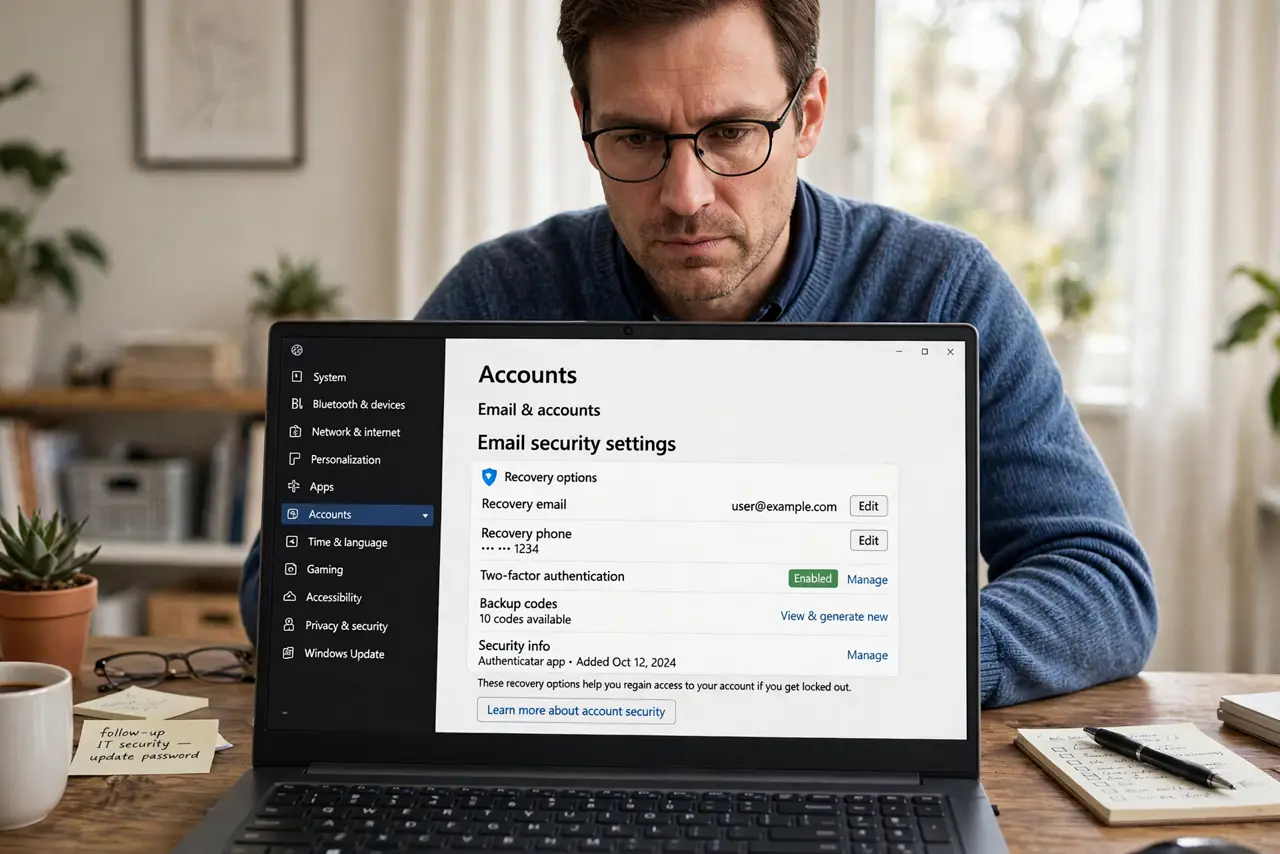
- Check for recovery addresses you did not add. In your email security settings, verify every listed recovery email and phone number is yours. Unknown entries mean someone is already inside — see the recovery email you did not request warning signs.
- Use it only for recovery. Do not use this address for newsletters, shopping, or signups. The less it appears in breaches, the smaller its attack surface.
What NOT to do
- Do not protect it with SMS-only two-factor. SIM-swap attackers go straight for the recovery email — app codes stop them.
- Do not reuse its password anywhere. This is the one password whose reuse compromises everything at once.
- Do not leave a dead recovery address attached. If you cannot log into it, neither can you — but an attacker who can, wins.
- Do not ignore alerts about recovery-setting changes. They are the earliest warning that someone is taking over the account.
Frequently asked questions
What is a recovery email?
The backup address your accounts use to verify you during password resets. Whoever controls it can reset your other accounts — which is why it needs the strongest protection.
Can I use the same email as recovery for everything?
Yes, if that email itself is locked down: unique password, app-based two-factor, no SMS fallback. One strong recovery email beats five weak ones.
What if my recovery email is an old address I lost?
Update it everywhere now, while you still have access to the accounts. Waiting until you need a reset turns it into a lockout.