Smart TV Mics
That voice remote is convenient — and it means your TV has a microphone pointed at your living room. Most TVs only listen after you press the button, but settings vary wildly, and voice data may be stored or reviewed. You can keep the convenience while muting the risk. Check the microphone listening setting and the broader voice assistant privacy picture.
TL;DR / Quick Fix
Quick fix: smart TVs with voice remotes can listen for commands — and sometimes more. Mute the microphone with the TV's physical button or setting, review voice data options in privacy settings, and delete stored recordings. Enjoy the voice features without handing the TV an open mic.
Follow these steps
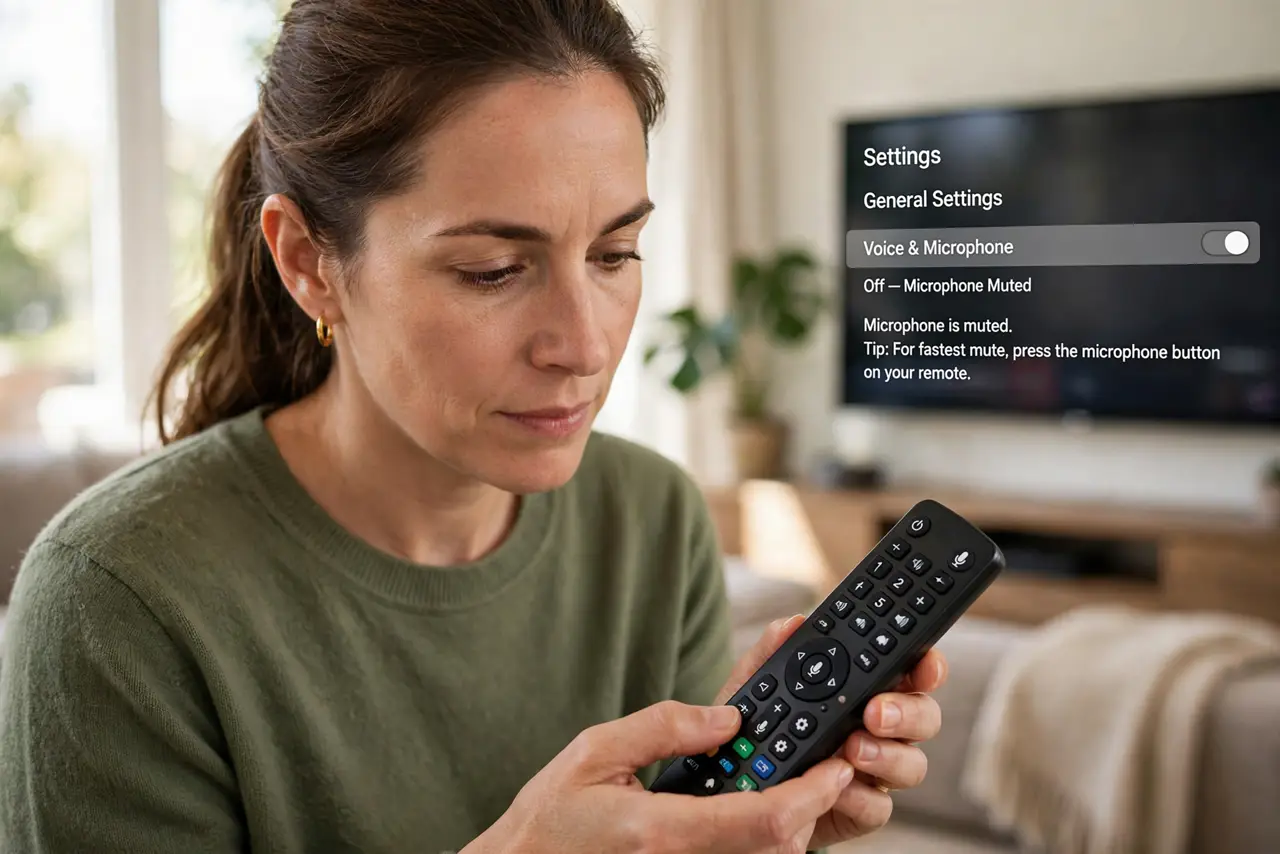
- Find the microphone control. Look for a physical mic button on the TV or remote first — it is the surest mute. Otherwise find the voice or microphone toggle in the TV's settings.
- Mute when not in use. Turn the mic off for everyday watching and enable it only when you actually use voice commands. A mic that is off cannot mishear.
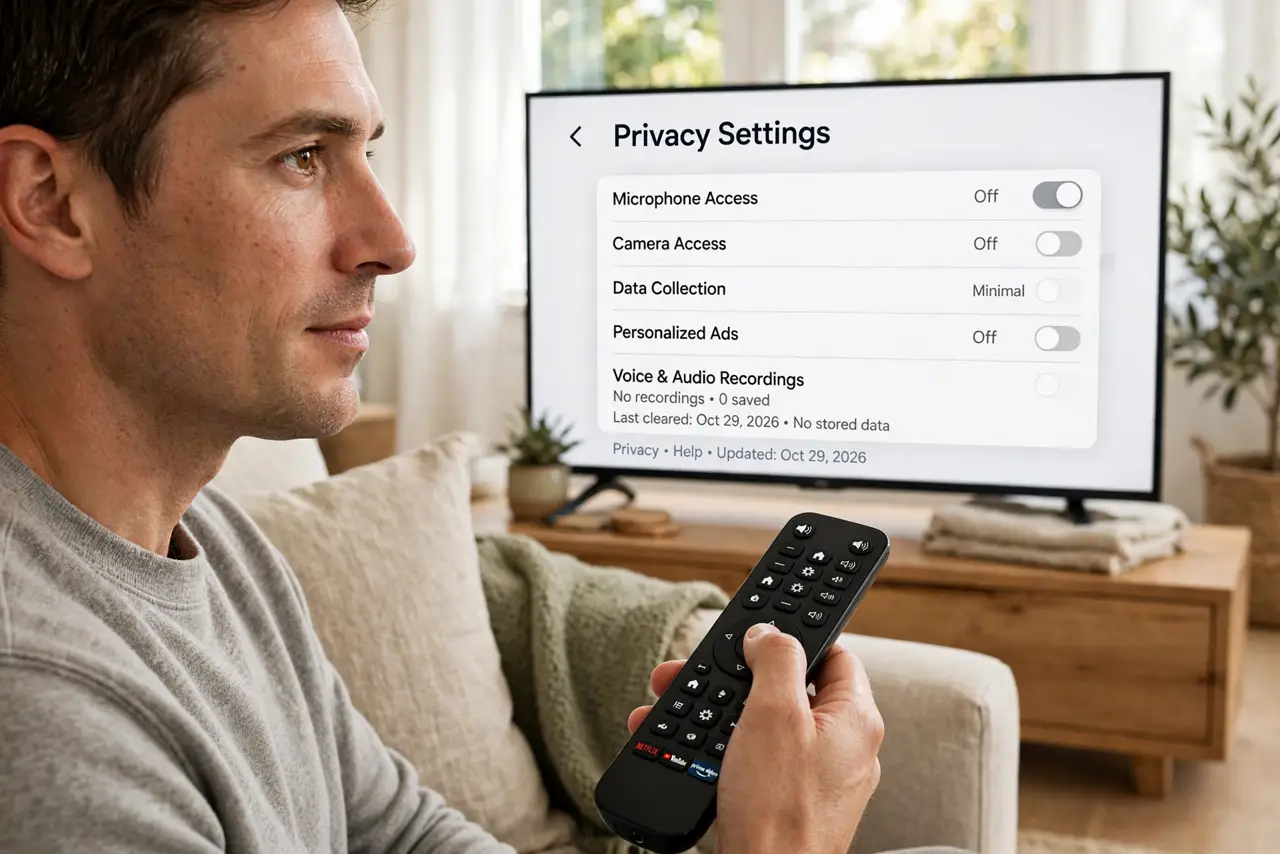
- Review voice privacy settings. In the TV's privacy menu, look for voice data collection, personalized ads, and viewing-data options. Decline what you do not need.
- Delete stored voice recordings. Many brands keep your voice commands on their servers. Find the delete option in privacy settings and clear the history.
- Check the remote's battery behavior. Some remotes keep listening while idle. If yours has no hardware mute, consider removing its batteries when voice is not needed.
- Keep firmware updated. Privacy controls improve over time. Updates also patch the security holes that could let attackers reach that microphone.
What NOT to do
- Do not assume it only listens on button press. Some models listen more broadly — verify in your model's settings, not in hope.
- Do not discuss sensitive matters near an active mic. Banking details and private conversations do not belong within earshot.
- Do not skip the privacy policy skim. It tells you plainly whether voice data is stored, reviewed, or shared.
- Do not forget hotel and rental TVs. Sign out of your accounts and mute the mic on any TV that is not yours.
Frequently asked questions
Is my TV always listening?
Usually not — most activate on the remote's mic button. But always-listening modes exist on some models, so check yours specifically.
Can I use the TV without voice features?
Absolutely. Disable the mic entirely and the TV works fine with the regular remote — you lose nothing but voice search.
Who gets my voice recordings?
Typically the TV maker and its voice-service partners. The privacy policy names them; the delete button removes the history.