Which Devices Use Wi-Fi 6?
Your new Wi-Fi 6 router promises speed, but the laptop still crawls — because Wi-Fi 6 needs both ends to speak it. A new router with old devices is like a highway with horse carts: the fast lane exists, nothing uses it. Here is which of your devices actually speak Wi-Fi 6 and what to upgrade.
TL;DR / Quick Fix
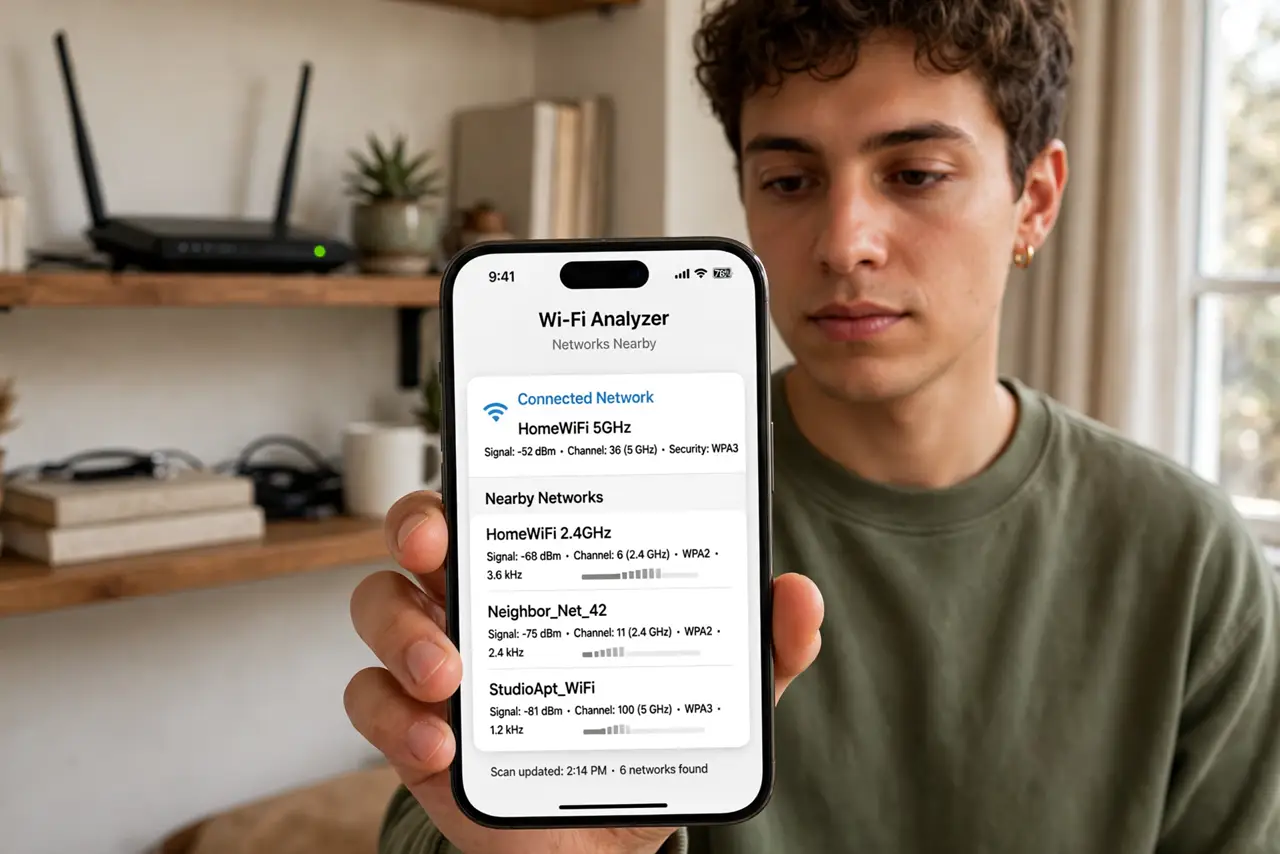
Quick fix: phones, laptops, and tablets from the last few years mostly support Wi-Fi 6 — check the specs for 802.11ax. Older smart home gadgets usually do not, and that is fine. You need a Wi-Fi 6 router too; new devices on an old router gain nothing.
Follow these steps
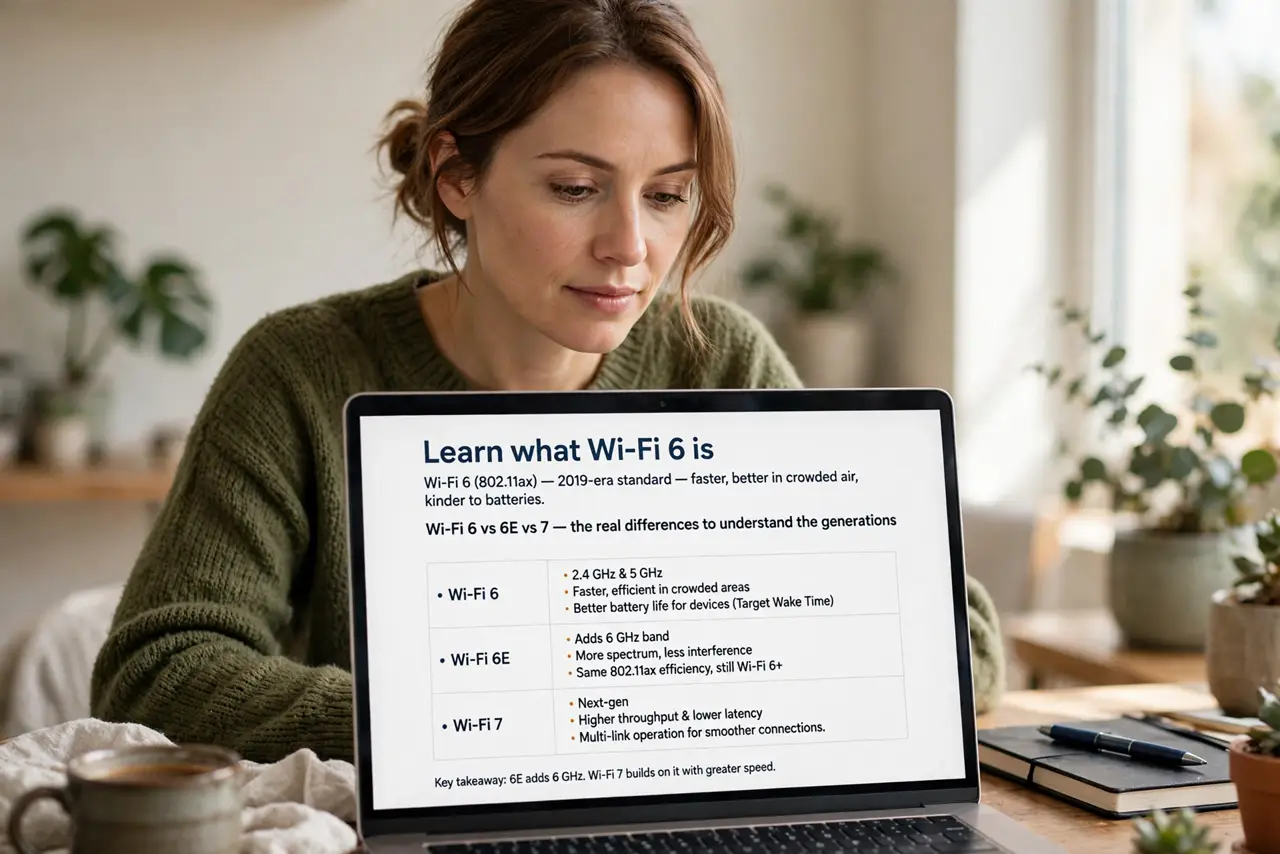
- Learn what Wi-Fi 6 is. Wi-Fi 6 (802.11ax) is the 2019-era standard — faster, better in crowded air, kinder to batteries. See the Wi-Fi 6 vs 6E vs 7 and the real differences to understand the generations.
- Check your phones and laptops. Flagships from the last few years almost all support it — look for 802.11ax in the specs. This is where Wi-Fi 6 matters most.
- Check your tablets and TVs. Recent tablets yes; TVs are hit or miss — and a TV streaming 4K does not need Wi-Fi 6 anyway. Match the standard to the need.
- Do not worry about smart gadgets. Bulbs and plugs on old Wi-Fi are fine — they sip data. Upgrading them buys nothing noticeable.
- Upgrade the router to match. Devices can only use what the router offers — see whether a Wi-Fi 6 router is worth it for your home. One side upgraded alone helps nobody.
- Consider 6E and 7. If buying today, see the 5 vs 6 comparison and the 6E options — skipping straight to newer gear sometimes beats buying Wi-Fi 6 now.
What NOT to do
- Do not buy a Wi-Fi 6 router for old devices. The router cannot make a 2016 laptop speak 2019 Wi-Fi — match both ends.
- Do not expect double speed everywhere. Wi-Fi 6 shines in crowded, many-device homes — a quiet two-device home notices little.
- Do not toss working gear. Old devices on a new router work exactly as before — upgrade at natural replacement time.
- Do not confuse the number with the band. Wi-Fi 6 runs on 2.4 and 5 GHz both — the generation and the band are separate ideas.
Frequently asked questions
How do I check if a device supports Wi-Fi 6?
Look for 802.11ax in the specs — that is the technical name. Wi-Fi 6 is the friendly label for the same thing.
Is Wi-Fi 6 worth it for a small apartment?
Modestly — fewer devices means less congestion benefit. The upgrade matters most in busy, many-gadget homes.
What about Wi-Fi 6E?
6E adds the 6 GHz band — faster, shorter range. Nice if your devices support it; check before paying extra.