VPN Kill Switches
Your VPN drops for ten seconds at 2am, and in that window your real IP is fully exposed — downloads, logins, everything. A kill switch cuts all internet the instant the VPN fails, so a dropped tunnel means no connection, never an exposed one. It is the one VPN setting that should never be off.
TL;DR / Quick Fix
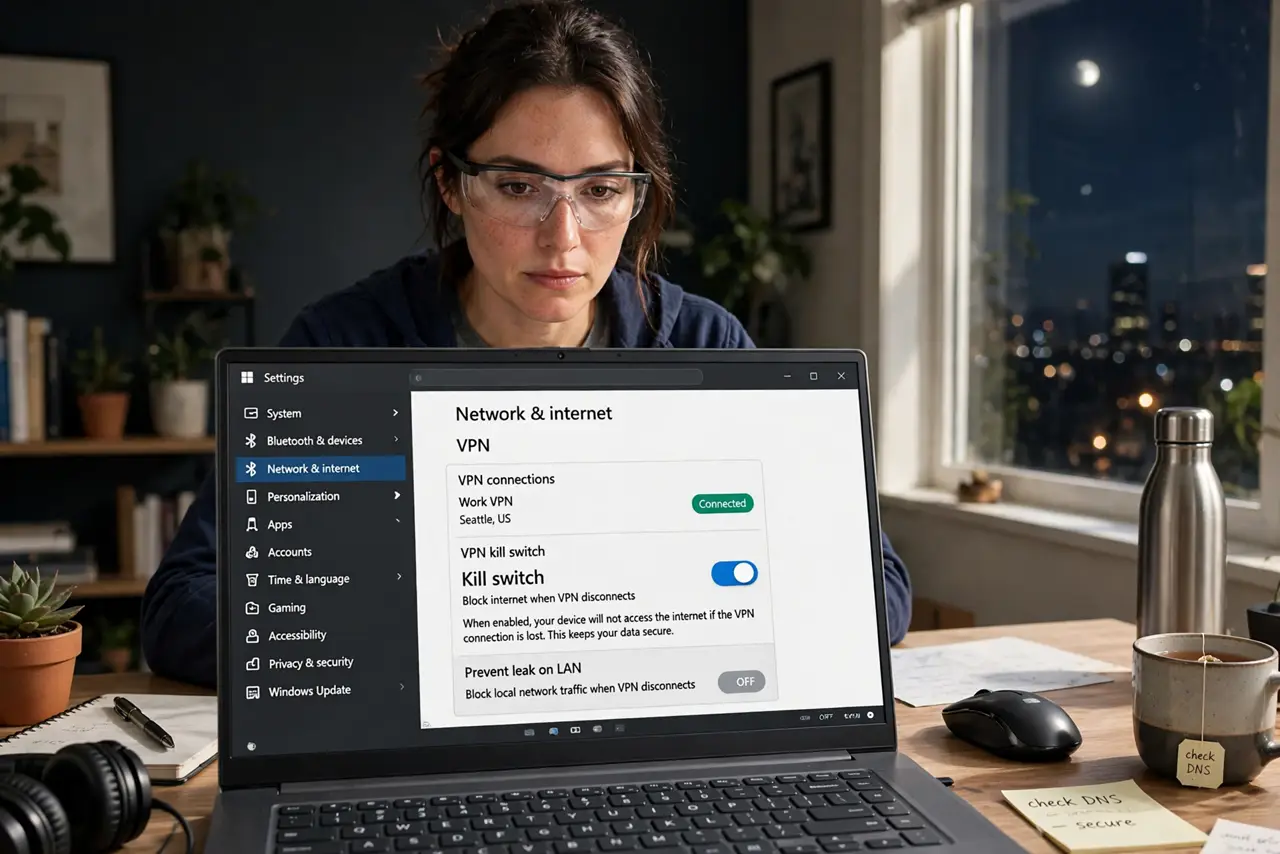
Quick fix: open your VPN app settings and turn on the Kill Switch — it blocks all internet if the VPN drops. Test it by disconnecting the VPN and confirming nothing loads. Leave it on. Not every app includes one, so verify yours has it before you rely on it.
Follow these steps
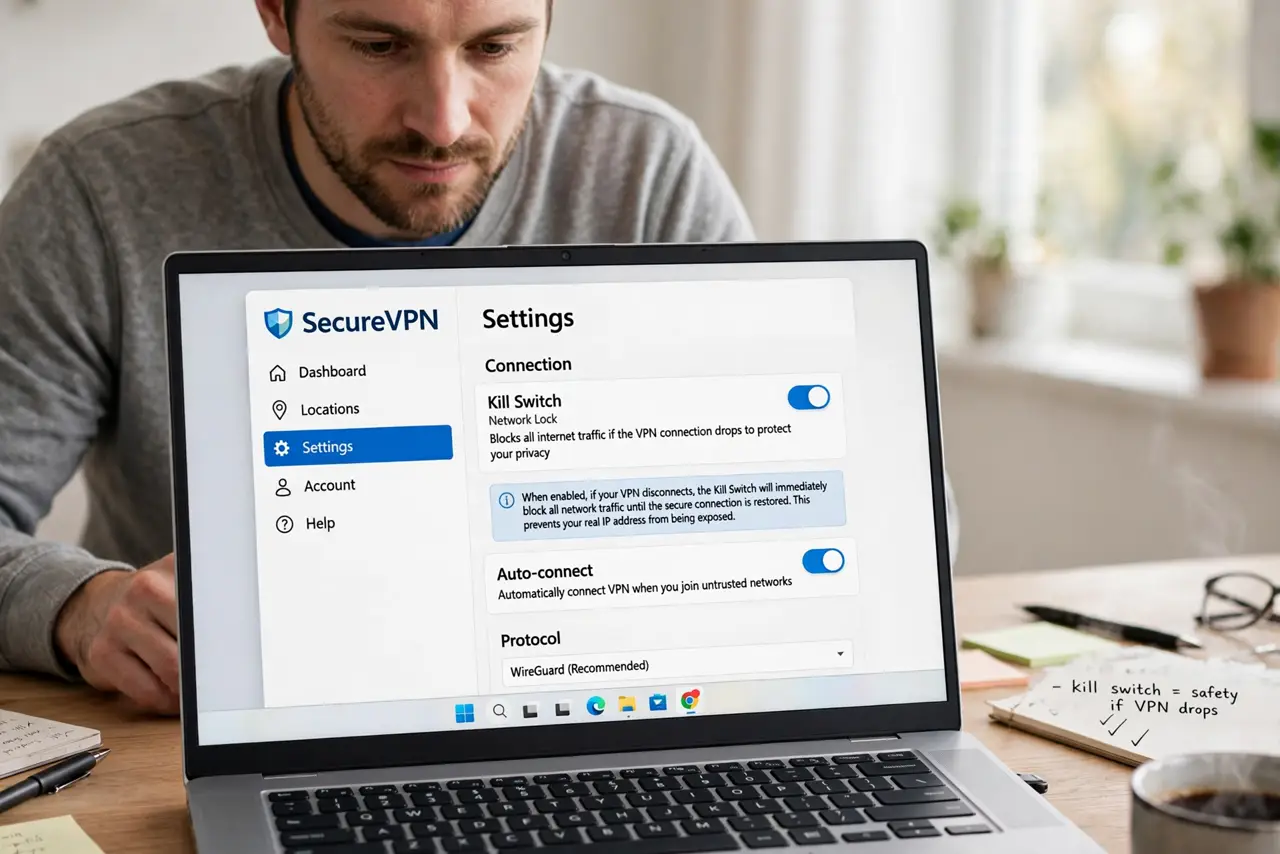
- Find the kill switch setting. Open your VPN app, go to Settings, and look for Kill Switch, Network Lock, or similar. Learn what it does if the name is unfamiliar.
- Turn it on and leave it on. Enable it permanently. A kill switch you toggle per session is a kill switch you will forget — set-and-forget is the point.
- Test it for real. Connect the VPN, enable the kill switch, then force-disconnect the VPN. Try loading a page — nothing should load. If something does, the switch is not working.
- Understand what it protects. It guards against silent disconnects — the drops you never notice. Your real IP never leaks during the gap.
- Check your provider actually has one. Free and cheap VPN apps often skip it. If yours lacks a kill switch, that alone is a reason to switch providers.
- Pair it with a trustworthy setup. A kill switch on a shaky router VPN still drops often — fix the underlying stability too.
What NOT to do
- Do not assume every VPN app has a kill switch. Many mobile and free apps omit it silently — verify, do not assume.
- Do not confuse it with auto-reconnect. Reconnecting fast still leaks during the gap; only a kill switch blocks the gap itself.
- Do not turn it off for convenience. Every off moment is an unprotected moment — the inconvenience is the protection.
- Do not rely on it during sleep and wake. Some systems leak briefly on wake before the VPN re-engages — test your specific setup.
Frequently asked questions
Will a kill switch break my local network?
It can block printers and local shares while active. Some apps let you allow local traffic — enable that exception if you print.
Does the kill switch work if the app crashes?
The best ones use system-level firewall rules that survive crashes. App-level switches die with the app — prefer system-level.
Is a kill switch enough for full privacy?
It is one layer. Pair it with DNS leak checks and a no-logs provider for a complete setup.