Ethernet Not Recognized? Fix It
You plug in the network cable and Windows acts like nothing happened — no icon change, no connection, sometimes 'unidentified network.' A cable that looks fine can still be the culprit, and so can a disabled adapter or a router port gone quiet. Work from the cable inward.
TL;DR / Quick Fix
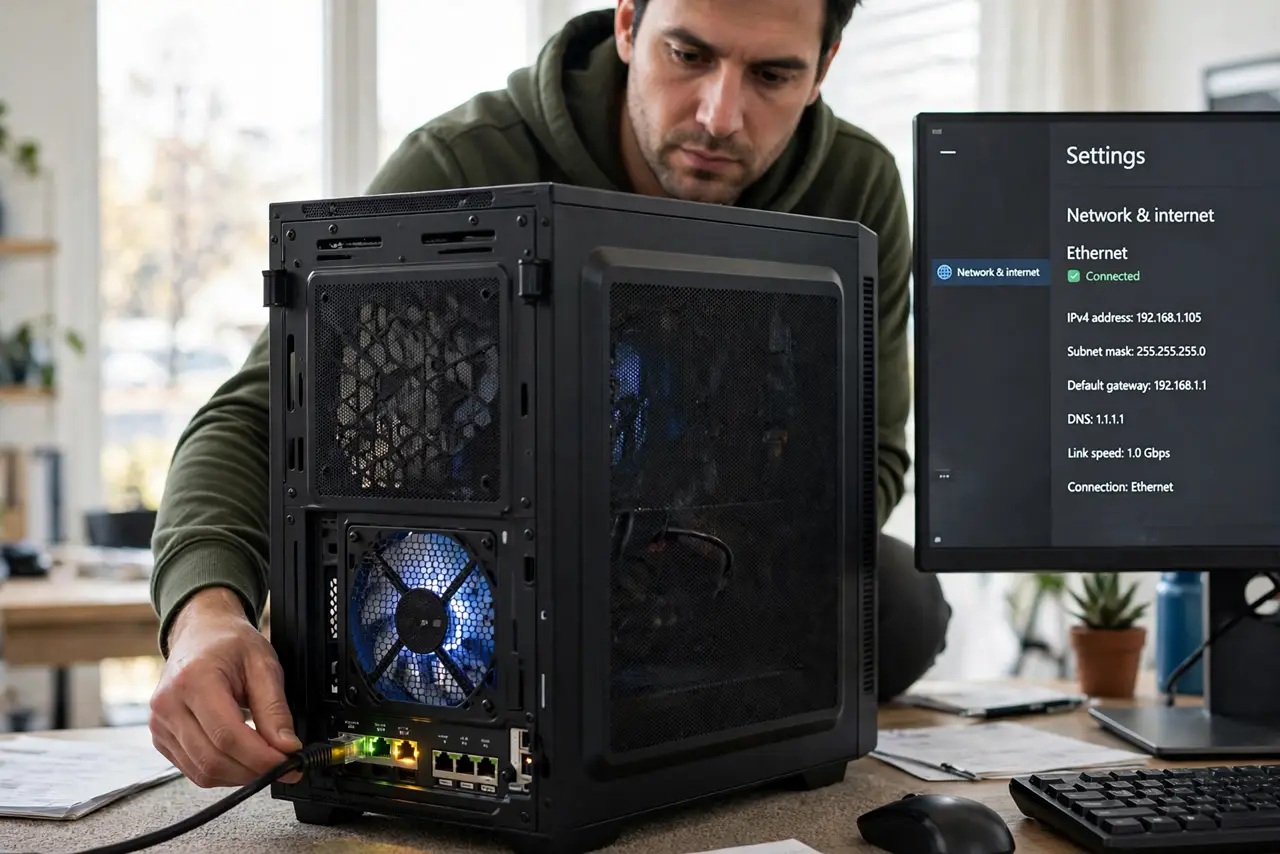
Quick fix: unplug and firmly reseat the cable at both ends, try a different cable, then try a different router port. Check the adapter is enabled in network settings. This resolves nearly all unrecognized ethernet cases, since cables and ports fail far more often than adapters.
Follow these steps
- Reseat the cable at both ends. Unplug the cable from the PC and the router, then push each end in until it clicks. A connector that looks seated but isn't is the classic cause.
- Try a different cable. Cables fail invisibly — a crushed or chewed cable can look perfect. Swap in a known-good one before touching any settings. Match the cable category to your speed needs.
- Try a different router port. Router ports die one at a time. Move the cable to another LAN port and watch for the link lights.
- Check the adapter is enabled. Settings > Network & internet > Advanced network settings — if the Ethernet adapter shows Disabled, enable it, just like a disabled Wi-Fi adapter.
- Read the exact error message. An unidentified network points at IP configuration; a cable unplugged message points at the physical link. The words tell you which half to chase.
- Test another device on the same cable. Plug a laptop into the same cable and port. If it connects, the PC's adapter or driver is suspect; if not, the cable, port, or router is.
What NOT to do
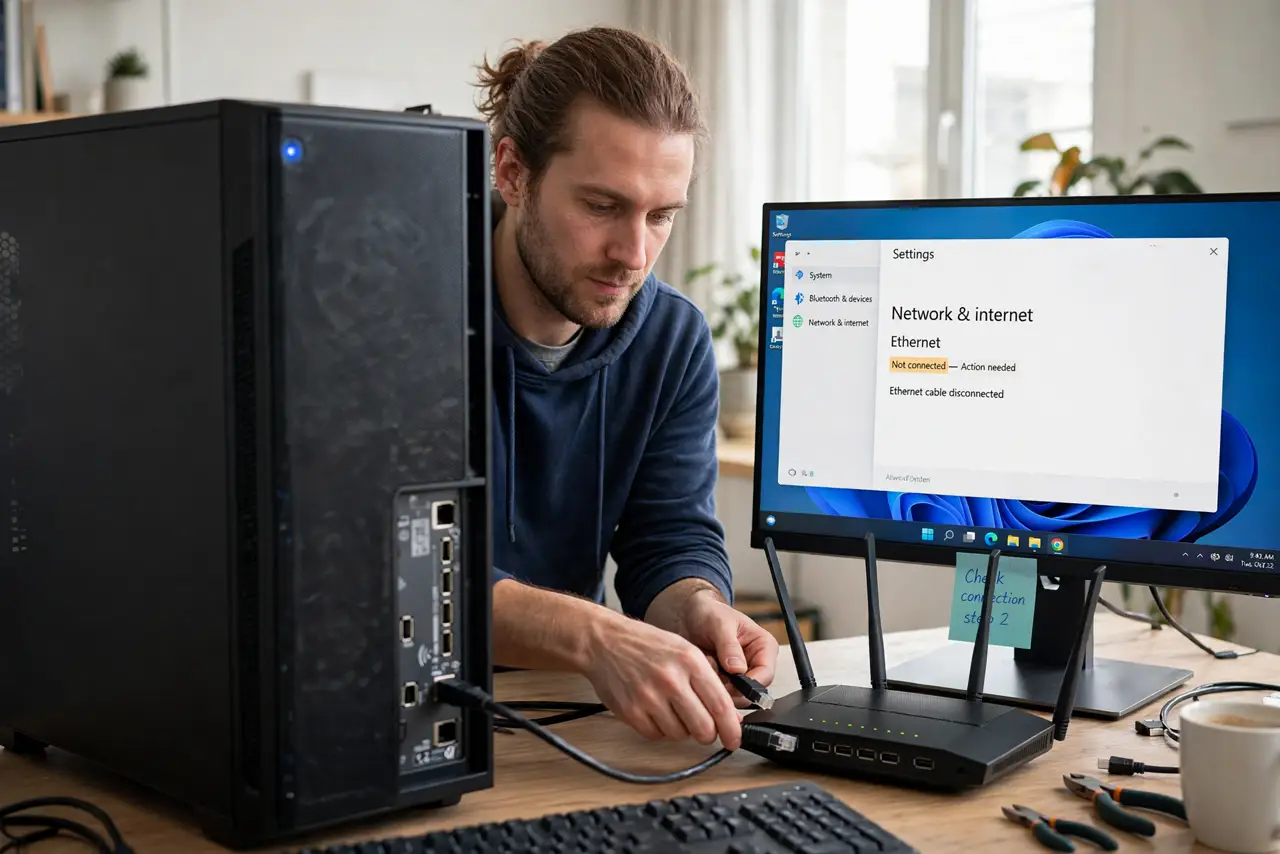
- Do not force the connector. Ethernet plugs click in with light pressure — forcing a misaligned plug bends the port's pins.
- Do not reinstall Windows for this. An unrecognized cable is physical-layer or driver-layer, never OS-install-layer.
- Do not ignore the link lights. No lights with a known-good cable means the port or adapter hardware is dead — settings won't fix that.
- Do not buy a USB ethernet adapter before testing the cable. The cable is cheaper and fails more often.
Frequently asked questions
Why does it say 'unidentified network'?
The physical link works but the PC can't get a usable IP address from the router. Renewing the IP or restarting the router usually clears it — the full story is in the unidentified network guide.
Can a cable work for years then just die?
Yes. Heat, bending, pets, and chair wheels degrade cables slowly until one day the link drops. It is one of the most common 'sudden' failures.
Ethernet is slower than my Wi-Fi — is something wrong?
Possibly a damaged cable negotiating a slower speed, or an old 100 Mbps port. See why ethernet can be slower than Wi-Fi before assuming the worst.