New Charger Won't Charge? Fix It
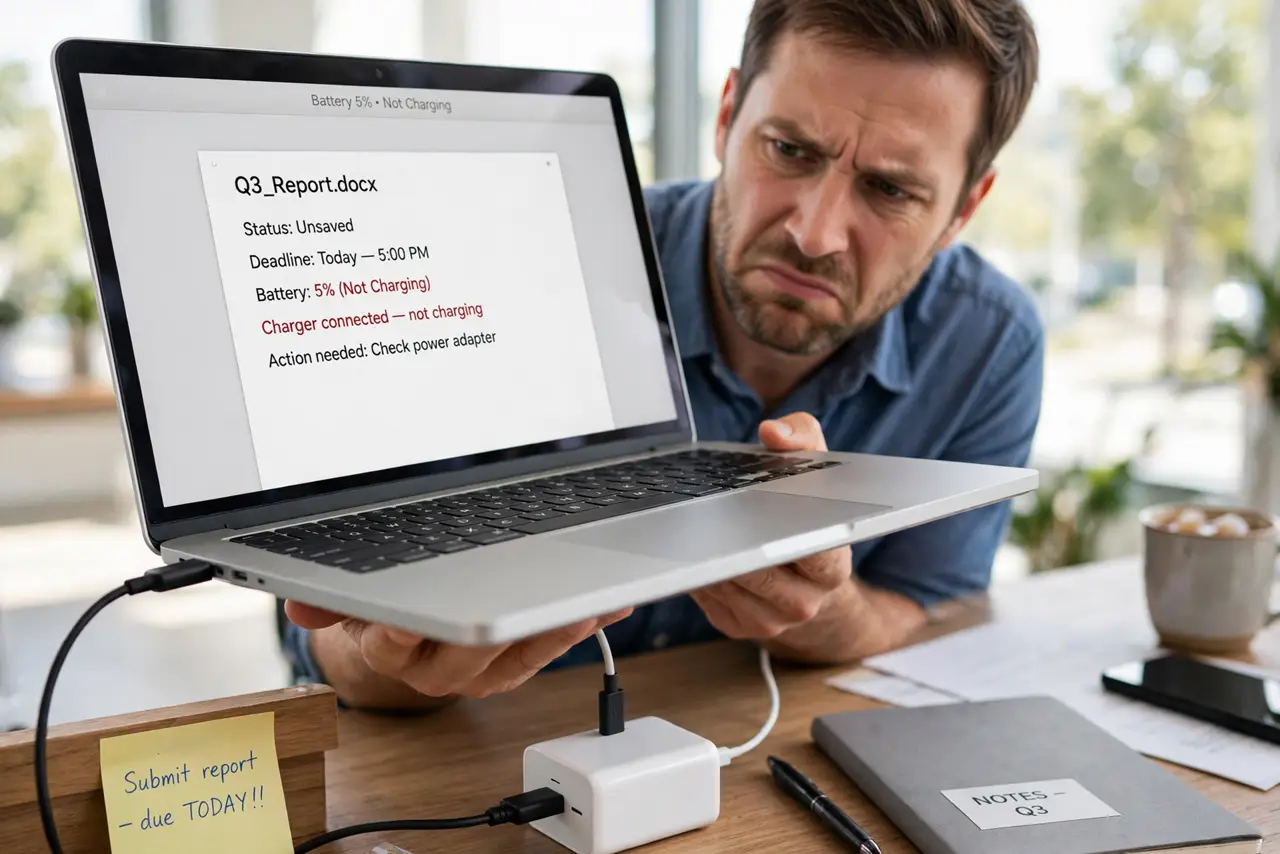
You bought a brand-new charger, plugged it in — and the battery icon just sits there. Before you return it, know this: most 'dead' new chargers are a wattage mismatch, a cable problem, or a dirty port. Work this list first.
TL;DR / Quick Fix
A new charger that won't charge is usually wrong wattage, a cable issue, or a dirty port. Match the wattage to your laptop's requirement, try the original cable, clean the port, and test another outlet. If the old setup charges, the new charger's specs are wrong.
Follow these steps
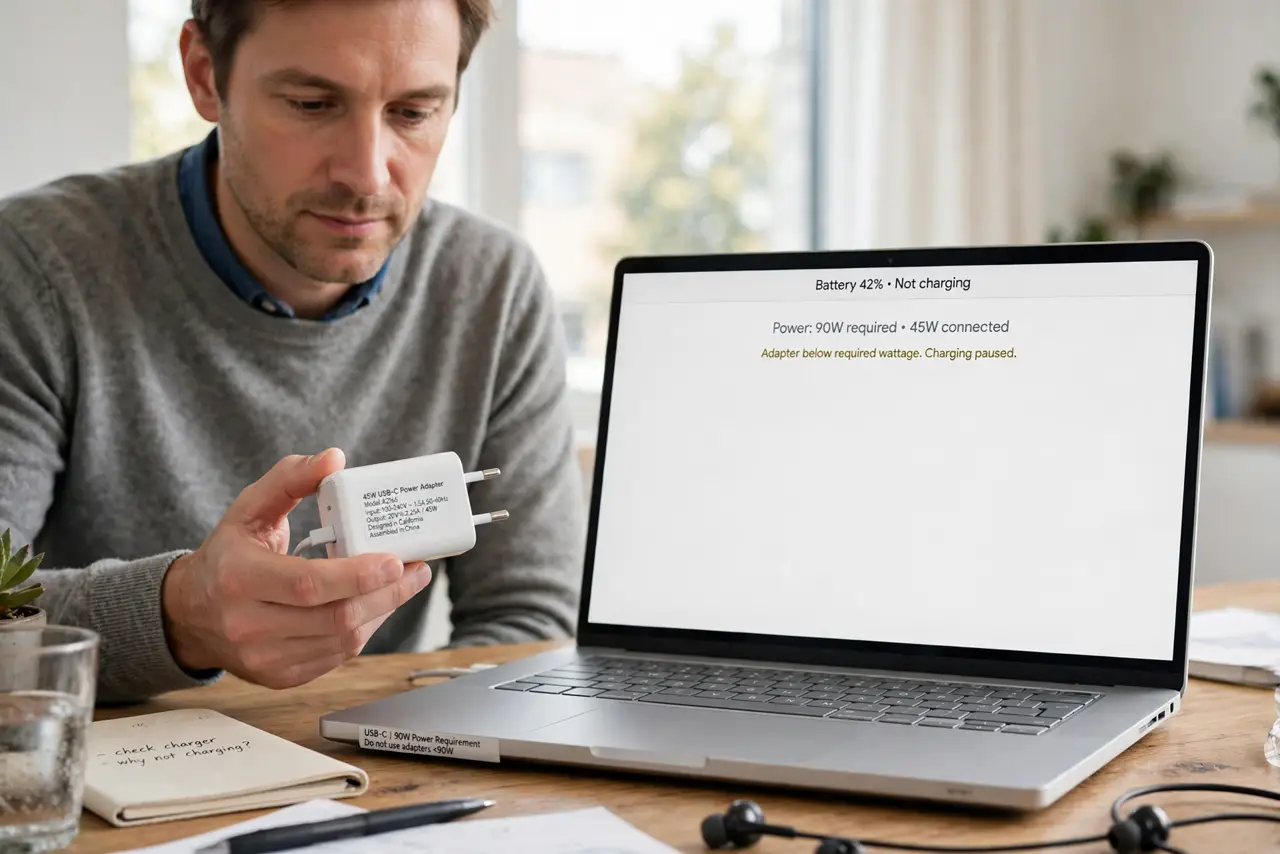
- Check the wattage matches. A 45W charger on a 90W laptop may not charge at all. See the low-wattage symptoms to recognize the pattern.
- Try the original cable. Third-party and bundled cables are the top culprit. Rule the cable out before blaming the brick — see how to identify cable types.
- Clean the charging port. Lint and dust break the connection just enough to stop charging. A wooden toothpick and gentle hands do the job — see the port cleaning guide.
- Test a different outlet. Rule out the wall before blaming the charger. Try a known-good outlet, no power strip.
- Check for a charging light. No light at all points at the charger or cable; a light with no charge points at the laptop — see the charging-light guide.
- Try the new charger on another device. If it charges something else, the charger is fine and the laptop side needs attention.
What NOT to do
- Do not assume 'USB-C fits' means 'USB-C charges.' Wattage and protocol matter as much as the connector.
- Do not keep a charger that gets alarmingly hot. Heat plus failure is a return, not a troubleshooting project — see the hot charger warning signs.
- Do not buy the cheapest no-name charger for an expensive laptop. The savings are not worth the risk.
- Do not force a loose connector. A wobbly plug damages the port a little more every time.
Frequently asked questions
Why does my laptop say 'plugged in, not charging'?
Usually a wattage mismatch or a battery-protection limit. Both are covered in the steps above.
Can a phone charger charge my laptop?
Only if it delivers enough watts — most phone chargers cannot, and the laptop will tell you so.
Should I return it or keep troubleshooting?
If the wattage matches the original and nothing here works, return it. Life is short.